
Changes to Marketo Salesforce Sync – Release Schedule
Included in this article
Overview
The configuration changes being made will require customers to recreate some fields if they want to still use that data within SFDC. Once the fields are recreated, the backfill process begins, which in turn starts a global resync of all leads from SFDC to Marketo. This will push a lot of data between Marketo and SFDC. To minimize the risk of a traffic jam, we will be scheduling this roll out over the course of 6 months. This gives all customers a set time frame to work with and helps to avoid peaks in traffic. If the time scheduled for you doesn’t work out, we’ll try to accommodate another time within this six month timeframe that does work well for you.

Alphabetical Scheduling Details
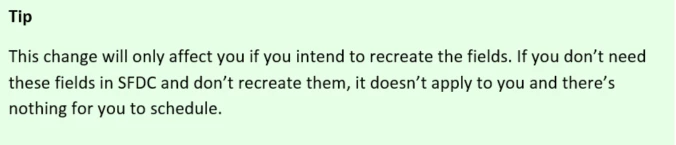
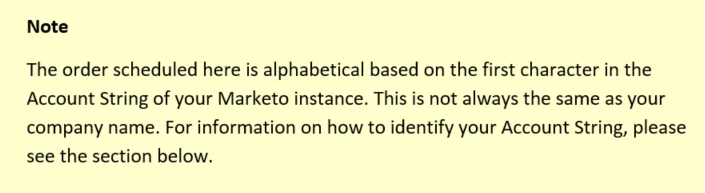
The changes being made will be staggered over 6 months in order to ensure we don’t cause any traffic jams while passing data back and forth. The best way to schedule this is to go in alphabetical order. This order will be alphabetically by your Marketo instance’s Account String, not your company name. Please check the section below for how to find your Account String.
We have done a careful analysis of our customer’s lead database sizes and have grouped batches of customers together based on size of the lead databases, so some groups have more customers in them than other groups do. Each group of customers will be given a time frame to work with to recreate the fields and initiate the backfill process.

Timeline
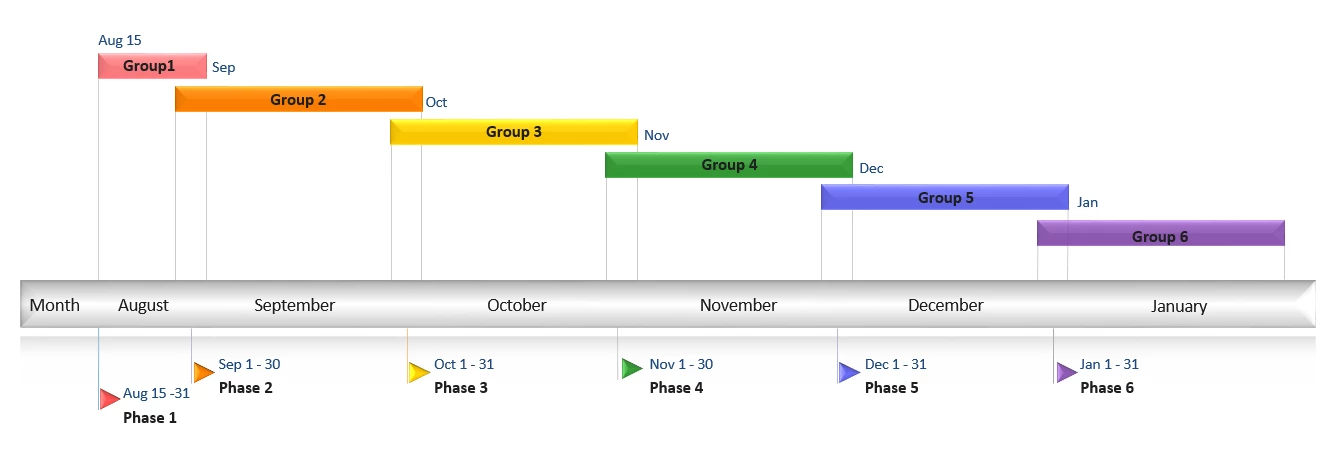
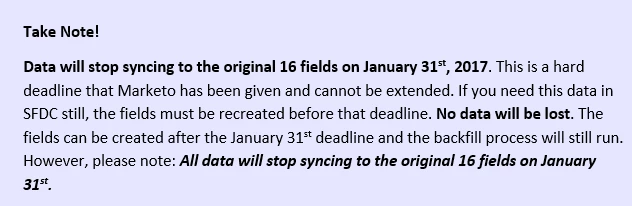
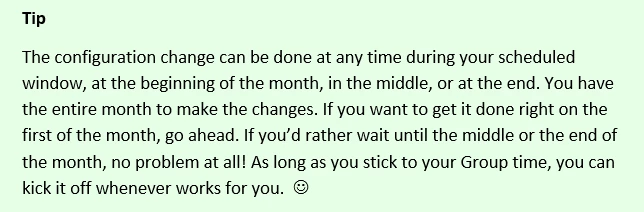
The six month time frame will begin on August 15th and will continue on until the end of January, 2017.
Specific Timing
The customer base has been split into the following groups with times scheduled for deployment.
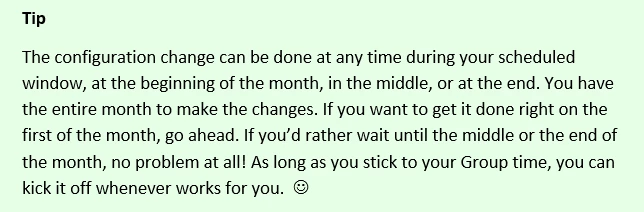
If you intend to recreate the fields and initiate the data backfill process, here is the schedule for when you can recreate those fields:
Group | Customers | Date Range of Deployment |
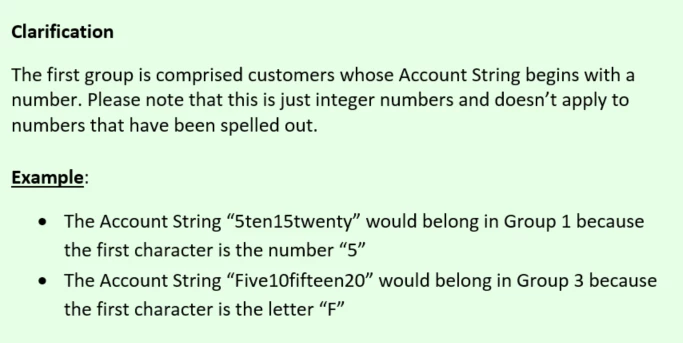
Group 1 | Account String Begins With: 1, 2, 3, 4, 5, 6, 7, 8 or 9 | August 15th to August 31st |
Group 2 | Account String Begins With: A, B or C | September 1st to September 30th |
Group 3 | Account String Begins With: D, E, F, G, H, I, J, K or L | October 1st to October 31st |
Group 4 | Account String Begins With: M, N, O or P | November 1st to November 30th |
Group 5 | Account String Begins With: Q or R | December 1st to December 31st |
Group 6 | Account String Begins With: S, T, U, V, W, X, Y or Z | January 1st to January 31st |
How to locate your Account String
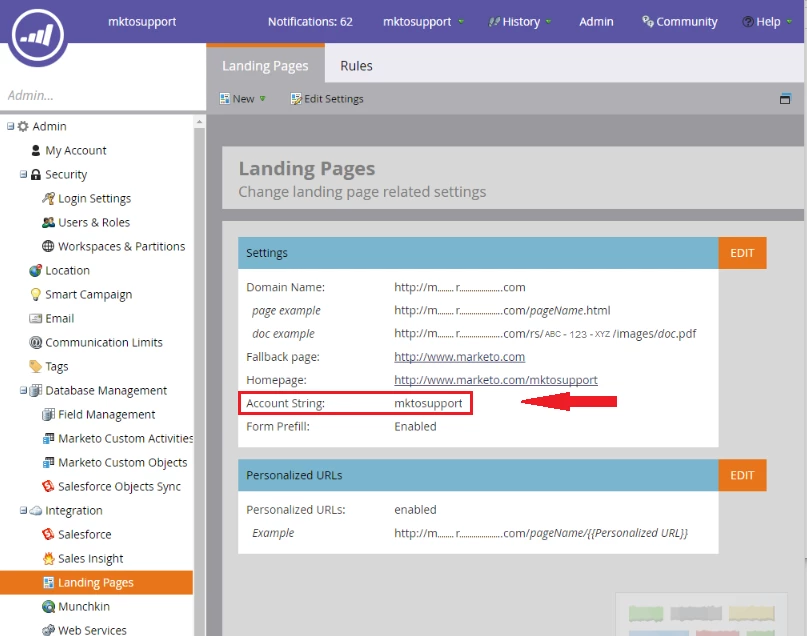
In your Marketo instance, navigate to Admin > Landing pages. You’ll see your Account String listed right in the middle of the screen.
Scheduling Requests
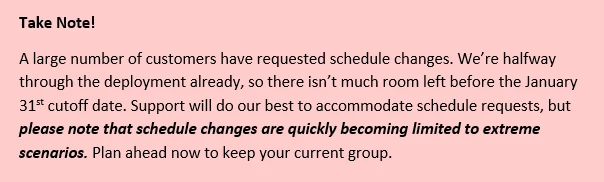
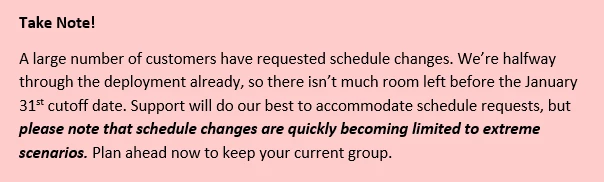
Marketo understands that this change could be an inconvenience and specific timing may be needed for our customers to plan accordingly. If you have a different time within the 6 month window that works better for your company, please reach out and we’ll accommodate as best we can.
You can reach Marketo Support through the Support Portal, by email, or over the phone. Specifics on how to contact Marketo Support can be found here: Contact Marketo Support
Info Needed for Scheduling Requests.
- What your preferred dates are. We’re happy to accommodate your schedule, so please be sure to tell us what that is. It’s best to give us a range or a few options of what scheduled dates work best for you, not just one set date.
- The details of your Marketo instance. In order to quickly identify your Marketo instance, we’ll need your Account String, which is a unique identifier for your Marketo instance. If you have more than one Marketo instance, please be sure to mention that and include the Account Strings for each one.
Where to Go for More Information
Recap Summary
Now that the changes have been completed, and the deprecation date has passed, this doc will give you the overview of what has happened: Changes to Marketo Salesforce Sync - Recap Summary
Frequently Asked Questions
Check out our FAQ for the answers to the most commonly asked questions. Changes to Marketo Salesforce Sync – Frequently Asked Questions
Overview Documentation
This doc will give you a high level overview of what the configuration changes are and what to expect moving forward: Changes to Marketo Salesforce Sync - Overview
Discussion thread
We've created this discussion thread in the community to address any questions you may have. This discussion thread will be monitored by the Marketo team to ensure you get answers to your questions. Changes to Marketo Salesforce Sync – Questions and Discussion
Under the Hood Documentation
This doc will give you all of the nitty gritty details of exactly what is happening. If you're looking for in depth technical details, this is the go-to doc to check out! Changes to Marketo Salesforce Sync – Under The Hood
Recreating Affected Fields
There are different versions of Salesforce, but don't worry, all of the details on how to recreate the affected fields as well as a video tutorial can all be found in the documentation here: Adding Marketo Fields to Salesforce
Preventing Problems In Salesforce
Recreating the new fields in Salesforce can cause your Workflows, Apex Triggers, Reports and AppExchange apps behave differently. They'll need to be updated and this doc will show you what to watch out for: Changes to Marketo Salesforce Sync – Preventative Troubleshooting
Contact Marketo Support
If you would prefer to talk to someone live, please contact Marketo Support over any of the channel listed here: Contact Marketo Support