
Set Acquisition for Records from Different Sales Intelligence Sources
If you have are going to acquire records in SFDC from different sales intelligence sources here is how to set acquisition for those records.
Step 1. Create an List Purchase channel if necessary.
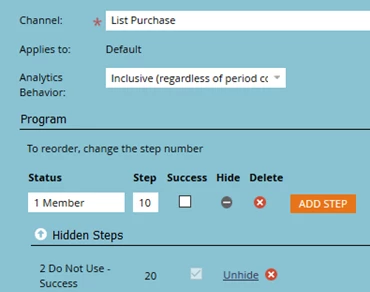
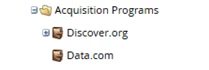
Step 2. Create the acquisition programs for the different sources.
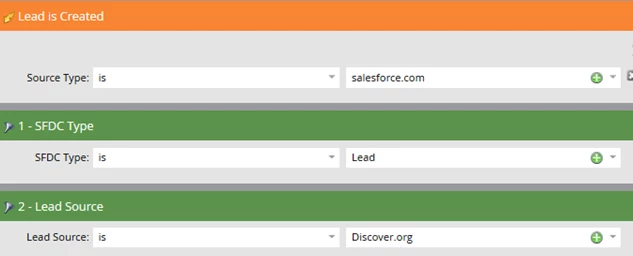
Step 3. Create a smart campaign to set acquisition. If you need low latency create the campaign using a trigger as shown below. Otherwise create a batch campaign so it doesn't impact your Marketo system performance. In the following example, the Discover.org records will never be created as contacts and thus Contacts won't be allowed to qualify for the campaign.
Smart list
Flow

Schedule
Activate the trigger campaign or schedule the batch campaign to run daily. Records should only flow through the campaign once.
If you have been purchasing Discover.org or Data.com records before you implemented Marketo, remember to run a batch campaign to set the acquisition program for these records before you create and activate your trigger campaign.
Additional articles on acquisition program
- Acquisition Best Practices
- Marketo Behavior When Changing an Acquisition Program