Responsive Marketo Landing Pages - A First Look
On Friday, Marketo launched 'Guided' Marketo landing pages (aka responsive). This was a product update that was created after a huge amount of people voted for the responsive landing pages idea on the community. Definitely a long awaited and popular feature request from the Marketo user base. After a few days of using the new editor, I thought I would share some feedback on it, from start to finish.
Making a Template
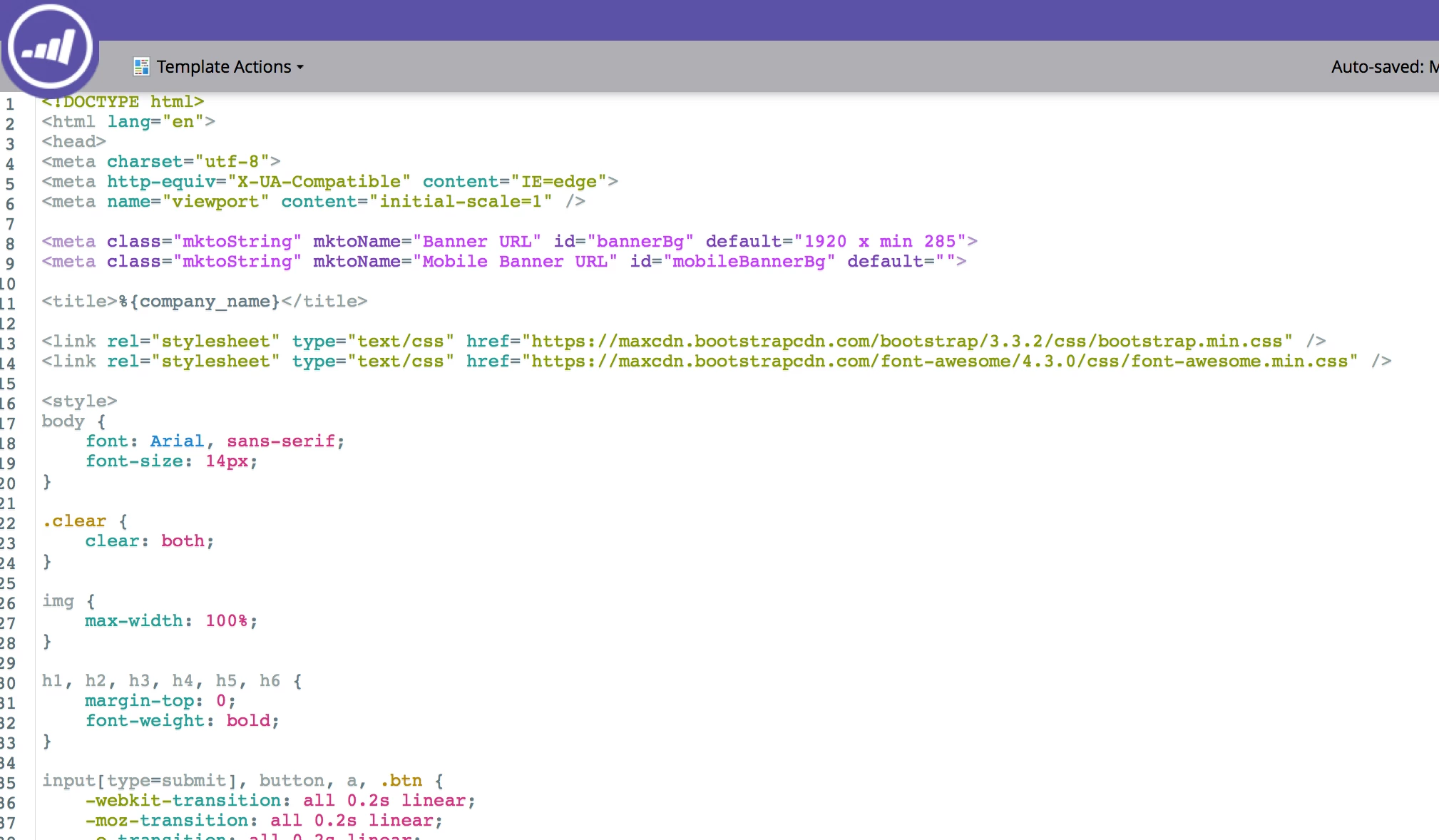
When you go to create a new template, you'll select which type of template you want to make. There are now 2 options: Free-form (old) and Guided (new/responsive). If you've ever created a landing page using tokens, the Guided templates are a similar concept. You have a bunch of 'elements' and each element is fixed in its position. The difference with Marketo's new guided editor is that you don't have to switch back and forth between the editor and the program tokens. This is definitely a nice feature to be able to edit everything locally. Only downside I see is that sometimes there are benefits of having those program tokens. So far, haven't found a way to include tokens in the new landing page editor.
As a Marketer, I was not able to make my own template since I don't know how to code, but I had a developer on our team code a responsive template. So, I can't speak much to the coding aspect of this and what is involved there. I do know there is a new template syntax and a feature called Variables, but more on that later.
We also noticed there is an option to import a template, which could be used to bring in Marketo & other third-party templates. I'm pretty excited about the new potential for templates that this opens up.
Editing a Template
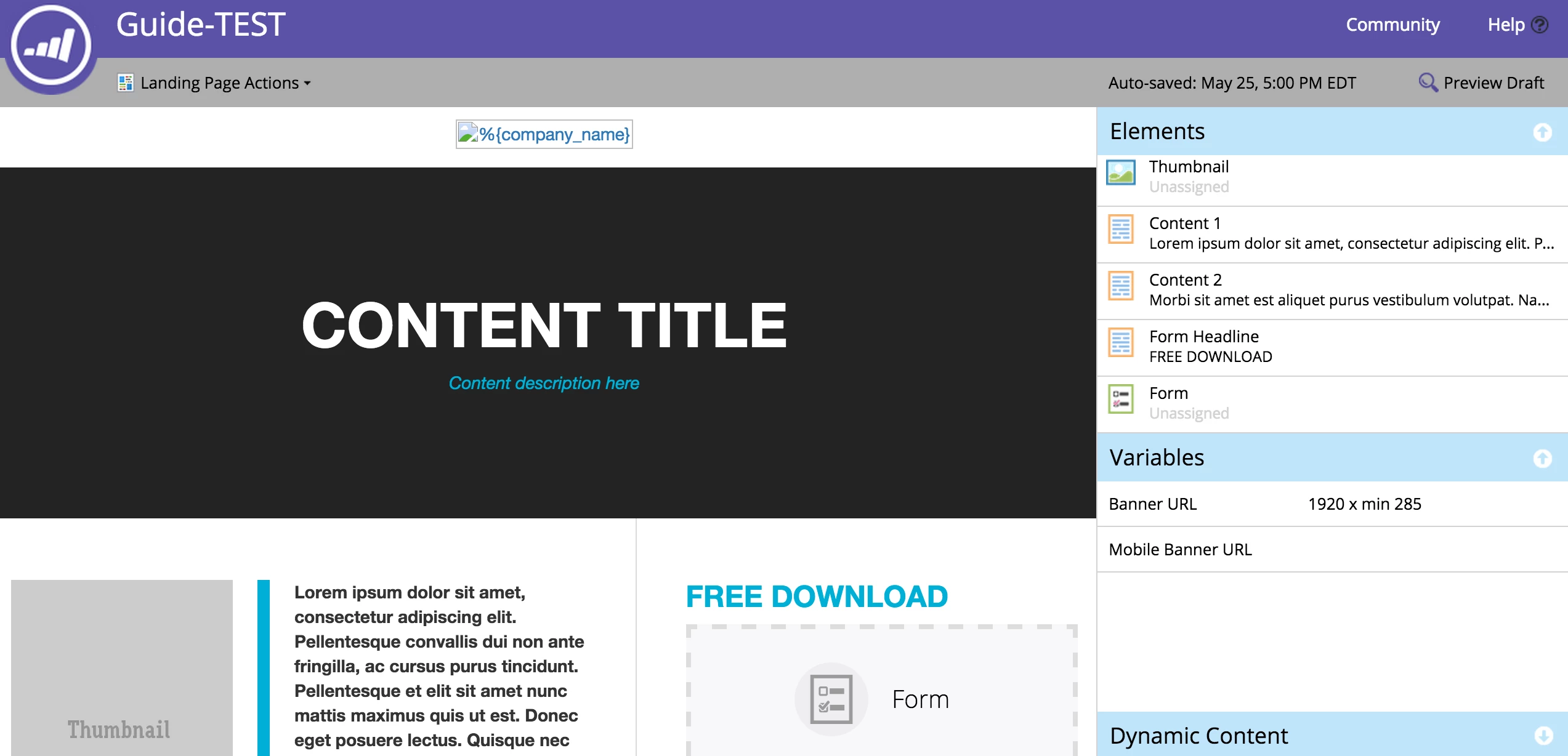
With the right template it's very easy to update responsive templates in Marketo using the new editor. Instead of having to jump from the LP to the tokens of a program, you can edit everything in the guided editor. It's different than what Marketers will be used to seeing with the 'Free-form' (old) editor, but similar enough that its a pretty intuitive UI. The biggest thing you'll notice is that the elements are locked in place. You can't re-order elements like you could in the mobile landing page editor. Whatever has been set in the template will be what needs to be used. There is a new feature called variables, which essentially updates the HTML code for certain things, like colors. This is definitely a huge improvement that will remove some of the need for Marketers to go into HTML.
Summary
I think Marketo has done a great job on this new and critical feature. Much better than what was there before with desktop & mobile, where you had to keep two different versions of the template. Unlike before, Marketers can have a responsive landing page without using tokens, or using custom HTML elements, or necessarily going into the HTML. To see an example of a responsive landing page using the new editor, take a look at this page we made using the new guided syntax and editor.