Issues with Image Formatting in Emails
It seems like the new Marketo rollout has affected how images appear in the email templates and ultimately how they look in emails that have been delivered.
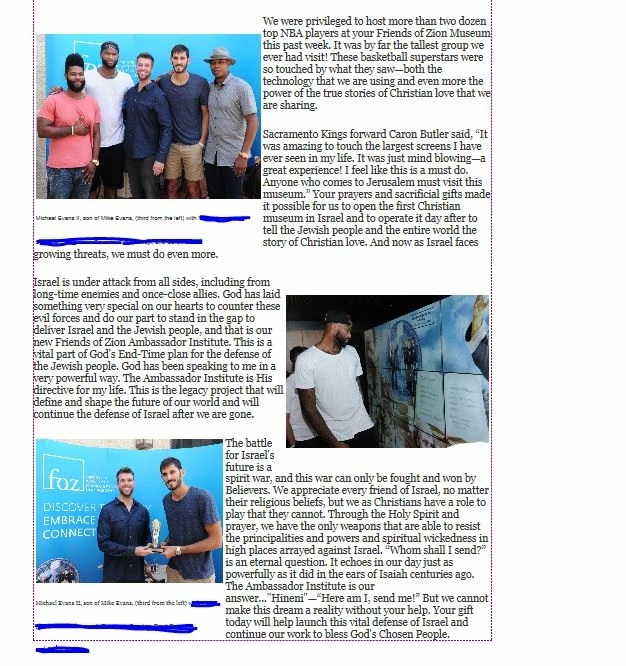
This is the problem I'm running into. As you can see below, the first image on the left, which is set in a single table cell, is appearing below where the top paragraph begins, even though I've set it up to be aligned to the top. Also, the caption is appearing far from the bottom of the image and with lots of space between sentences. I noticed with this new version rollout that I'm no longer able to expand and contract the table like I was with the old version and consequently, the text underneath the image doesn't expand and contact either (like it used to). This forces me to hit the Enter button after each word that I want to drop down to the second sentence so that the table doesn't appear expanded beyond the image (Image 1). However, when the email goes out, it ends up looking strange (see image below in email delivered). The caption under the photo appears left justified with large spaces at the end of each sentence (Image 2).
Image 1: Image 2: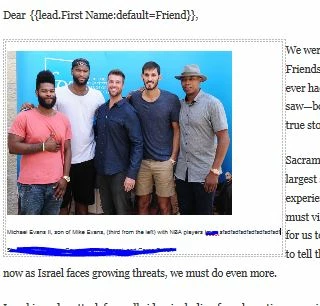
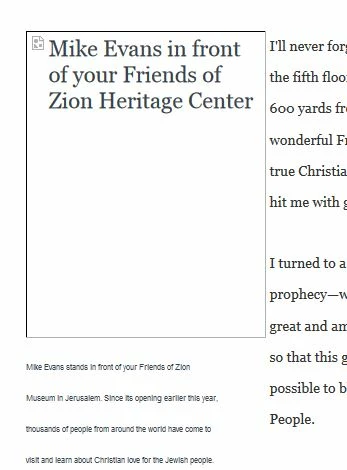
The other images in the email also have large spacing below and above. Is there anything that can be done to fix these issues? Thank you.