


INFO POST: Add link to a image added via custom token in an Email
Hi Marketo Community,
I came across a cool little trick from a co-worker earlier this week to add the URL to an image module in an email where the image is tokenized:
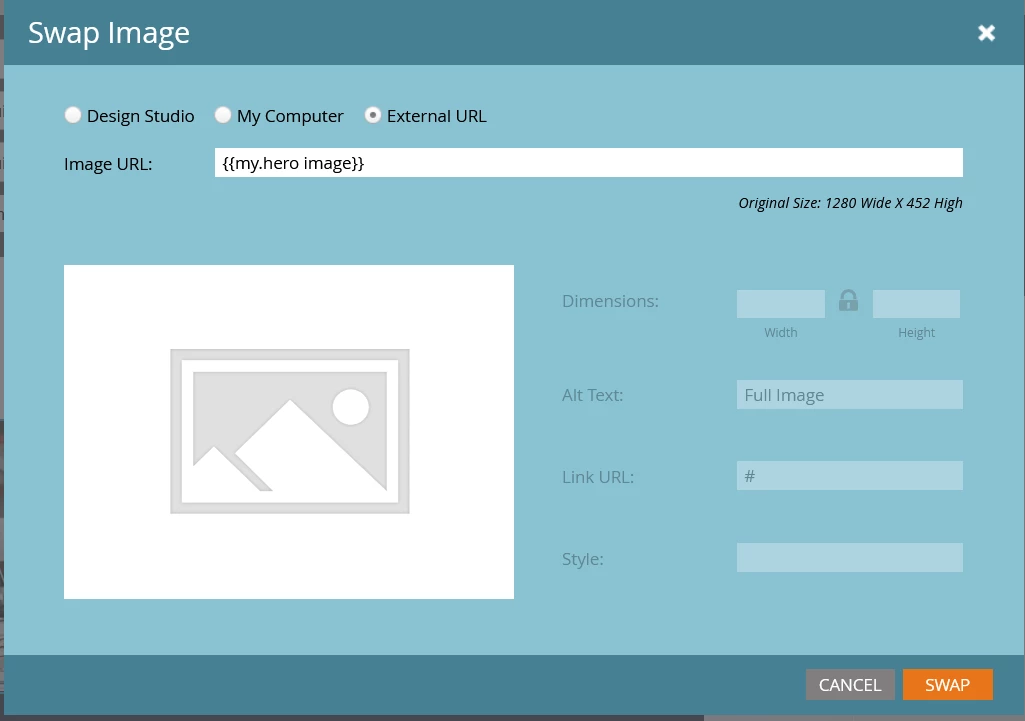
Normally it won’t let you add a URL to an image that uses a token, REF snapshot below:
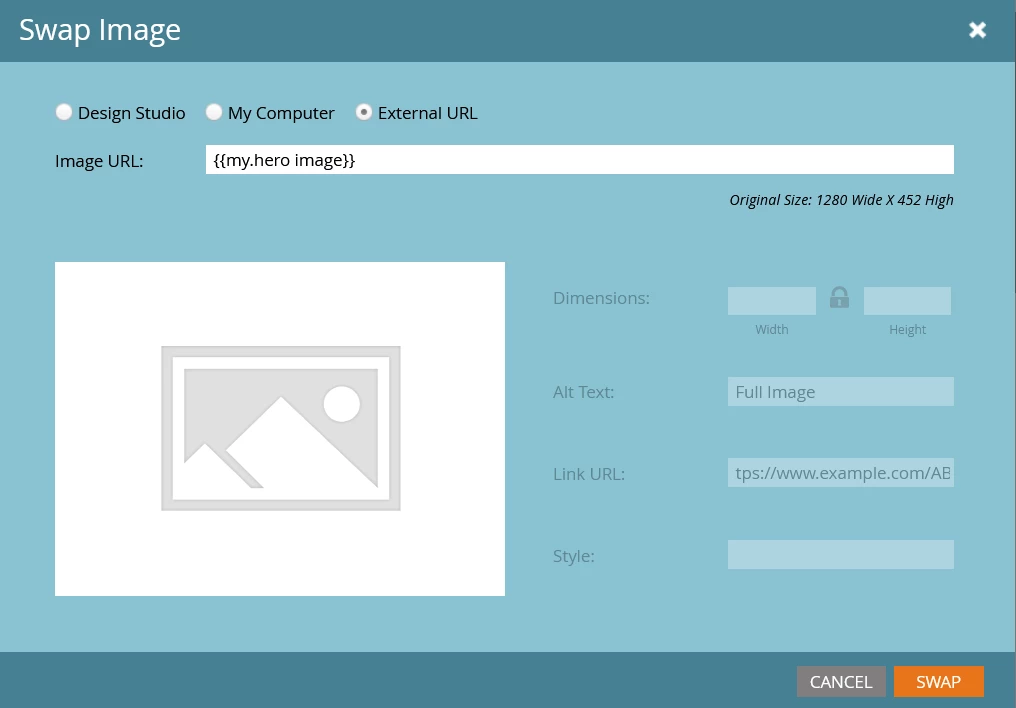
So the way I got around this was by re-adding the image module into the email, add the image link first BEFORE I added the image token. Then, add the token for the hero image to the image in the email. As soon as I added the image token, the URL became non-editable again (REF snapshot below):
Well, I am not 100% sure if this could be resolved by updating the email template or by any simpler means, but for now I'm gonna use this little trick! Found it cool, hence thought of sharing with the community in a hope that it’ll be helpful to folks!
Full disclosure: For the tracking purposes it's always best and recommended to use a module with rich text instead, but found this trick cool and hence thought of sharing with the community! 🙂
Hope this is helpful.