Solved
How to do AB test reporting for multiple programs
I have done AB testing for multiple campaigns. Subject lines, whole emails and Send Name. Now I want to create a detailed reporting for all the campaigns. How to do this?
I have done AB testing for multiple campaigns. Subject lines, whole emails and Send Name. Now I want to create a detailed reporting for all the campaigns. How to do this?
Hi @mohan15
As far as I understand what you're looking for, I would recommend you to go to:
- Analytics Tab
- Choose the right report type you're looking for (e.g. Email Performance Report)
- Go to the Setup tab
- Select here all the emails that you'd like to have included in your report (e.g. your emails with different A/B testing from multiple programs)
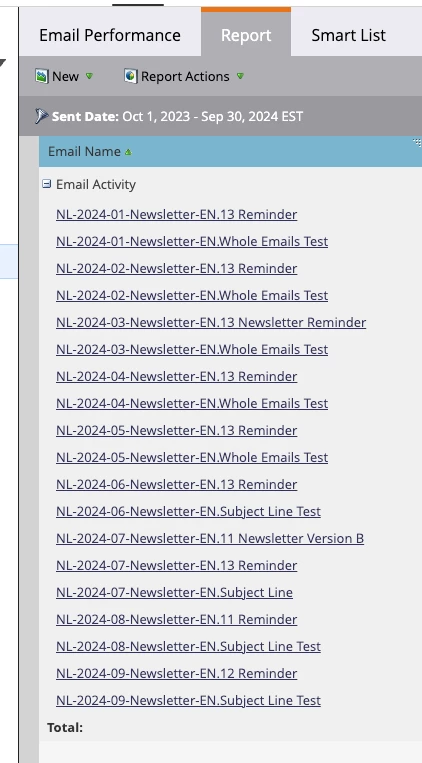
- Go to the tab Report - here you will see the overview of all the metrics of all selected emails
- Save the created Report in the desired folder.
Hope this helps! If not, feel free to specify so we can further look into what you need.
Kind regards,
Ilona
Enter your E-mail address. We'll send you an e-mail with instructions to reset your password.