
Solved
How to capture all the forms used in one emailing?
Hi,
Every odd month I am sending our Corporate Newsletter in 4 different languages. Each version includes a series of links to multiple landing pages. For each mailing I need to create a unique campaign that will add an interesting moment to any engaged leads and that will push info to our CRM. The issue that I have is that I have to manually find and enter the webpage names and links (see screenshot below). Not only this is taking time but I may forget some links.
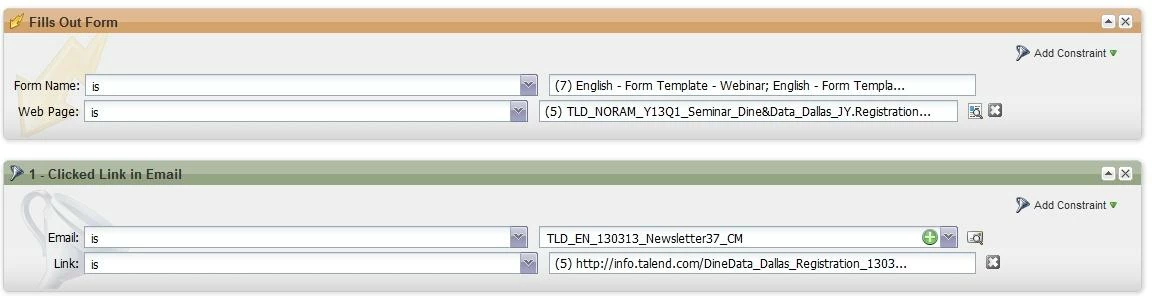
Is it possible to say something like if lead has clicked on any links inside the emailing + has filled out any of the forms inside the emailing = member of smart list?
Cécile @ Talend
Every odd month I am sending our Corporate Newsletter in 4 different languages. Each version includes a series of links to multiple landing pages. For each mailing I need to create a unique campaign that will add an interesting moment to any engaged leads and that will push info to our CRM. The issue that I have is that I have to manually find and enter the webpage names and links (see screenshot below). Not only this is taking time but I may forget some links.
Is it possible to say something like if lead has clicked on any links inside the emailing + has filled out any of the forms inside the emailing = member of smart list?
Cécile @ Talend