Form checkboxes change position on web page | Community
Skip to main content
Tracy_Boesken
Level 3
April 7, 2022
Solved

Form checkboxes change position on web page

  • April 7, 2022
  • 2 replies
  • 1961 views

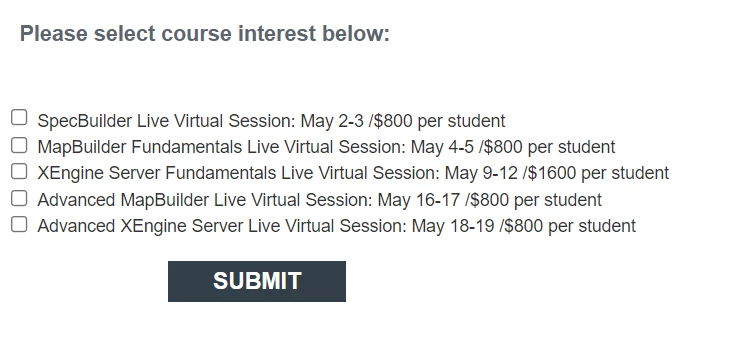
My Marketo form looks like this:


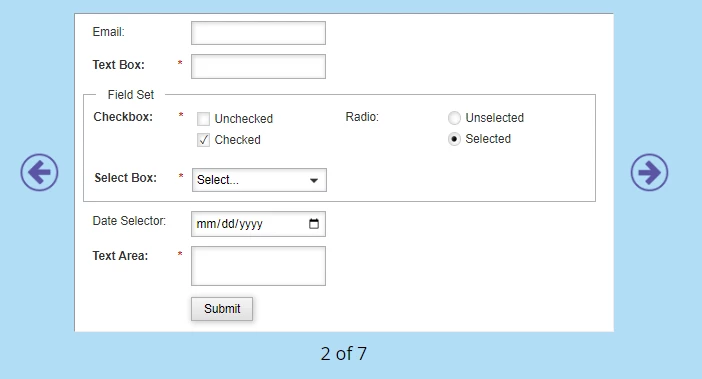
But when placed on the webpage it looks like this:

How do I make the boxes go back to the beginning of the line?

This post is no longer active and is closed to new replies. Need help? Start a new post to ask your question.
Best answer by Tracy_Boesken


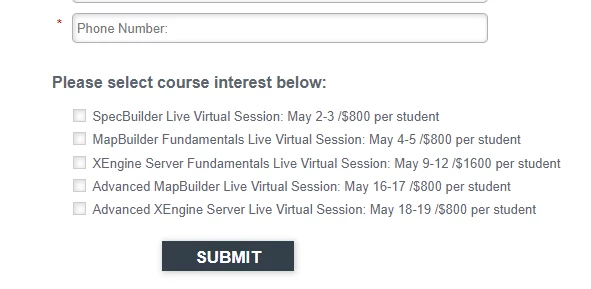
I ended up changing the template from 1 to 2 and it works correctly now:
 

--Tracy

2 replies

SanfordWhiteman
Level 10
April 8, 2022

For questions like this we always need a link to the actual page.

Katja_Keesom
Community Advisor and Adobe Champion
April 8, 2022

Sanford is right, without the link we cannot give a lot of advise. However, issues like this tend to be related to the page's css.

Tracy_Boesken
Tracy_BoeskenAuthorAccepted solution
Level 3
April 12, 2022


I ended up changing the template from 1 to 2 and it works correctly now:
 

--Tracy