@nishanth27
Email Insights does not support filtering by custom fields (like POI). To analyze emails linked to specific forms, you’ll need to use Smart Lists or Program Performance Reports in the Analytics section of Marketo to identify email sends connected to the specific form POI field.
While it might take extra steps by combining Email Insights and Smart List/Program Performance Reports, you can identify the high-performing emails and programs tied to your specific criteria.
If you want to use Email Insights (Analytics section), you can filter out based on Program or Smart Campaign specific to POI form, Country, and specific period to analyze email and program performance. You can go granular by using several other approaches:
- Filter Batch and Trigger campaigns, you can fetch analytics for operational and non-operational emails.
- Filter based on the Named account if you wish to report on a specific line of business or account.
- Filter based on content type and channel.
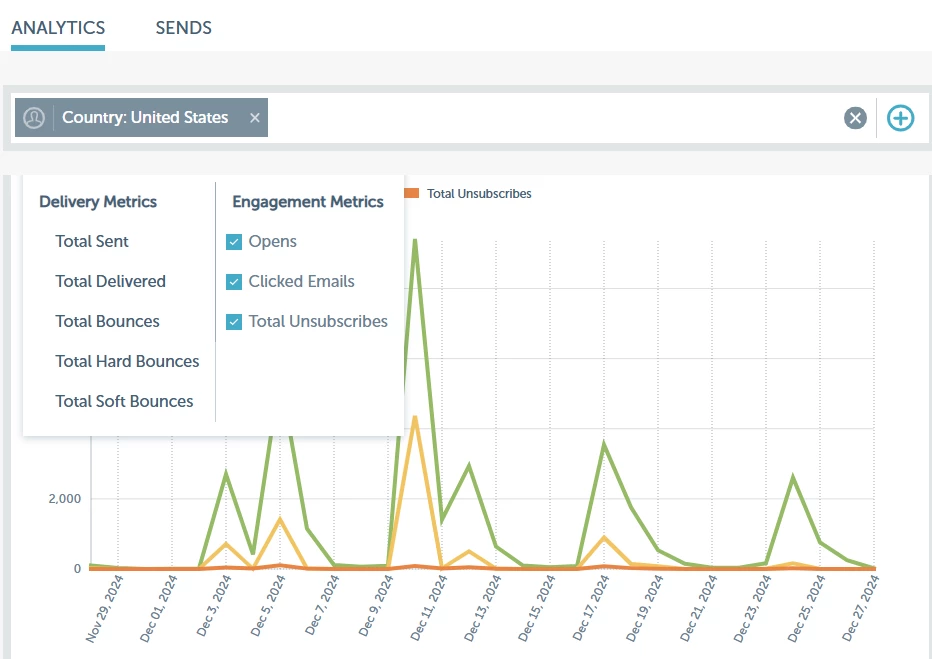
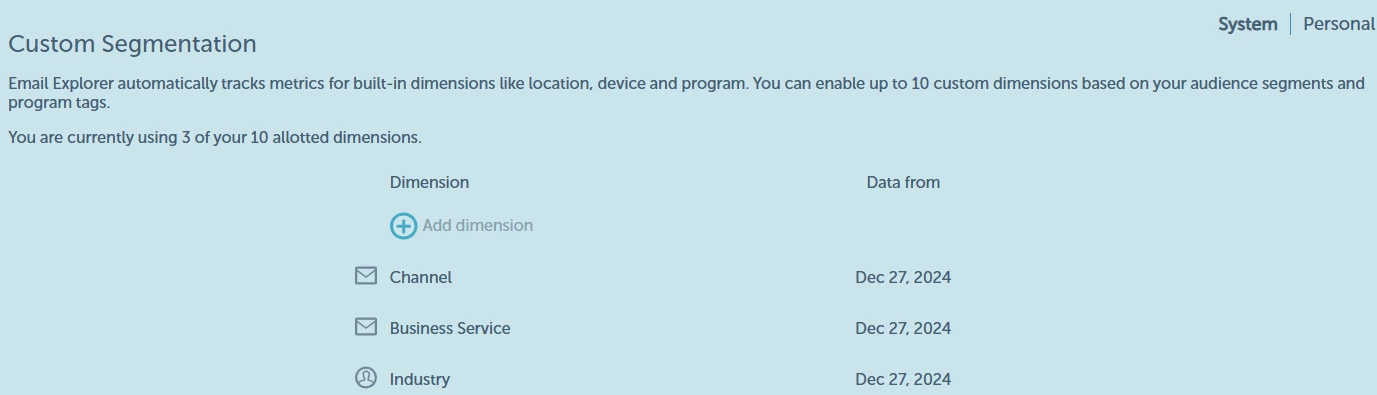
Email Insights also allows us to automatically track metrics for built-in dimensions like location, device, and program. You would require Admin access and can enable up to 10 custom dimensions (System & Personal) based on your audience segments and program tags. For example
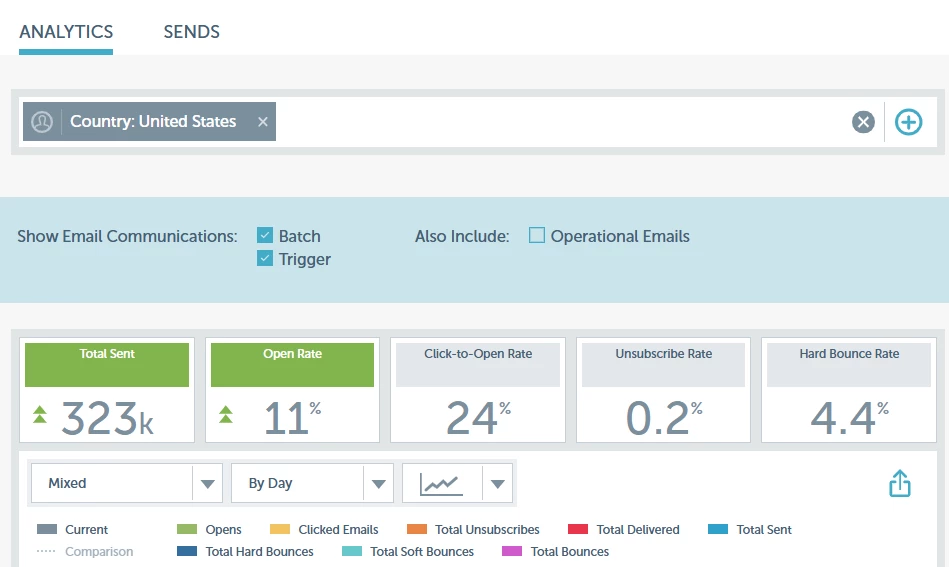
Here is a detailed walk-through for reporting on the desired KPI https://experienceleague.adobe.com/en/docs/marketo/using/product-docs/reporting/email-insights/email-insights-analytics-overview