Visual Fragment using Conditional Content will not publish
Hello,
I am working to create a visual fragment to use in email templates that has conditional content to show English or Spanish text depending on the profile's language preference. It seemed easy enough after creating a condition for Spanish and having the default be for English.
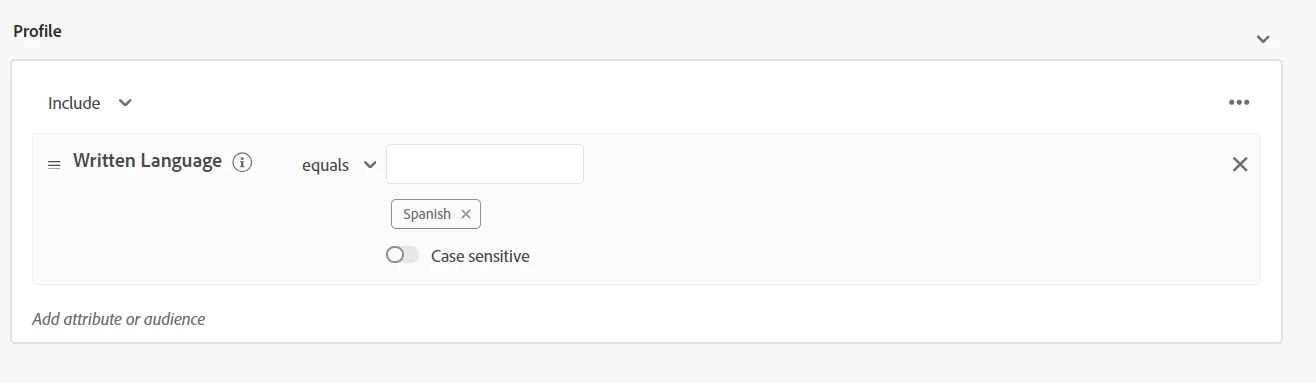
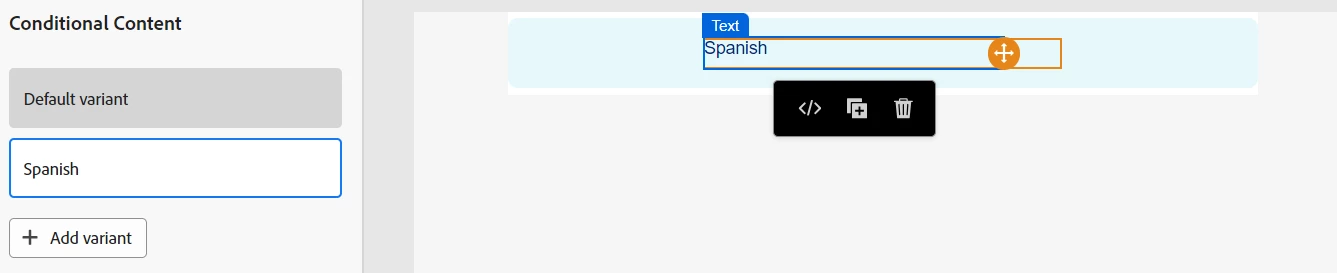
But, when I go to publish this fragment, I get this error:
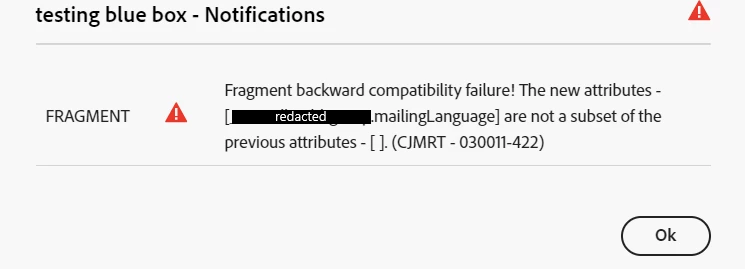
(The attribute's title is "Written Language", but the actual attribute name is mailingLanguage)
Has anyone experienced this error before and know how to solve it? This seems super basic, so I am not sure what the problem is. I have used this attribute (and other attributes that also create this error) in templates before without the use of the Conditional Content window without issue. I can do a workaround of pulling the conditions out of the Conditional Content window and embedding them in the HTML, but that tends to not look clean and blow up the visual in the editor.
Any help would be amazing. Thank you!