

Multi-Attribute Filtering on Lookup Schemas: A Practical Guide
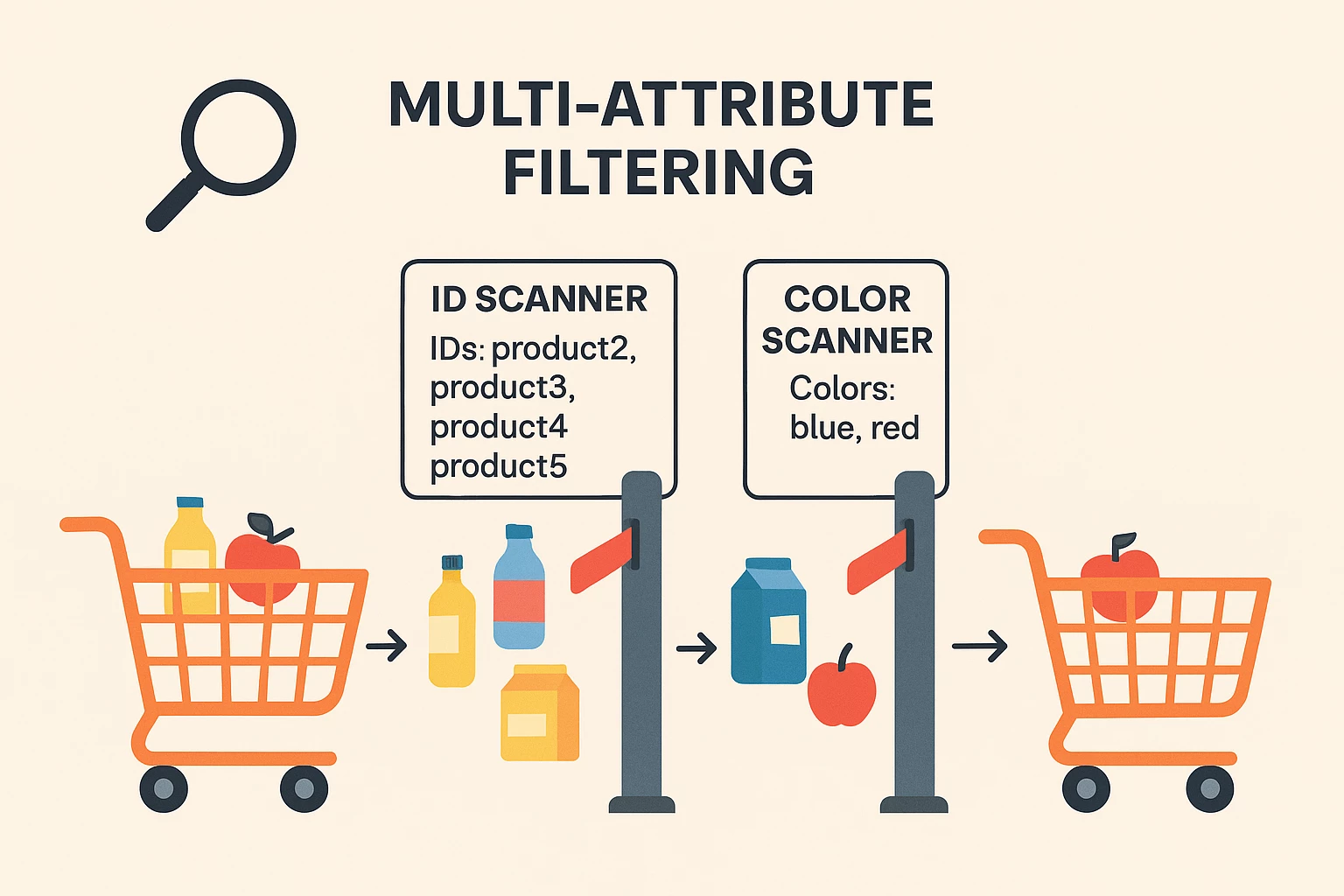
When working with lookup schemas, you may often need to filter a list of objects based on more than one attribute. This guide explains how to perform multi-attribute filtering on lookup schemas using nested filter() functions. This is especially useful when you need to narrow down a list of objects based on more than one condition—such as filtering products in a shopping cart by both ID and color.
When to Use This Pattern
We should use nested filtering when:
- You need to apply multiple independent filtering criteria on a list within a lookup schema.
- You want to avoid complex expressions that may lead to expression parsing errors in your event processing system.
Where to write the expression
- Open your journey in AJO.
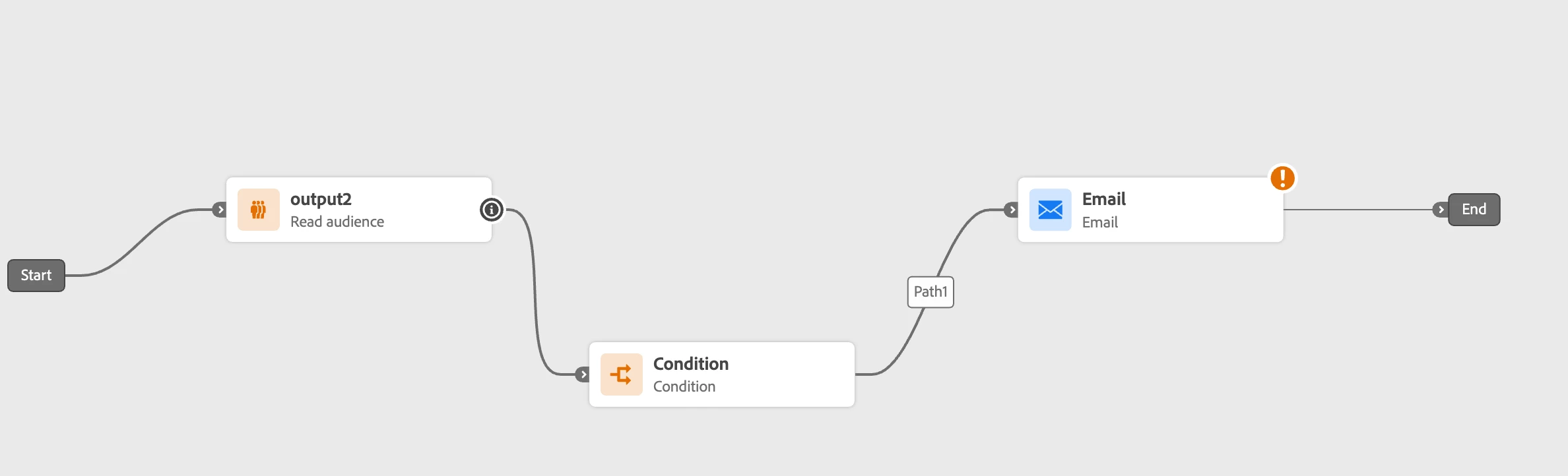
- Select the condition where you want to apply the multi-attribute filter.
- In the configuration panel, look for the "Expression" section.
- Click "Edit" (or the pencil icon) to open the expression editor.
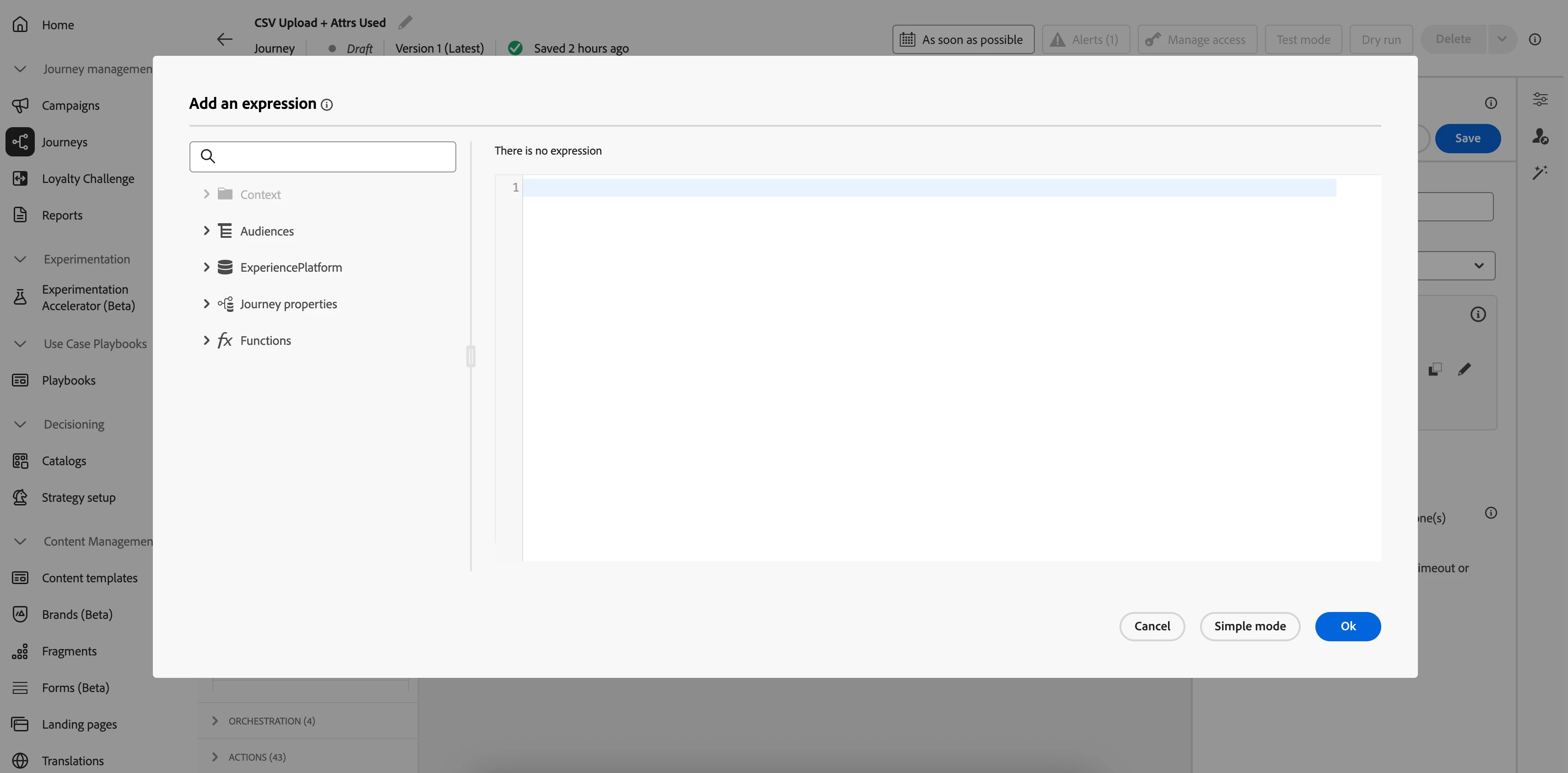
- Enter your custom filter expression and save changes.
Common Pitfalls
Avoid the following mistakes when applying filters inside a lookup schema:
Misusing .all() with Nested Fields - A common mistake is trying to filter the array by a lookup field inside your `.all(…)` clause within `@event`, or attempting to use the `and` operator inside `.all(…)`. These patterns can cause the expression engine parser to throw the following error:
BadRelatedSchemaException: Could not resolve schema id from schema identifier because event was not defined.
Solution: Nested filter() Functions
Use nested filter functions with the following syntax:
filter(filter(<parameters>)) filter(
filter(listToFilter, keyAttributeName1, keyValueList1),
keyAttributeName2, keyValueList2
)
Where parameters are defined as:
|
Parameter |
Type |
Description |
|
listToFilter |
listObject |
List of objects to be filtered. It must be a field reference. |
|
keyAttributeName |
string |
Attribute name in the objects of the list, used as key for filtering. |
|
keyValueList |
list |
Array of key values for filtering. |
Examples
Example 1 : Suppose we are using a lookup schema that contains a list of products in a cart. Each product has attributes like `id`, `name`, `price`, and `color`. We want to filter this list to include only products that:
- Have an ID in the set: ["product2", "product3", "product4", "product5"]
- Have a color either "blue" or "red"
Input product list:
[
    { "id": "product1", "name": "the product 1", "price": 20, "color": "red"},
    { "id": "product2", "name": "the product 2", "price": 30, "color": "blue" },
    { "id": "product3", "name": "the product 3", "price": 50, "color": "red" },
    { "id": "product4", "name": "the product 4", "price": 60, "color": "yellow" }
]
Use the following expression to perform multi-attribute filtering:
filter(
  filter(@event{cart_lookup.productListItems."@(<schema>)".taxonomy},
    "id",
   ["product2", "product3", "product4", "product5"]
  ),
  "color",
  ["blue", "red"]
)
This expression returns a listObject containing the two objects with IDs "product2" and "product3".
Example 2: Inventory alert (low stock AND preferred colors)
filter(
  filter(@event{inventoryLookup.items},"unitsAvailable",[0,1,2,3,4,5]),
  "color",
  ["green","blue"]
)
Returns only items where stock is ≤5 and whose color is green or blue. Great for “back-in-stock” or low-stock push alerts.
Example 3: Premium-SKU up-sell (price ≥ 100 AND brand in list)
filter(
  filter(@event{cart.productListItems},"price", range(100,9999)),
  "brand",
  ["AcmePro","EliteGear"]
)
Use when you want to trigger an in-journey branch only if both price is high and the brand is on a VIP list. (Here range() is any list of numbers—you can pre-build it, e.g. [100,101,…])