B2B Account and Person Profiles Relationship Not Visible in Profile Store | Adobe Higher Education
Skip to main content
Level 2
March 9, 2026
Domanda

B2B Account and Person Profiles Relationship Not Visible in Profile Store

  • March 9, 2026
  • 1 risposta
  • 26 visualizzazioni


Hi Team,

We have successfully ingested data into the B2B Account and B2B Person datasets, and the profiles are visible in the Profile Store as expected. The profiles for these entities have been verified in the Profile UI and appear to be correct.

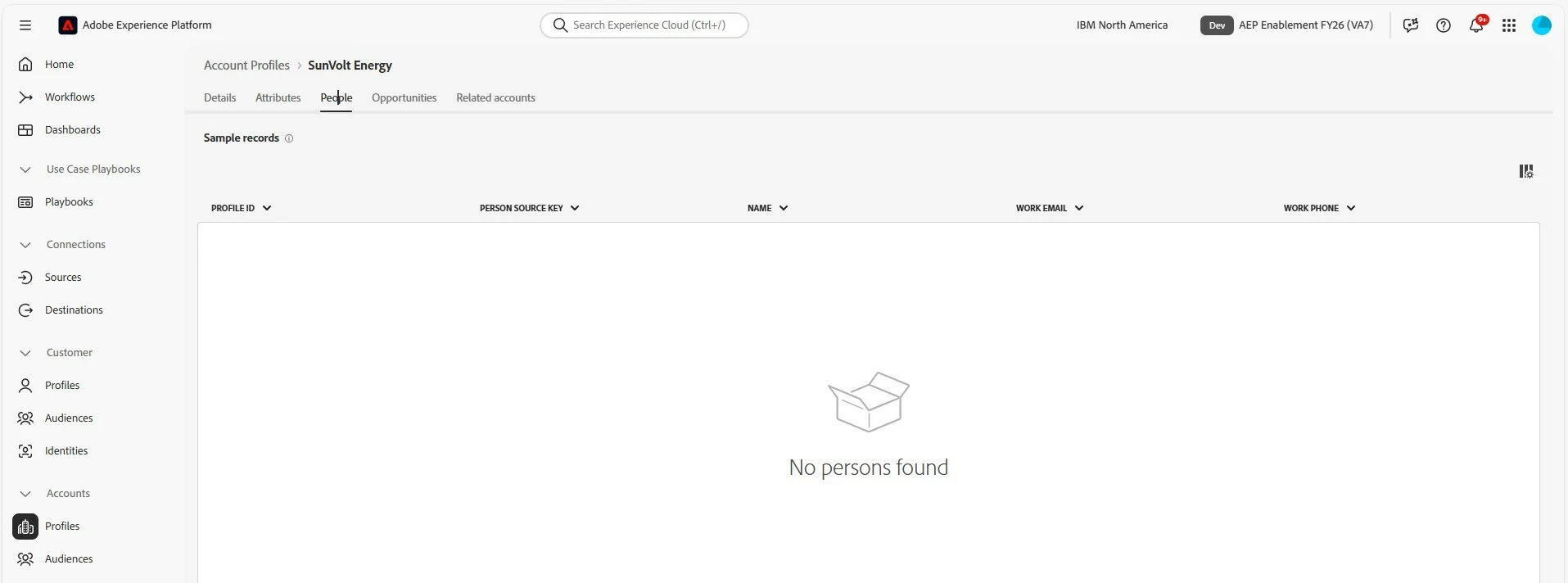
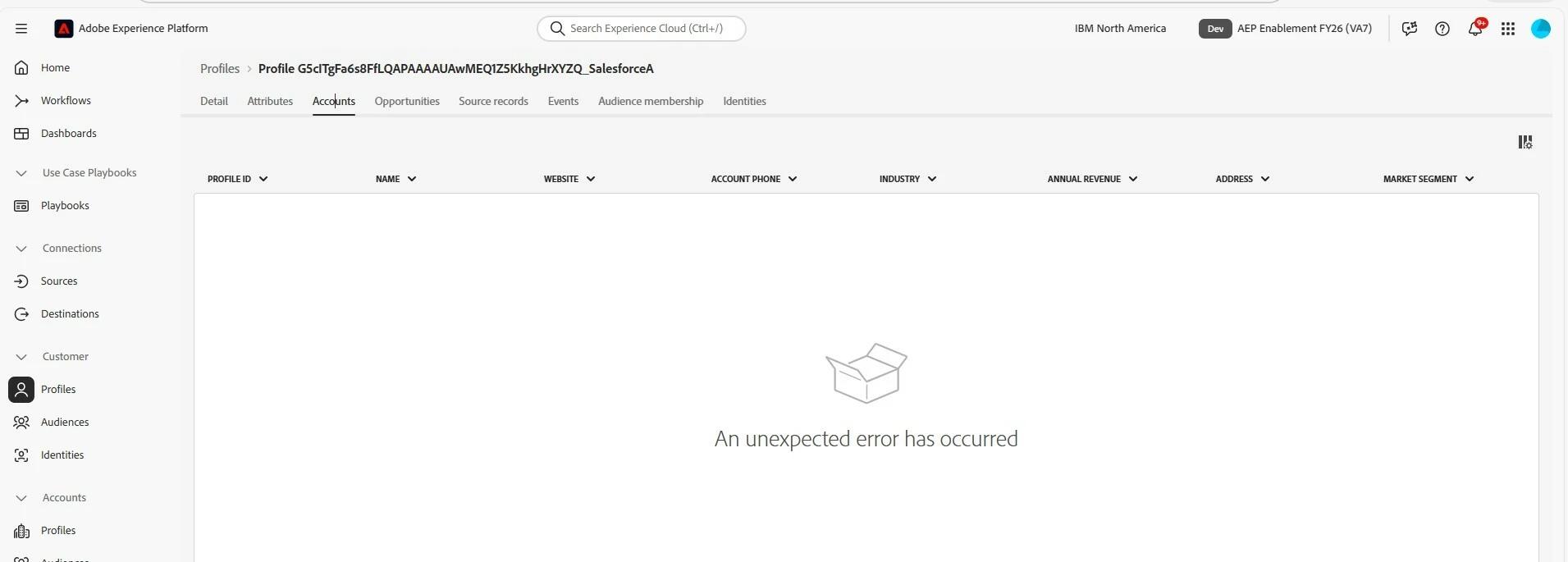
However, after ingesting data into the B2B Account–Person Relationship dataset, we are unable to see the corresponding Account–Person relationship reflected in the Profile Store.

For the relationship mapping, we followed the Adobe documentation provided in the link below:
https://experienceleague.adobe.com/en/docs/experience-platform/sources/connectors/adobe-applications/mapping/salesforce#account-contact-relation

Below are the dataset details used in this implementation:

Datasets:

  • B2B Account_IM_Dataset

  • B2BLead_IM_Dataset

  • B2BContact_IM_Dataset

  • B2B Account Person Relation_IM_Dataset

Environment Details:

  • Sandbox: aepenablementfy26

  • Environment Type: Development

  • Region: VA7

Although the data ingestion for the Account–Person Relationship dataset has completed successfully, the relationship profiles are not appearing in the Profile Store.

Could you please help verify if there are any additional configurations or validations required to ensure the Account–Person relationship is correctly reflected in the Profile Store?


Thanks
Leela

    1 risposta

    SG14_97
    Level 2
    March 10, 2026

    hi ​@leela2 ,

    did you check if the account ingestion was successful ? You can visit the account profile sections and validate whether accounts were ingested correctly.


    Alternatively can you double check if your segmentation job (visit customer->audiences->top right corner->Schedule all audiences) is checked or not, if that’s unchecked please switch it on and wait for 24 hours.

    Regards,
    Sayantan 

    leela2Autore
    Level 2
    March 13, 2026

    I have verified data which I ingested and I not able find the relationship data in profiles store .
    I haven’t created audience.

    SG14_97
    Level 2
    March 13, 2026

    Hi ​@leela2 

    In that case even if the account key is following the recommended pattern - sourceid@sourceInstanceId.SourceType/Name.

    Even though you don’t have an audience try enabling the segment job toggle from the UI, the account refresh job is interlinked with this job(the normal individual profile segment refresh job) and we had observed a similar issue of relations not appearing, which got resolved post that.

    Also make sure your account key is consistent across account-person relation table, account and person data you have loaded