Using data-sly-list with multifield to include components
I'm trying to loop through columns and rows to define a table like structure and add authoring interfaces for each cell with a component
<sly data-sly-use.count="count.js" data-sly-unwrap
data-sly-use.model="com.example.core.models.content.TableOfContentsModel"/>


<div data-sly-test="${wcmmode.edit}" class="cq-placeholder cq-marker-start"
    data-emptytext="${component.title} Component" style="min-width:250px; min-height:100px;"></div>


<div class="container ">

    <div class="table">
<sly data-sly-list.row="${count.numberOfRows}">
        <div class="table-row">
            <sly data-sly-list.column="${model.numberOfColumns}">
                <div class="table-cell" data-sly-test.resourceNode="${['logo2',row.intValue, column.intValue] ='-'}">
                    <div data-sly-resource="${ =resourceNode,
                         resourceType='example/components/content/tableLongForm/rte'}"
                        data-sly-unwrap="${!wcmmode.edit && !wcmmode.preview}" style="min-width:60px;">
                    </div>
                </div>
                </sly>

        </div>
        </sly>
    </div>
    </div>
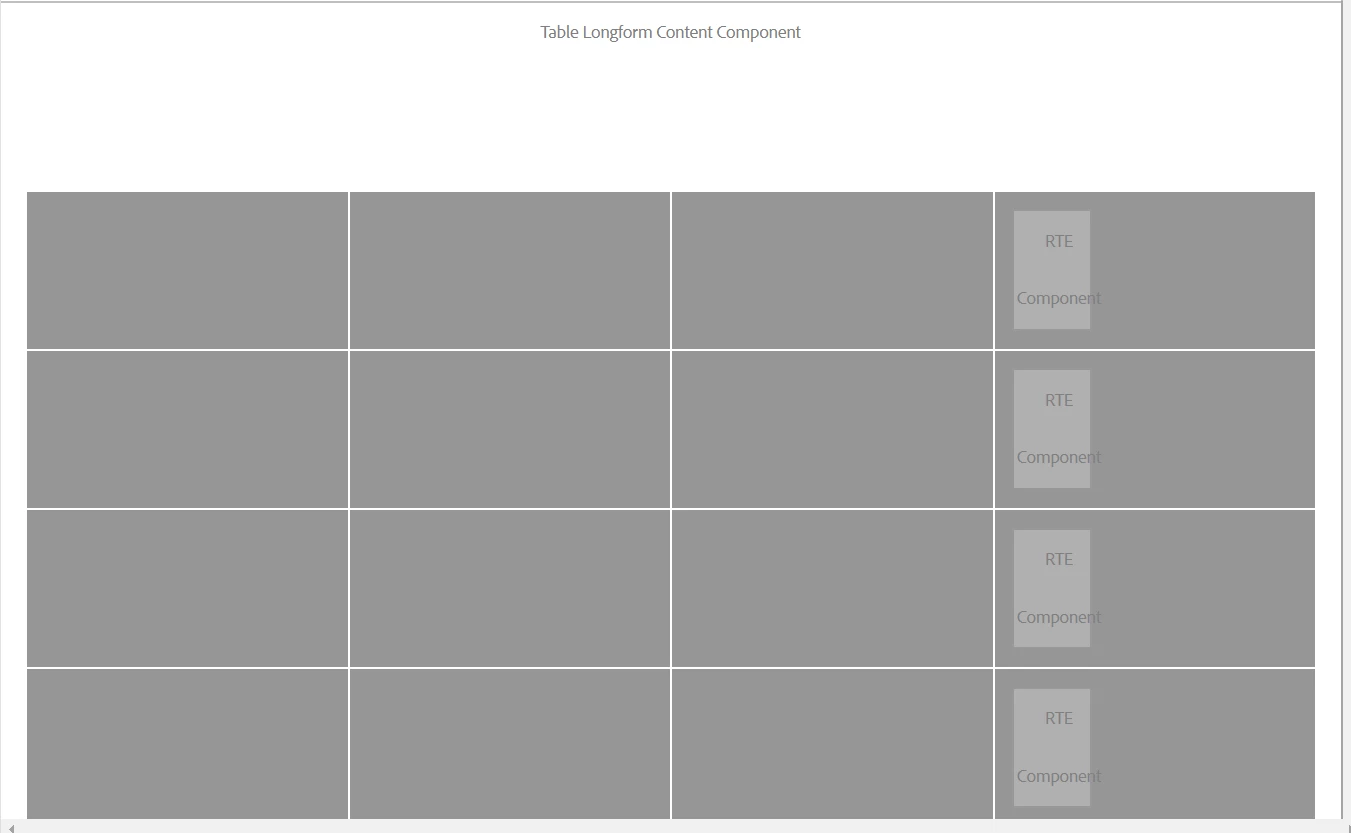
The data-sly-list.row="${count.numberOfRows}" array iterates through and repeats the table-row class and adds Rte component in each of the row but the multifield array data-sly-list.card="${model.listOfChapters}" only repeats the html element but dosent add that many number of Rte components and I'm left with only one Rte component per row as shown in the image.
Am I doing it right or is there any other approach that I can use?
Thanks in advance!