


Investigating
Use "granite:class" and "granite:data" in the new CF editor
| Request for Feature Enhancement (RFE) Summary: | Ability to use "granite:class" and "granite:data" in the new CF editor |
| Use-case: |
We developed a show/hide fields plugin for the new CF editor based on a type selection made in a select field. For this purpose we used the example provivided in the docs: https://developer.adobe.com/uix/docs/services/aem-cf-editor/api/data/#setting-styles-to-the-field api.setStyles(fieldName, {"display": "none"});
However, this is not an optimal solution, as we need to hide each field per name instead of creating a generic plugin that could be reused on any content fragment. If we had an option to retrieve the value of a custom data attribute, then our plugin could be reusable. |
| Current/Experienced Behavior: | The "granite:class" and "granite:data" set in the CF model is not present in the HTML, and custom data attributes cannot be retrieved by custom plugins. |
| Improved/Expected Behavior: | The "granite:class" and "granite:data" set in the CF model is present in the HTML, and custom data attributes can be retrieved by custom plugins. |
| Environment Details (AEM version/service pack, any other specifics if applicable): | AEMaaCS, release 2024.10.18311.20241017T104455Z |
| Customer-name/Organization name: | Assa Abloy |
| Screenshot (if applicable): | 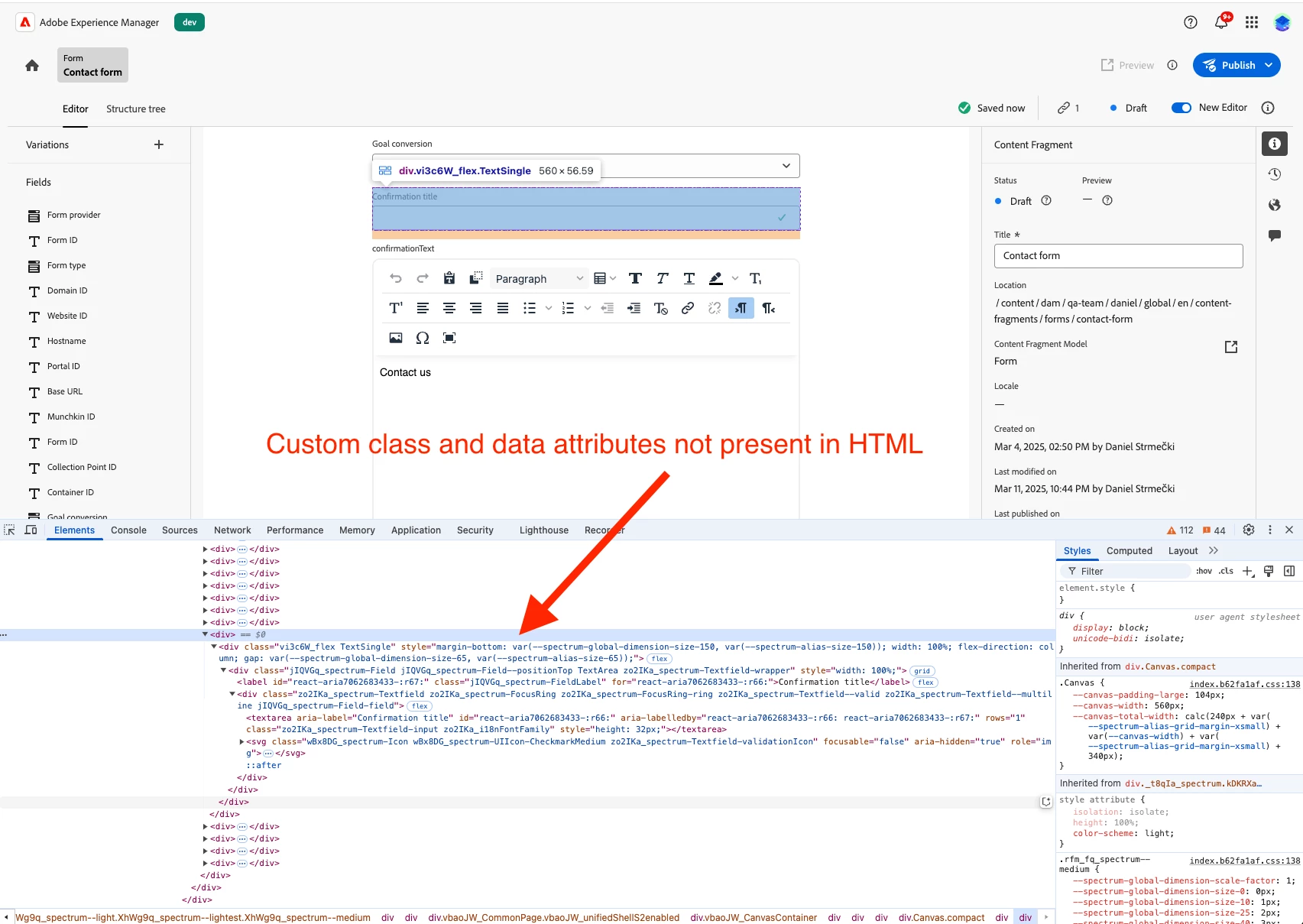 |
| Code package (if applicable): |
<confirmation-title |