Unlock Page not working - Touch UI - Page Edit | Community
Skip to main content
VeenaVikraman
Community Advisor
Community Advisor
August 29, 2017
Solved

Unlock Page not working - Touch UI - Page Edit

  • August 29, 2017
  • 14 replies
  • 5417 views

Hi

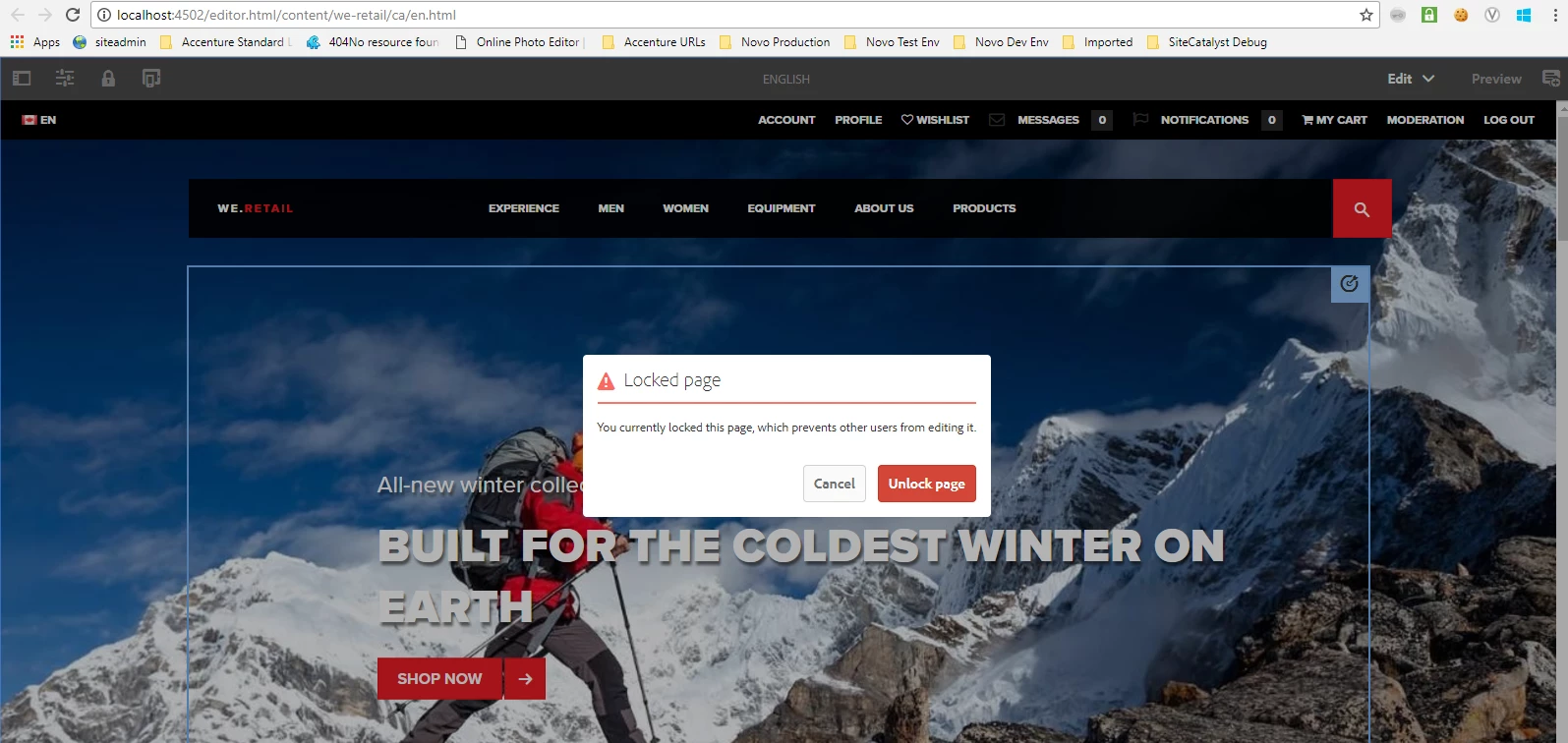
    I am facing an issue with unlocking a page . I tried it in 3 ways

1. Via the sites.html top menu bar  - Works fine

2. The Properties tab in the page top left corner  - Not working
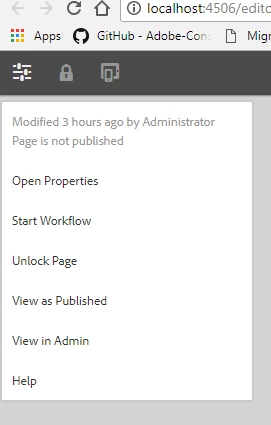
3. The classic UI siteadmin - Working Fine

        smacdonald2008kautuksahni​ Is this an issue in AEM ? I faced the same issue in my STAGE server too ? Please find a screen share to help you understand the issue more clear

https://www.screencast.com/t/1kfsQ1xljYg

Thanks

Veena
This post is no longer active and is closed to new replies. Need help? Start a new post to ask your question.
Best answer by Ratna_Kumar

Hey kautuksahni, Veena_07

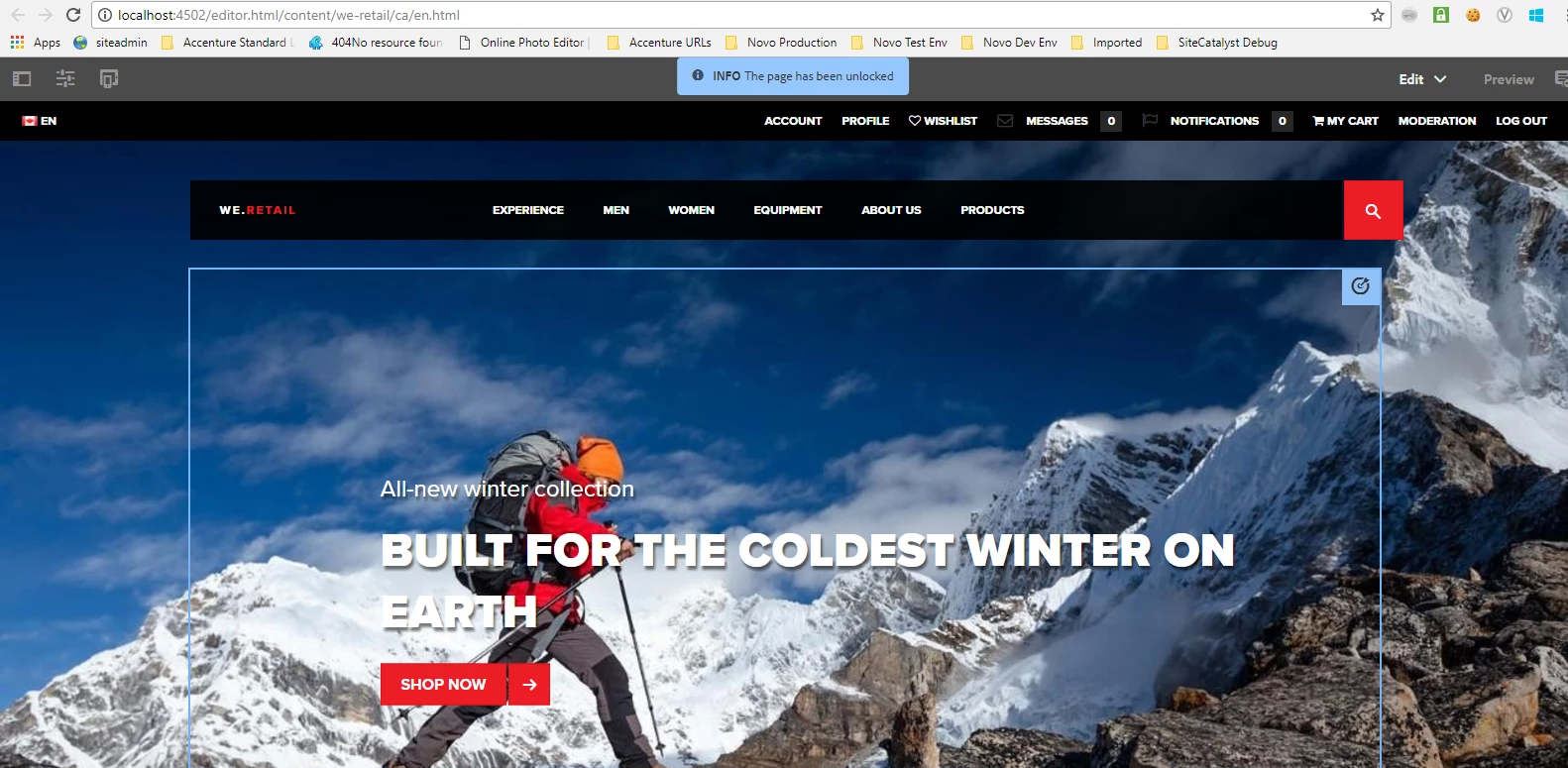
You are correct. I installed fresh instance AEM 6.3 and tested. It works!! Attaching the screenshot below.

Thanks,

Ratna.

14 replies

Ratna_Kumar
Level 10
September 1, 2017

Hey Veena,

I think you are right. See my first comment when I tried in custom page I see the same error.

core.js:32697 Uncaught TypeError: Cannot read property 'shared' of undefined

    at HTMLButtonElement.unlockPage (core.js:32697)

    at HTMLDocument.dispatch (jquery.js:5226)

    at HTMLDocument.elemData.handle (jquery.js:4878)

If it is working in We retail page and not in custom page, it could be a bug. I suggest you to raise the Day care support ticket.

Thanks,

Ratna.

VeenaVikraman
Community Advisor
Community Advisor
September 1, 2017

smacdonald2008kautuksahni​ Would you be able to help with a bug ticket ? I am afraid I don't have access to raise a day care ticket

smacdonald2008
Level 10
September 1, 2017

To raise a ticket - email cuscare@adobe.com to ensure you have an account.  You should include your email address and company as well as the company’s Customer Id (EUID)

VeenaVikraman
Community Advisor
Community Advisor
September 1, 2017

smacdonald2008​ I will get in touch with my BU for the same

Thanks

Veena

Level 2
September 14, 2021

Why this issue happens custom pages?


In we-retail pages it works, because cq.shared library is included as part of the page itself in the one of the scripts for ex: (/libs/wcm/foundation/components/basicpage/v1/basicpage/basicpage.html).


To fix the issue, copy the same the below lines code in any of the head.html where head is included in your custom page scripts.


<sly data-sly-use.clientlib="${'/libs/granite/sightly/templates/clientlib.html'}">
<sly data-sly-test="${!wcmmode.disabled}"
data-sly-call="${clientlib.all @ categories = [
'cq.authoring.page',
'cq.shared',
'cq.foundation-main',
'wcm.foundation.components.parsys.allowedcomponents'
]
}"></sly>