Hi,
Followed the below documentation,
https://opensource.adobe.com/aem-modernize-tools/pages/plan-operate/set-up.html
Note: I am using version 2.1.0
Added below dependency in POM.xml under all folder in the project
<dependency>
    <groupId>com.adobe.aem</groupId>
    <artifactId>aem-modernize-tools.all</artifactId>
    <version>2.1.0</version>
    <type>zip</type>
</dependency>
and embedded below in Filevault Package Maven plugin
<embedded>
    <groupId>com.adobe.aem</groupId>
    <artifactId>aem-modernize-tools.all</artifactId>
    <type>zip</type>
    <target>/apps/PROJECT-packages/application/install</target>
</embedded>
Added below dependency in core POM.xml
<dependency>
	<groupId>com.adobe.aem</groupId>
	<artifactId>aem-modernize-tools.core</artifactId>
	<version>2.1.0</version>
	<scope>provided</scope>
</dependency>
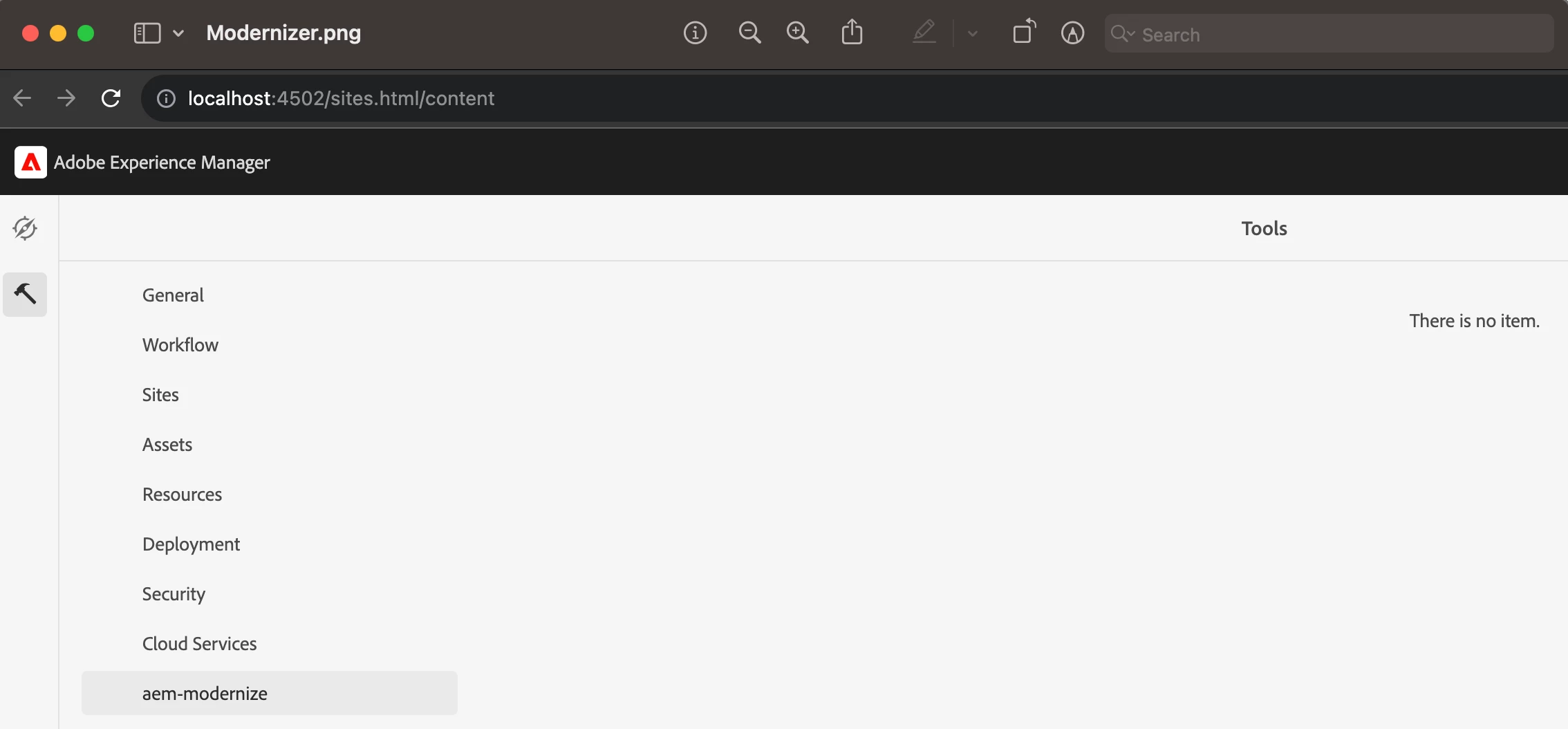
Also, I had to re-install all the Modernizer packages through package manager.
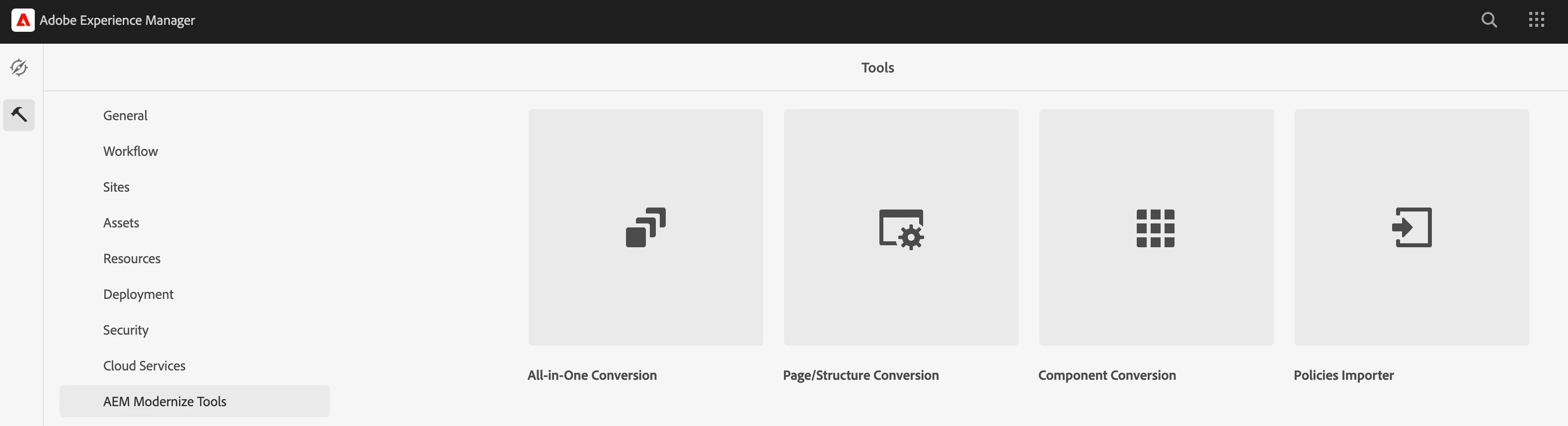
With this, I was able to view all the modernizer options in Tools menu