Solved
Tree view hiding page names/asset names
In the tree view, if the asset or page name is long, the characters get hidden. We are trying to expand the column width.
Is there anyone who has done this before?
In the tree view, if the asset or page name is long, the characters get hidden. We are trying to expand the column width.
Is there anyone who has done this before?
Check the OOTB styles. You just need to override those default styles. See attached screenshot (I have increased the width by 3 times).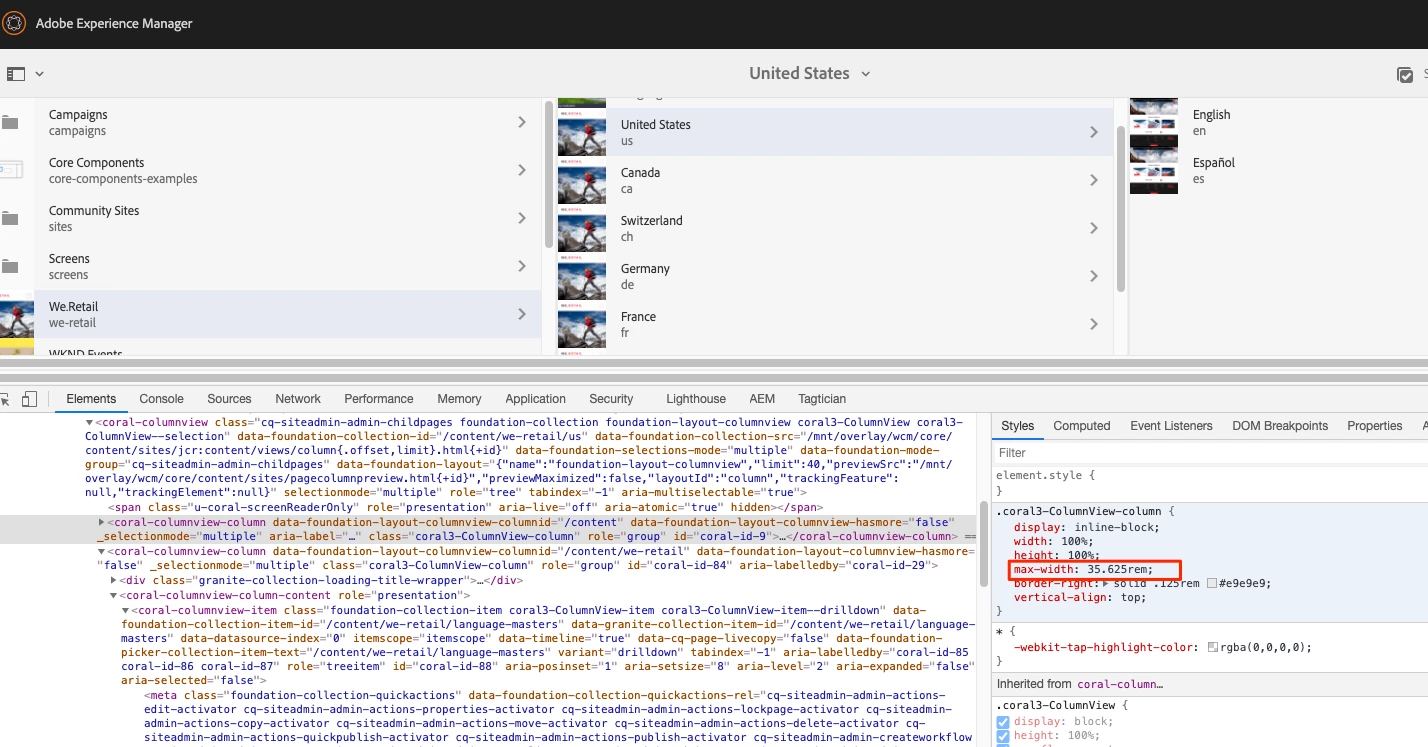
Enter your E-mail address. We'll send you an e-mail with instructions to reset your password.