run mvn clean install -PautoInstallSinglePackage then occur a error | Community
Skip to main content
Level 2
August 7, 2024
Solved

run mvn clean install -PautoInstallSinglePackage then occur a error

  • August 7, 2024
  • 2 replies
  • 1508 views

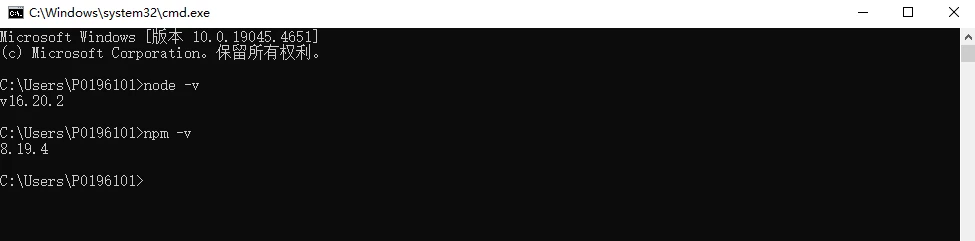
1. my local machine env

2. init AEM command

mvn -B org.apache.maven.plugins:maven-archetype-plugin:3.2.1:generate -D archetypeGroupId=com.adobe.aem -D archetypeArtifactId=aem-project-archetype -D archetypeVersion=39 -D appTitle="WKND Sites Project" -D appId="wknd" -D groupId="com.adobe.aem.guides" -D artifactId="aem-guides-wknd" -D package="com.adobe.aem.guides.wknd" -D version="0.0.1-SNAPSHOT" -D aemVersion="6.5.0"

3. display this after run command above
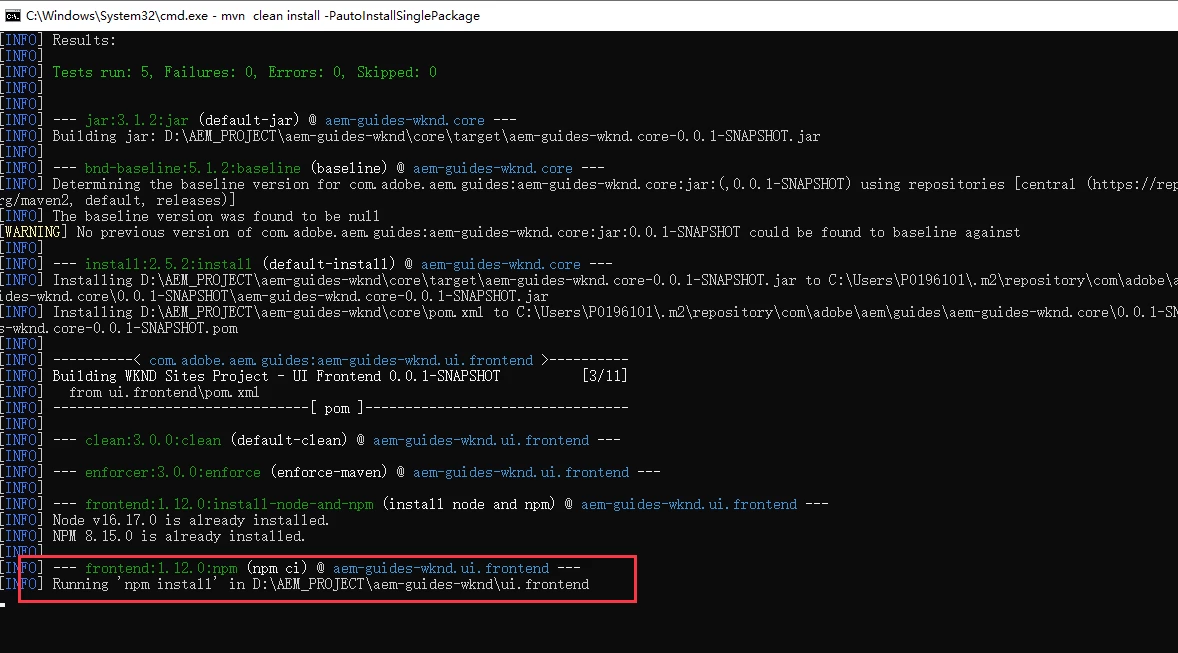
i wait it until running over,  show me like below
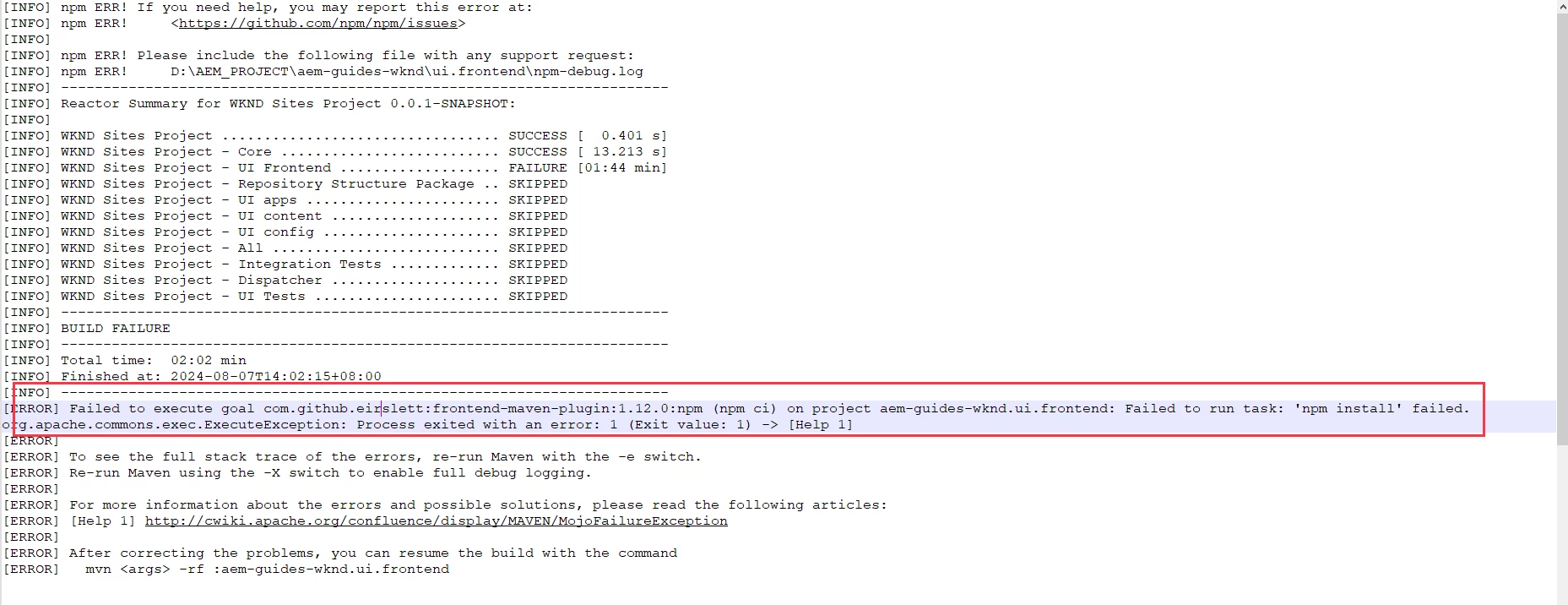
fail to deploy this in AEM instant, i had see many issues fix answers in community, but it did not work for me.
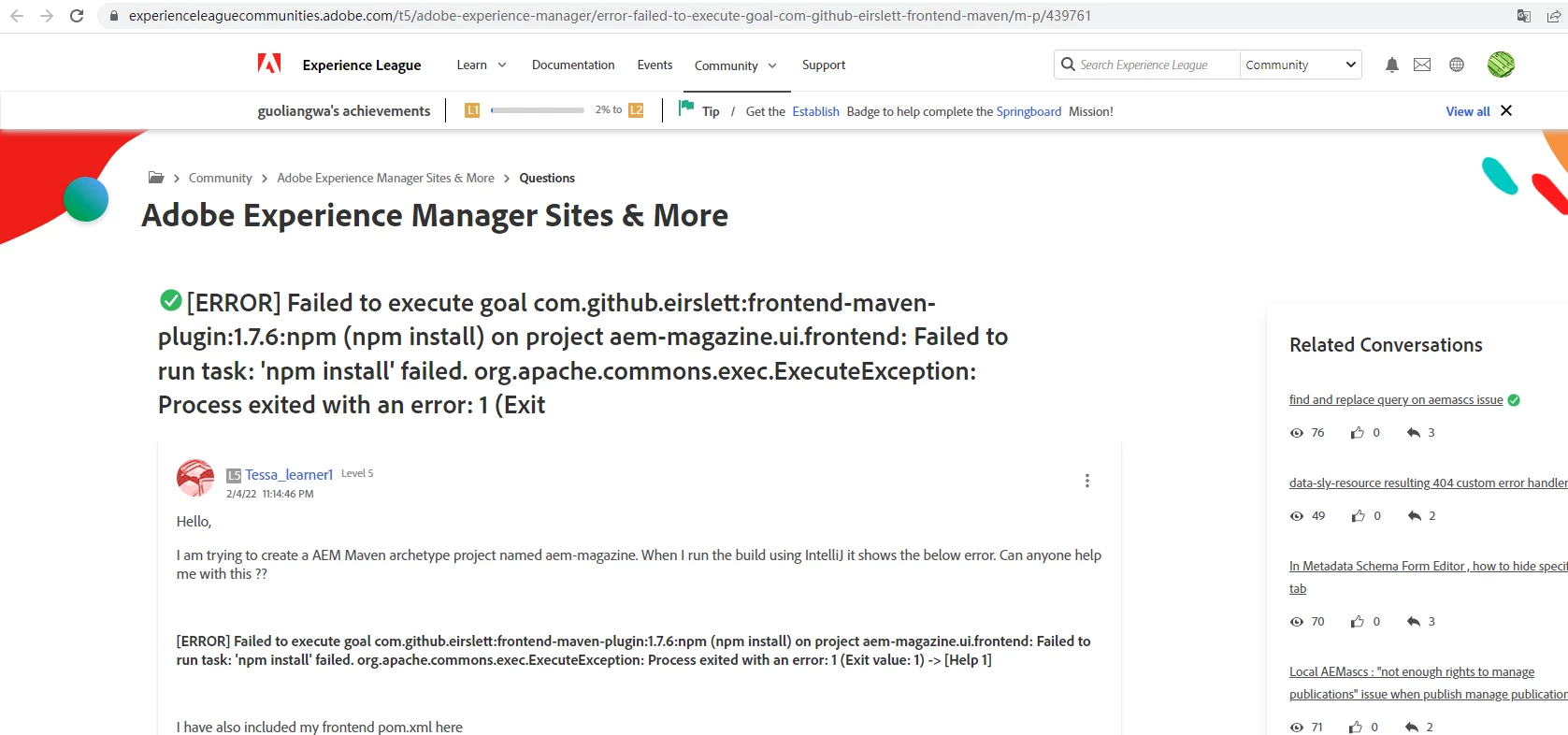
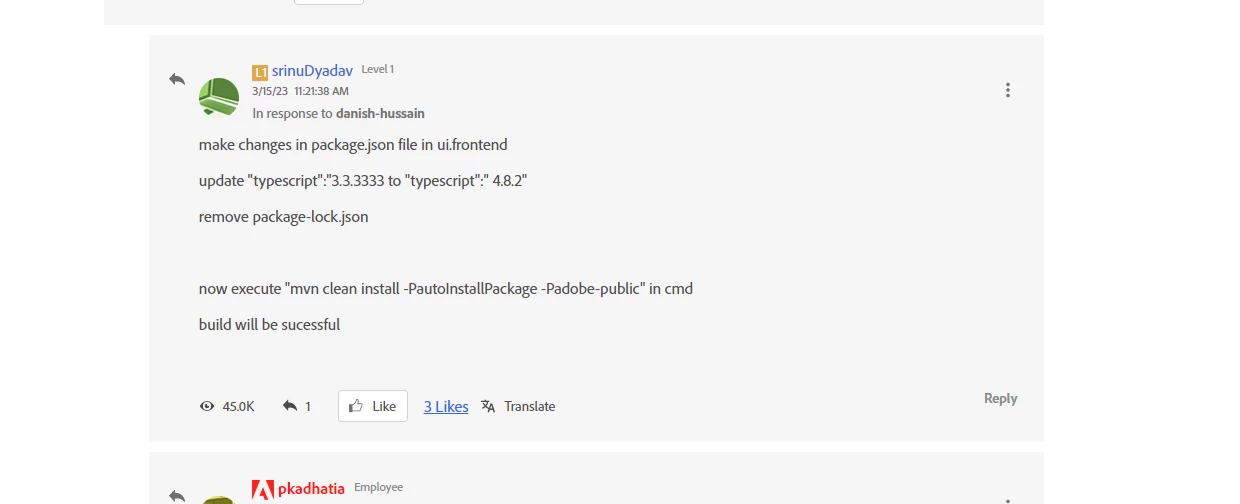


please save me.  thank a lot !


This post is no longer active and is closed to new replies. Need help? Start a new post to ask your question.
Best answer by MukeshYadav_

Hi @guoliangwang ,

As I mentioned actual error was not there in your first screenshot.

Pls try below cmd

npm config set registry https://registry.npmjs.org/

or

https://community.sap.com/t5/enterprise-resource-planning-q-a/getting-npm-err-code-cert-has-expired-error/qaq-p/12473615

and then build It should work.


Thanks

2 replies

arunpatidar
Community Advisor
Community Advisor
August 7, 2024

Hi @guoliangwang 
Could you please go inside ui.frontend module and run 'mvn clean install' and share the build logs.

e.g.

cd D:\AEM_PROJECT\aem-guides-wknd\ui.frontend mvn clean install


Arun Patidar
Level 2
August 8, 2024

i had runned this command yesterday,  i run it again today, it is the same error below this.

cd D:\AEM_PROJECT\aem-guides-wknd\ui.frontend
mvn clean install


Level 2
August 9, 2024

Hi @guoliangwang 
You can see the error in the build log.

you are trying to connect to internal NPM repository to download the dependencies and which is failing due to expired certificate.


Please check this for resolution:

https://stackoverflow.com/questions/72220560/npm-err-code-cert-has-expired-angular-13 


Hi arunpatidar, anyway, thank you for your support me! i modify my npm respositry to original npm respositry. it works for me! The taobao npm respositry cause me fail to mvn clean install. Thank you a lot!

MukeshYadav_
Community Advisor
Community Advisor
August 7, 2024

Hi @guoliangwang ,

You may try https://experienceleaguecommunities.adobe.com/t5/adobe-experience-manager/npm-error-while-doing-clean-install-to-build-and-deploy-the-wknd/td-p/361170

If above doesn't help try in fresh folder and it should work or you may downgrade your node version https://github.com/thingsboard/thingsboard/issues/1335#issuecomment-695977706

It worked for me with below in ubuntu system

Also share the first error message if possible probably above the screenshot you shared.

Thanks

Level 2
August 8, 2024

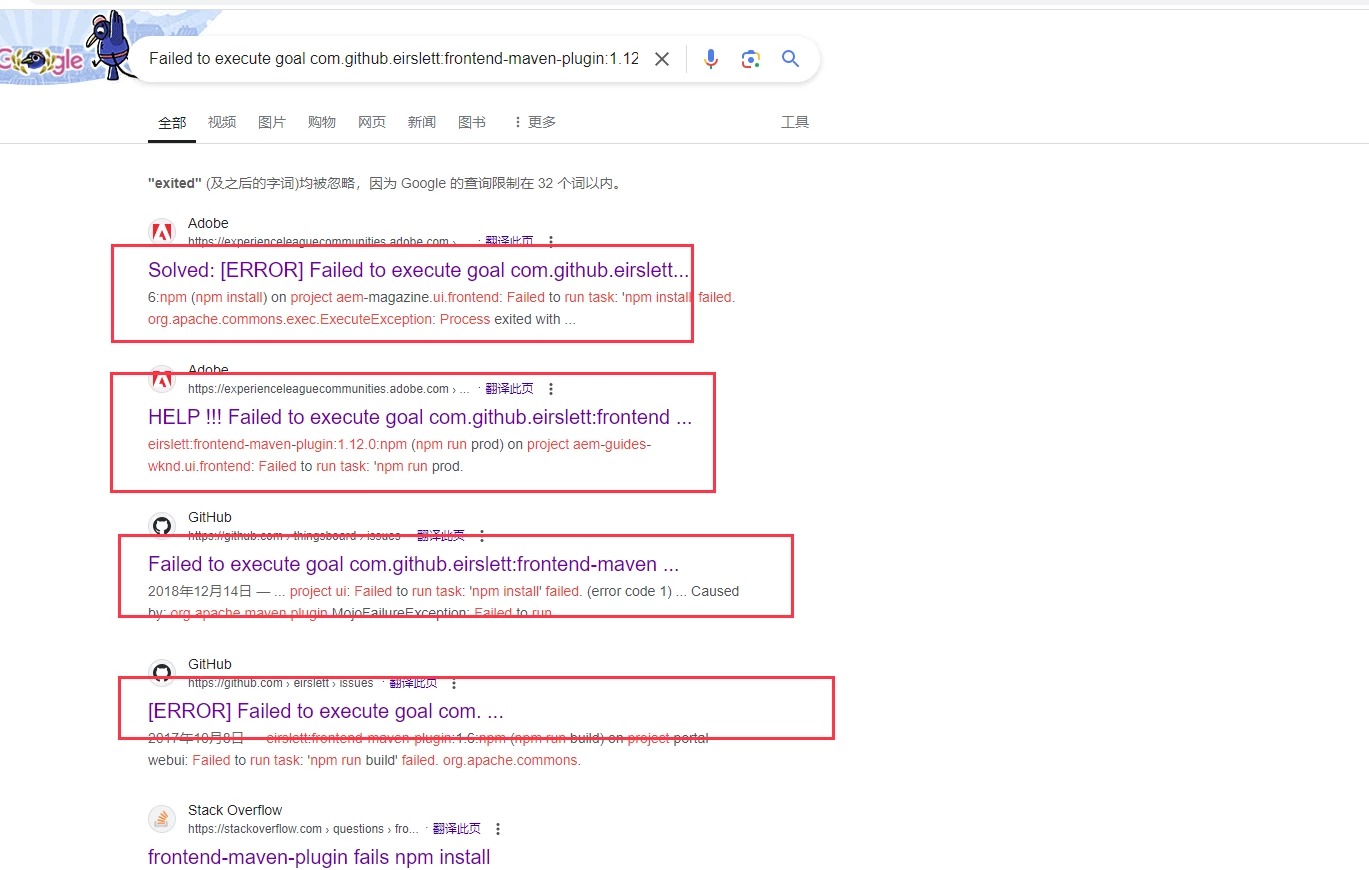
I try to resolve below the two way, they are not work for me.


1. 


 the logs refer to below picture:


2.


3. i download the fixed node and npm, but it donot work too.  My local system is window10, not ubuntu.


MukeshYadav_
Community Advisor
MukeshYadav_Community AdvisorAccepted solution
Community Advisor
August 8, 2024

Hi @guoliangwang ,

As I mentioned actual error was not there in your first screenshot.

Pls try below cmd

npm config set registry https://registry.npmjs.org/

or

https://community.sap.com/t5/enterprise-resource-planning-q-a/getting-npm-err-code-cert-has-expired-error/qaq-p/12473615

and then build It should work.


Thanks