Restrict wcm.io CA Configuration based on content path | Community
Skip to main content
Sady_Rifat
Community Advisor
Community Advisor
October 20, 2022
Solved

Restrict wcm.io CA Configuration based on content path

  • October 20, 2022
  • 2 replies
  • 1793 views

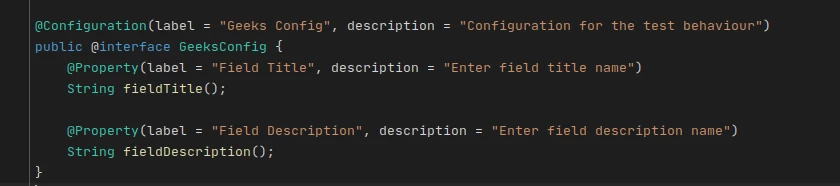
I configured Context Aware Config using wcm.io. When I edit a CA Config page, I saw my custom configurations which I wrote via @2932483 annotation. Till now everything is fine.
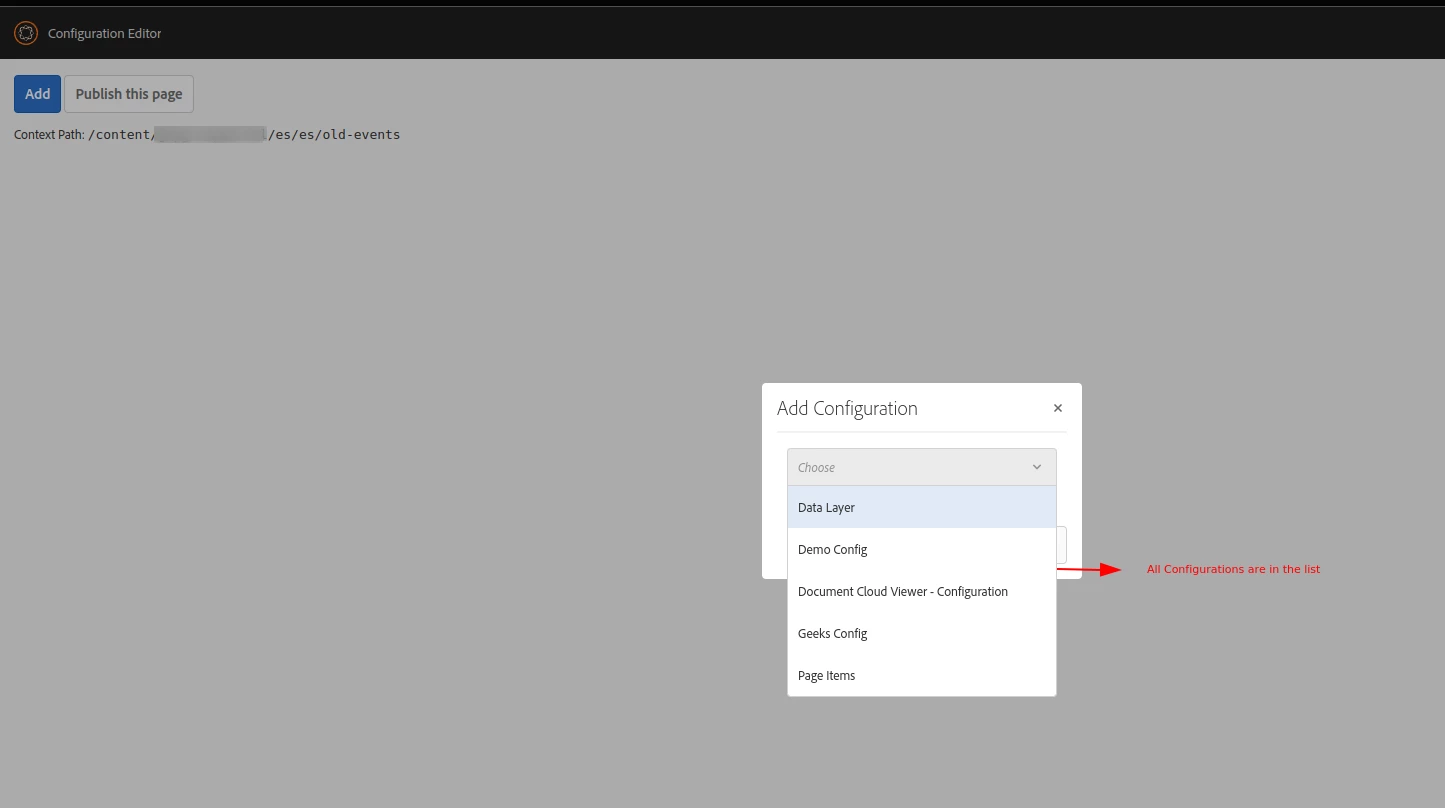
But in the list of the configuration UI page, I saw all the configurations. Is there any way to restrict the configuration visible based on the content path?

For example, For my_project_1 I wrote 2 configurations. config_A, config_B. And for my_project_2 I wrote config_X, config_Y, and config_Z.
In the wcm.io page editor, I saw all the configurations, config_A, config_B, config_X, config_Y, and config_Z.
But I want to see the configs based on their content path.
For /content/my_project_1/master -> config_A, config_B
and /content/my_project_2/master -> config_X, config_Y,  config_Z


This post is no longer active and is closed to new replies. Need help? Start a new post to ask your question.
Best answer by arunpatidar

Hi,

This is not possible to segregate context aware config in UI based on project.


The json returns the config names

http://localhost:4502/content/mysite/config/jcr:content.configNames.json 

You can write one more servlet to get the valid config and remove rest from the dropdown or change at /apps/wcm-io/caconfig/editor/clientlibs/io.wcm.caconfig.editor/js/modals/add-collection-item.controller.js

2 replies

arunpatidar
Community Advisor
arunpatidarCommunity AdvisorAccepted solution
Community Advisor
October 20, 2022

Hi,

This is not possible to segregate context aware config in UI based on project.


The json returns the config names

http://localhost:4502/content/mysite/config/jcr:content.configNames.json 

You can write one more servlet to get the valid config and remove rest from the dropdown or change at /apps/wcm-io/caconfig/editor/clientlibs/io.wcm.caconfig.editor/js/modals/add-collection-item.controller.js

Arun Patidar
Sady_Rifat
Community Advisor
Community Advisor
October 20, 2022

Thanks for confirming @arunpatidar 

May 2, 2023

Since I was looking for something similar, I did some deep diving into the code and found out it is technically possible to do it. What you need is the following:


* Ensure you have io.wcm.sling.commons loaded

* Create an OSGi service that implements io.wcm.caconfig.editor.ConfigurationEditorFilter and in the @8220494 annotation, you configure the "property" property to something like Wcmio-CAService-ContextPathRegex=<insert regex here>

* In the subsequent allowAdd method you need to implement, you only allow true on the configs you want. 


Keep in mind that the regex is used to match the jcr:content resource of the CA config page itself, so your regex should be something like /content/<your_site_and_path>/<config page name>/jcr:content$

Sady_Rifat
Community Advisor
Community Advisor
May 4, 2023

@donderstone8 ,

Many thanks for your sharing. I will try the method.