Remove component edit icon | Adobe Higher Education
Skip to main content
Er kunnen geen reacties meer worden geplaatst op dit onderwerp.
Beste antwoord door ShaileshBassi

HI @goyalkritika 


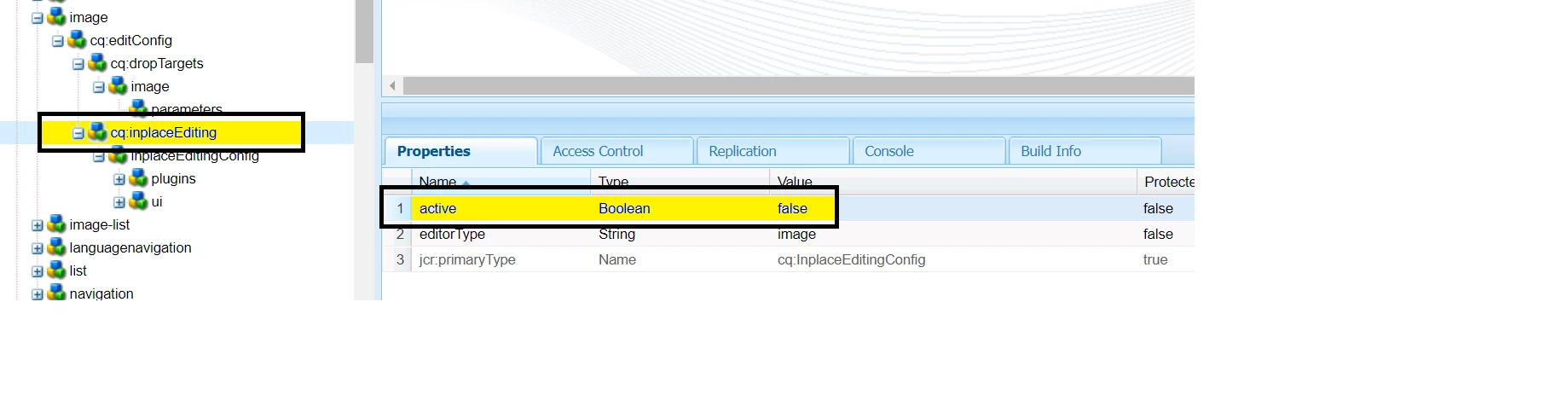
You can achieve the same by making the above configuration in your component. 


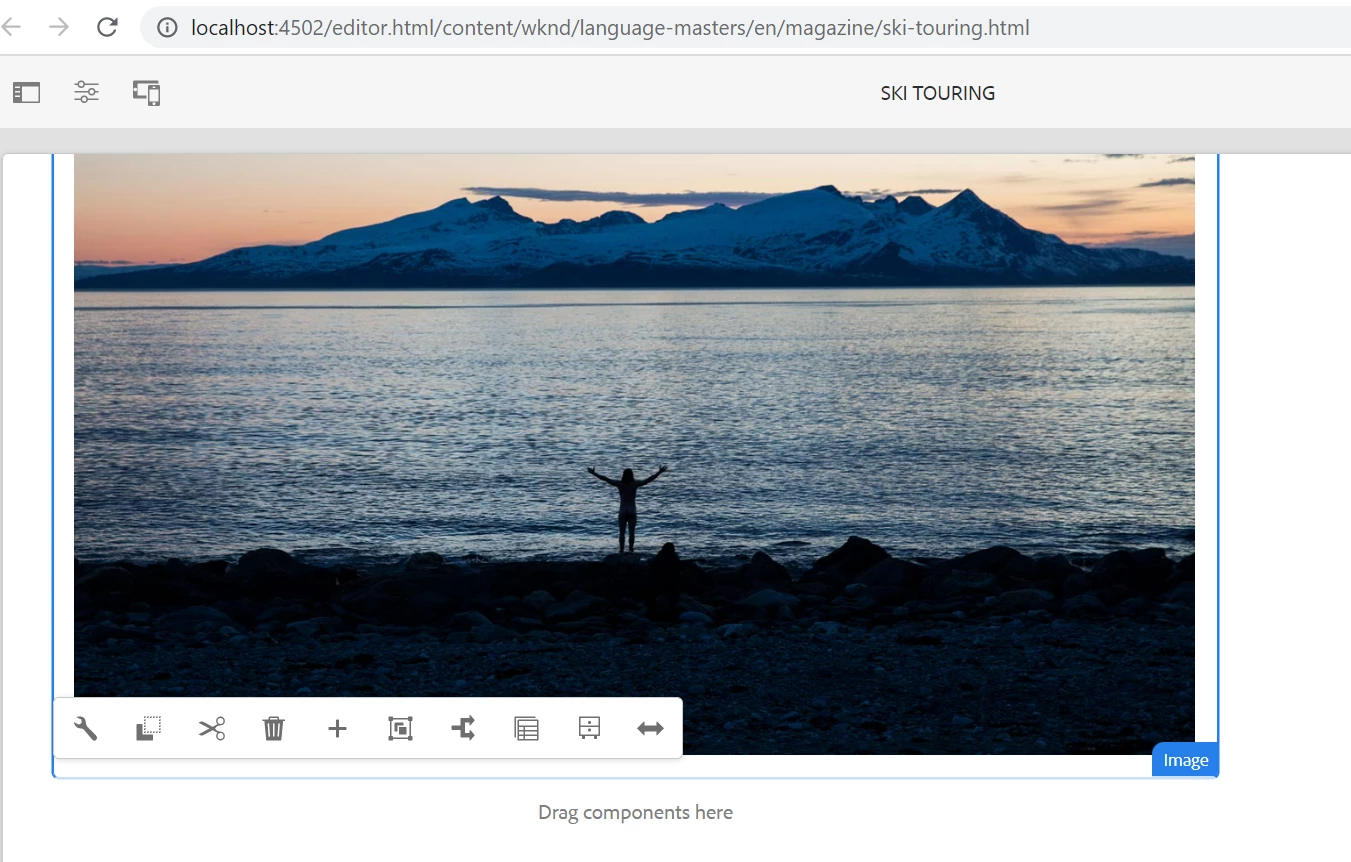
I tried out in one of the WKND component and it worked fine.
Hope this helps!

Thanks


2 reacties

ShaileshBassi
Community Advisor
Community Advisor
April 19, 2023

hi @goyalkritika Are your using the same component on all the pages. If yes, in that case you can navigated the editable template and lock the component over there. 

Now the editor will not be able to edit the component over the page.

Now if the component is required in all the pages or limited of the same template type it can be configured as part of

1. Structure (path - /conf/<project>/settings/wcm/templates/page-template/structure.html) 

2. Initial Content  (path - /conf/<project>/settings/wcm/templates/page-template/initial.html) of the template.

And this way to get the flexibility to make it editable as well whenever required.

Hope this helps!

Thanks


Level 4
April 19, 2023

@shaileshbassi I think you got the requirement wrong. I want to remove the 'edit' icon but want to keep the component configurable. Also, the component cannot be locked on the template level.

ShaileshBassi
Community Advisor
Community Advisor
April 19, 2023

HI @goyalkritika 


You can achieve the same by making the above configuration in your component. 


I tried out in one of the WKND component and it worked fine.

Hope this helps!

Thanks


Rohit_Utreja
Community Advisor
Community Advisor
April 19, 2023

@goyalkritika 

It can be done by disableing 'cq:inplaceEditing' for any component.
Look for a node with a name 'cq:inplaceEditing' in the component for which you want to disable this feature.
make the value of flag active as 'false'.