
RDE - Deployment Failed Status | Community
Skip to main content
NageshRaja
Level 5
November 14, 2024
Solved

RDE - Deployment Failed Status

  • November 14, 2024
  • 2 replies
  • 1237 views

Hey guys,


My RDE environment in cloud manager is showing RDE as "Deployment Failed"
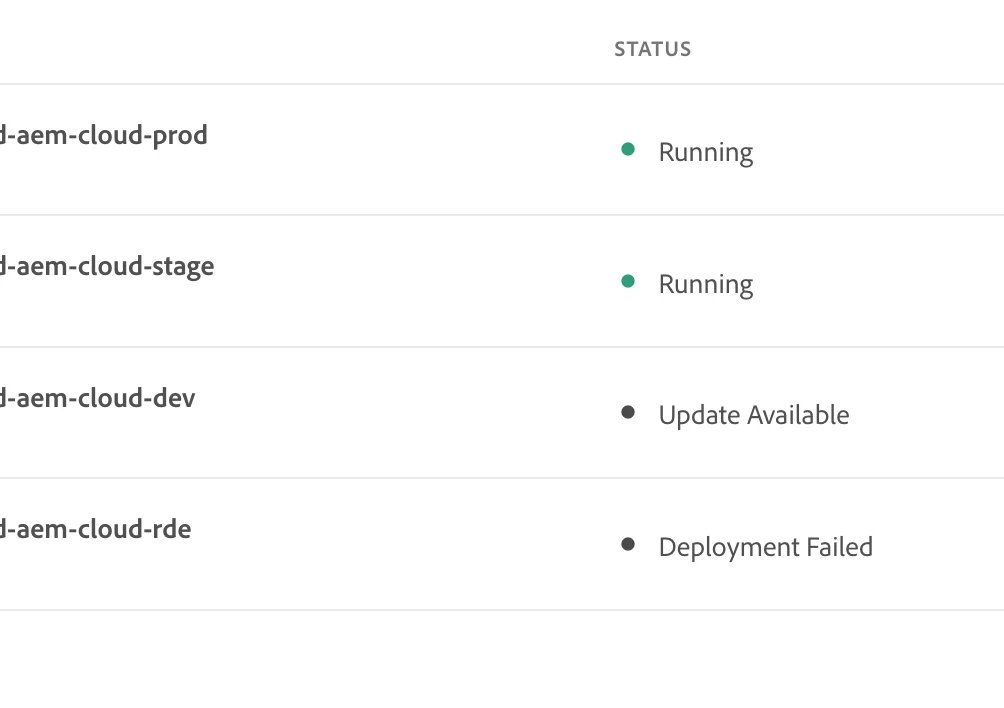
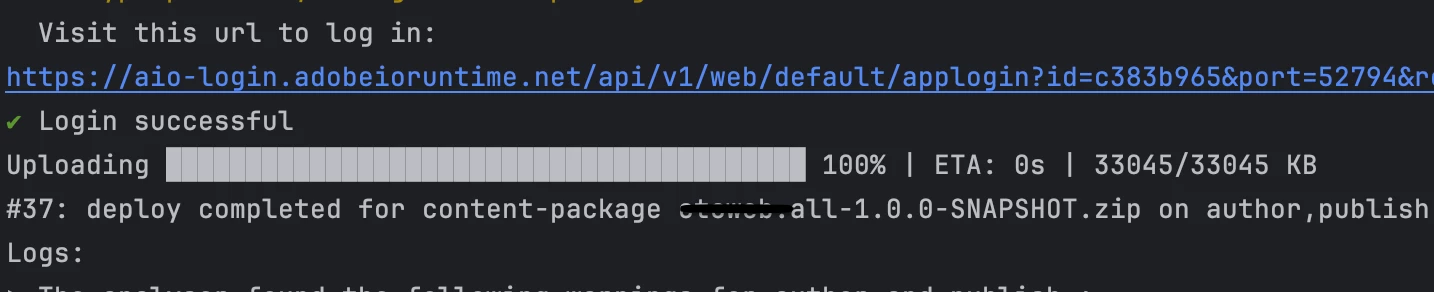
However, the aio:aem:rde install command is not reporting any such issue,

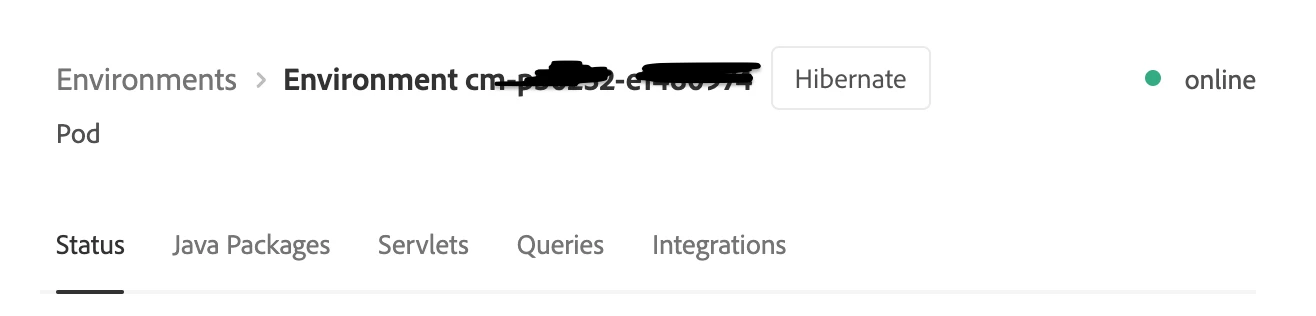
Checking the developer console it shows the pod as active -

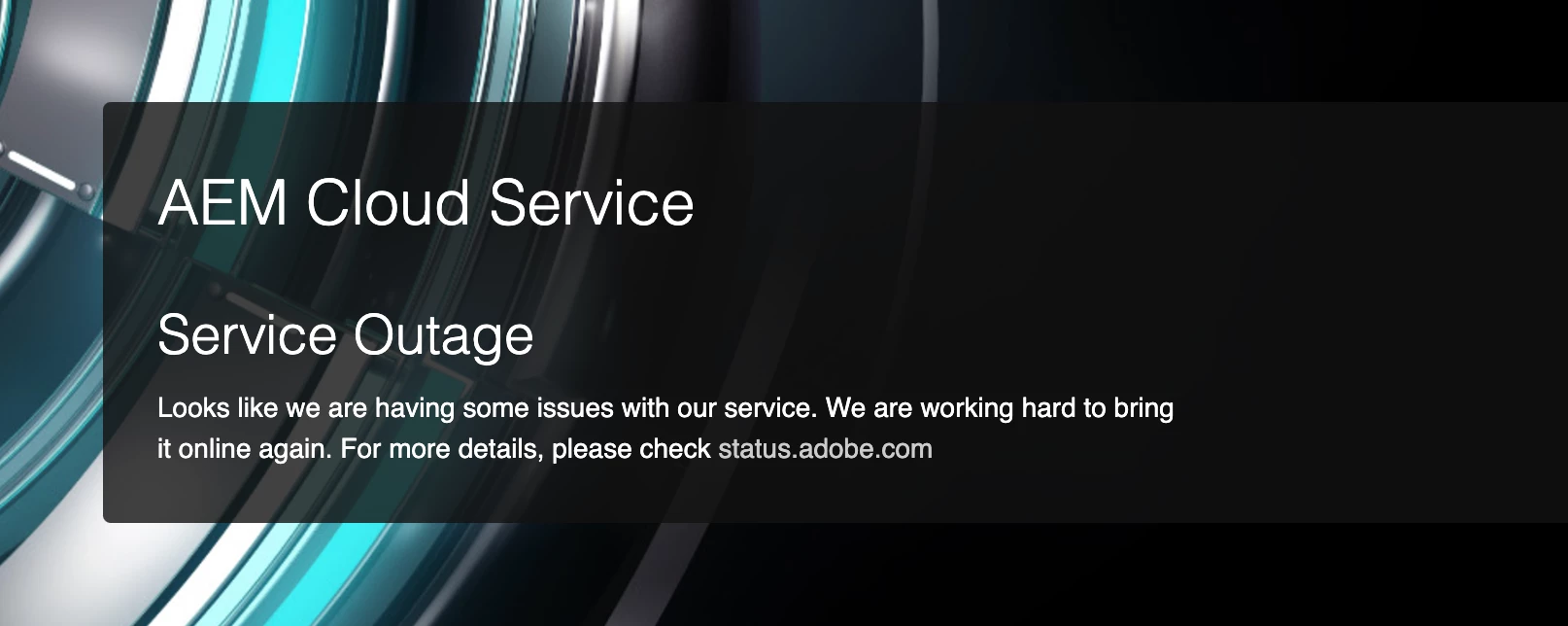
If I try to open the author or publish service I get the below -
 

Any help why the discrepancy?


thanks,

CL

 

This post is no longer active and is closed to new replies. Need help? Start a new post to ask your question.
Best answer by Rohan_Garg

Hey @nageshraja,

If it's just RDE, try resetting the RDE once! It's usually good practice to reset the RDE into a default state for the next usage in case of multiple developers working at the same time.

Can you put up the logs for the build that set the status to deployment failed?


Hope this helps!

Rohan Garg

2 replies

Tethich
Community Advisor
Community Advisor
November 14, 2024

If there is nothing in logs, I would raise a ticket to Adobe.

NageshRaja
Level 5
November 15, 2024

We're using a sandbox program here and Adobe does not provide technical support for that unfortunately!

Rohan_Garg
Community Advisor
Rohan_GargCommunity AdvisorAccepted solution
Community Advisor
November 14, 2024

Hey @nageshraja,

If it's just RDE, try resetting the RDE once! It's usually good practice to reset the RDE into a default state for the next usage in case of multiple developers working at the same time.

Can you put up the logs for the build that set the status to deployment failed?


Hope this helps!

Rohan Garg

NageshRaja
Level 5
November 15, 2024

yeah that's an idea but we'd lose all the custom content packages we've deployed over past months, anyways to go about w/o resetting the instance?

narendiran_ravi
Level 6
November 15, 2024

In the past, I faced a similar issue in my sandbox environment. We had no other option but to reset the RDE. To sync the contents again, we used the content copy option. Another challenge was updating the environment variables, which we addressed using the Cloud Manager API. Specifically, we utilized the endpoint:

https://cloudmanager.adobe.io/api/program/{{programId}}/environment/{{environmentId}}/variables

This allowed us to add environment variables programmatically, avoiding the need for manual updates through the Cloud Manager UI.