Parsys in custom component is not working. | Community
Skip to main content
Robert-Harper
Level 3
July 11, 2022
Solved

Parsys in custom component is not working.

  • July 11, 2022
  • 3 replies
  • 3664 views

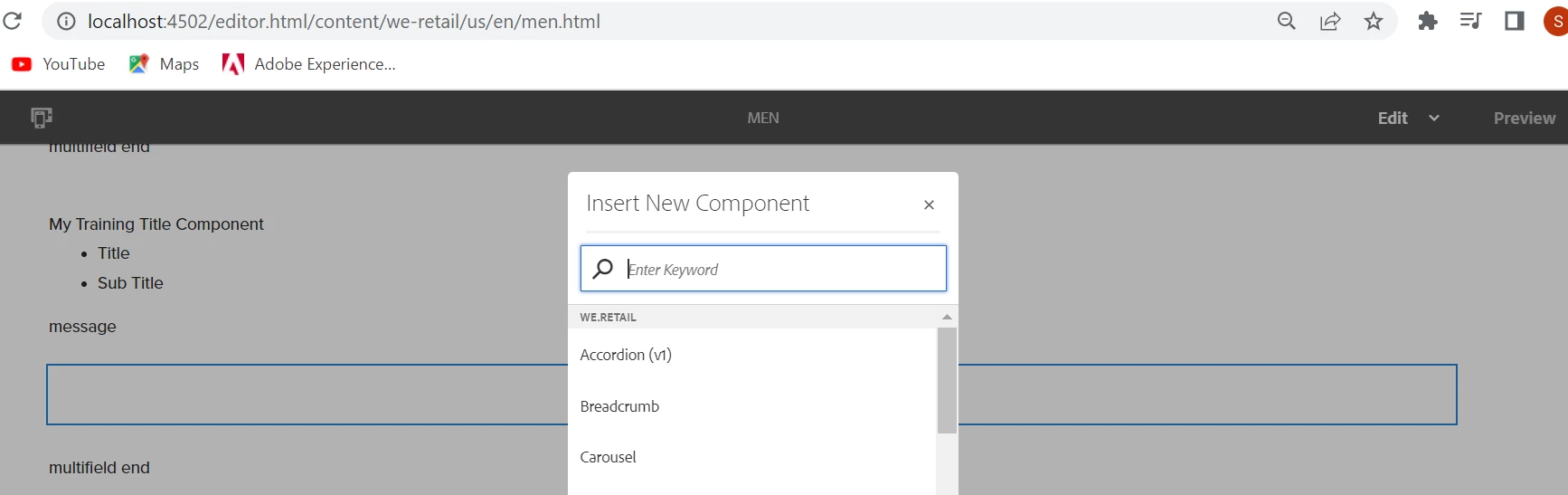
I have a custom component that I am attempting to add a parsys for authors to drop other custom components into. I am running AEM 6.5.13. I have added a design dialog for use with editable templates. I have used the template editor to allow certain components to be dropped in the parsys. However, the parsys is not allowing any components to be added to it. If I click on my custom component, the "add" icon is in the list of actions and if I click on it, I can select components, everything that is enabled on the page template, but when the component is added, it is added as a sibling to my component instead of a child. 


The HTL I'm using to add the parsys to the component is as follows:

<sly data-sly-resource="${resource.path @ resourceType='wcm/foundation/components/parsys/newpar', appendPath='/*', decorationTagName='div', cssClassName='new section aem-Grid-newComponent'}"
data-sly-test="${(wcmmode.edit || wcmmode.preview) && resource.children.size < 1}"></sly>

First, why is this parsys not allowing any components to be added to it. Second, why would added components to my component be added as siblings and not children? 

This post is no longer active and is closed to new replies. Need help? Start a new post to ask your question.
Best answer by ShaileshBassi

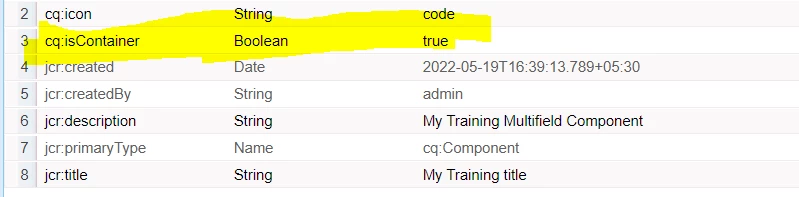
@robert-harper To make this work, you need to add the property "cq:isContainer" and set the value to "true".

Post adding this property it works.


Hope this helps.

Thanks

3 replies

arunpatidar
Community Advisor
Community Advisor
July 11, 2022

Hi,

Can you try with

<sly data-sly-resource="${'parsys' @ resourceType='wcm/foundation/components/parsys', decorationTagName='div', cssClassName='new section aem-Grid-newComponent'}"
     data-sly-test="${(wcmmode.edit || wcmmode.preview) && resource.children.size < 1}"></sly>


Arun Patidar
Robert-Harper
Level 3
July 12, 2022

This didn't change anything.

Manu_Mathew_
Community Advisor
Community Advisor
July 12, 2022

@robert-harper Can you check if there is any required field on the container compoenent to be auhored before authroing the parsys?

Robert-Harper
Level 3
July 12, 2022

There are fields and attributes to the component that are there. I don't think this is the correct path to a resolution.

ShaileshBassi
Community Advisor
ShaileshBassiCommunity AdvisorAccepted solution
Community Advisor
July 12, 2022

@robert-harper To make this work, you need to add the property "cq:isContainer" and set the value to "true".

Post adding this property it works.


Hope this helps.

Thanks

June 11, 2024

Hi Shailesh,


I tried by adding cq:isContainer property for the root component node and tried the below snippet to get the parsys in the root component, but it's not working, please help with any other way for this.


<sly data-sly-resource="${resource.path, @resourceType='wcm/foundation/components/parsys/newpar', appendPath='/*', decorationTagName='div', cssClassName='new section aem-Grid-newComponent'}" data-sly-test="${(wcmmode.edit || wcmmode.preview) && resource.children.size < 1}"></sly>


When i tried to add the components to the parsys, i am getting the below error and i am using AEM6.5 version.


Regards,

Surendra k