My component doesn't view when publish my page AEM | Community
Skip to main content
Ott0gi
Level 2
February 15, 2019
Solved

My component doesn't view when publish my page AEM

  • February 15, 2019
  • 23 replies
  • 14593 views

Hi, I don't speak english very well, I have a simple component:
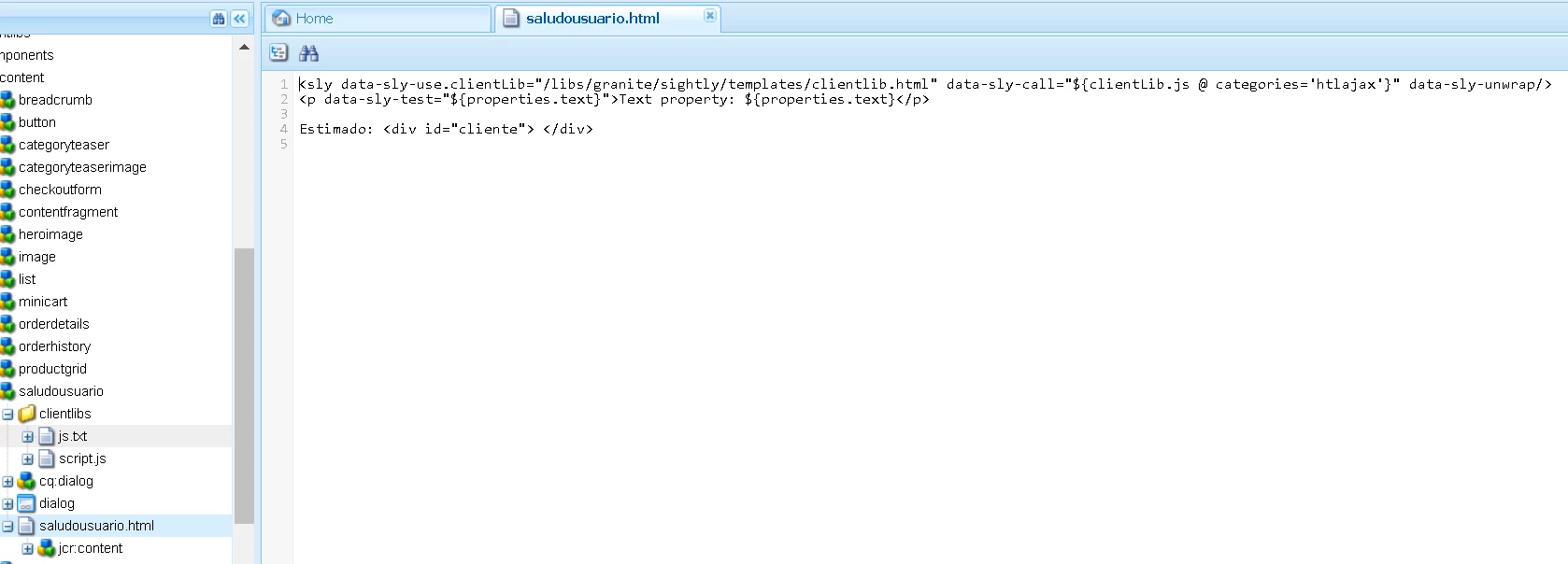
This component write name of client than give for a parameter on the URL, thus:
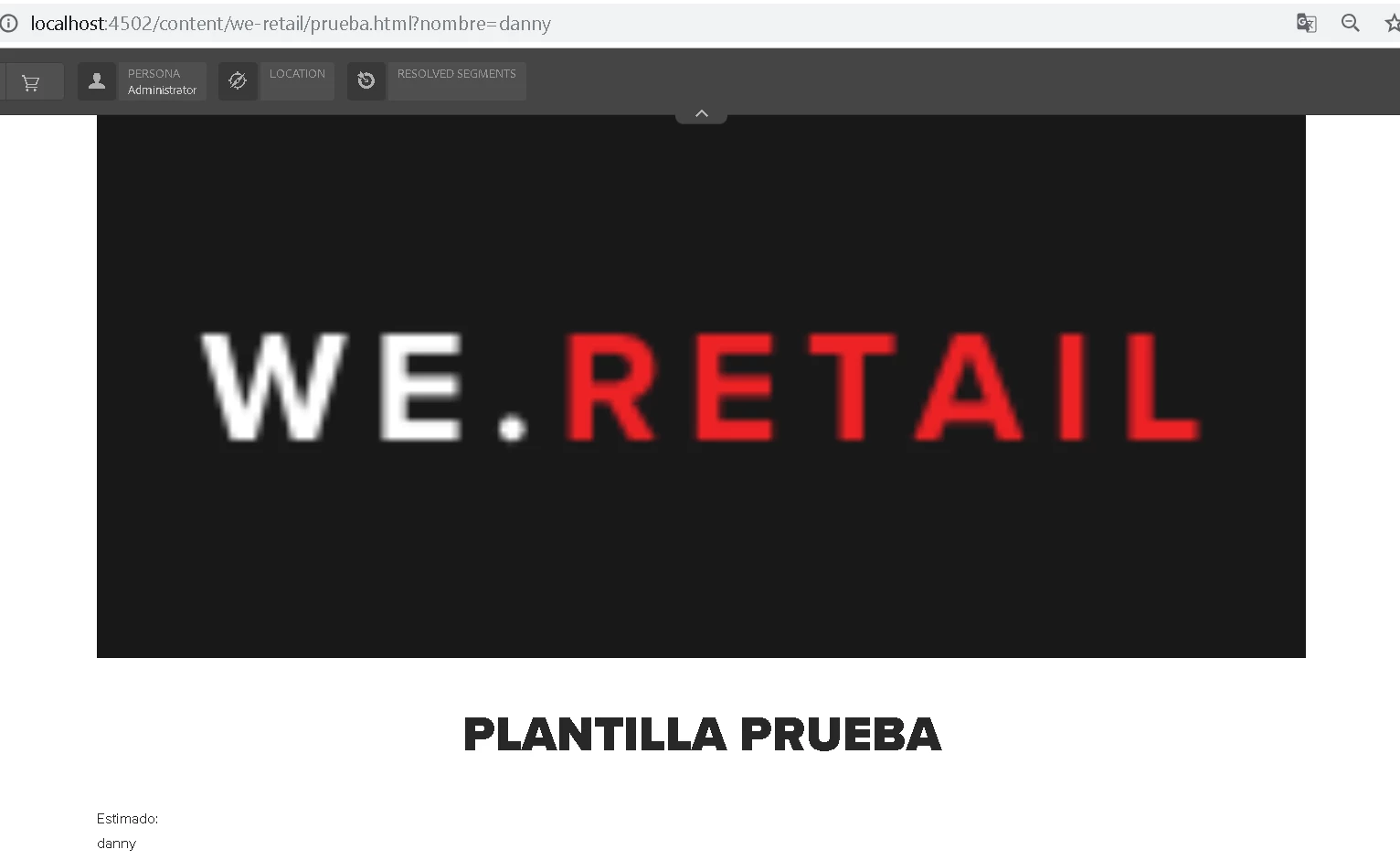
If I changed the value of parameter, change value in my div, it's OK, but when publish this page doesn't view my component:
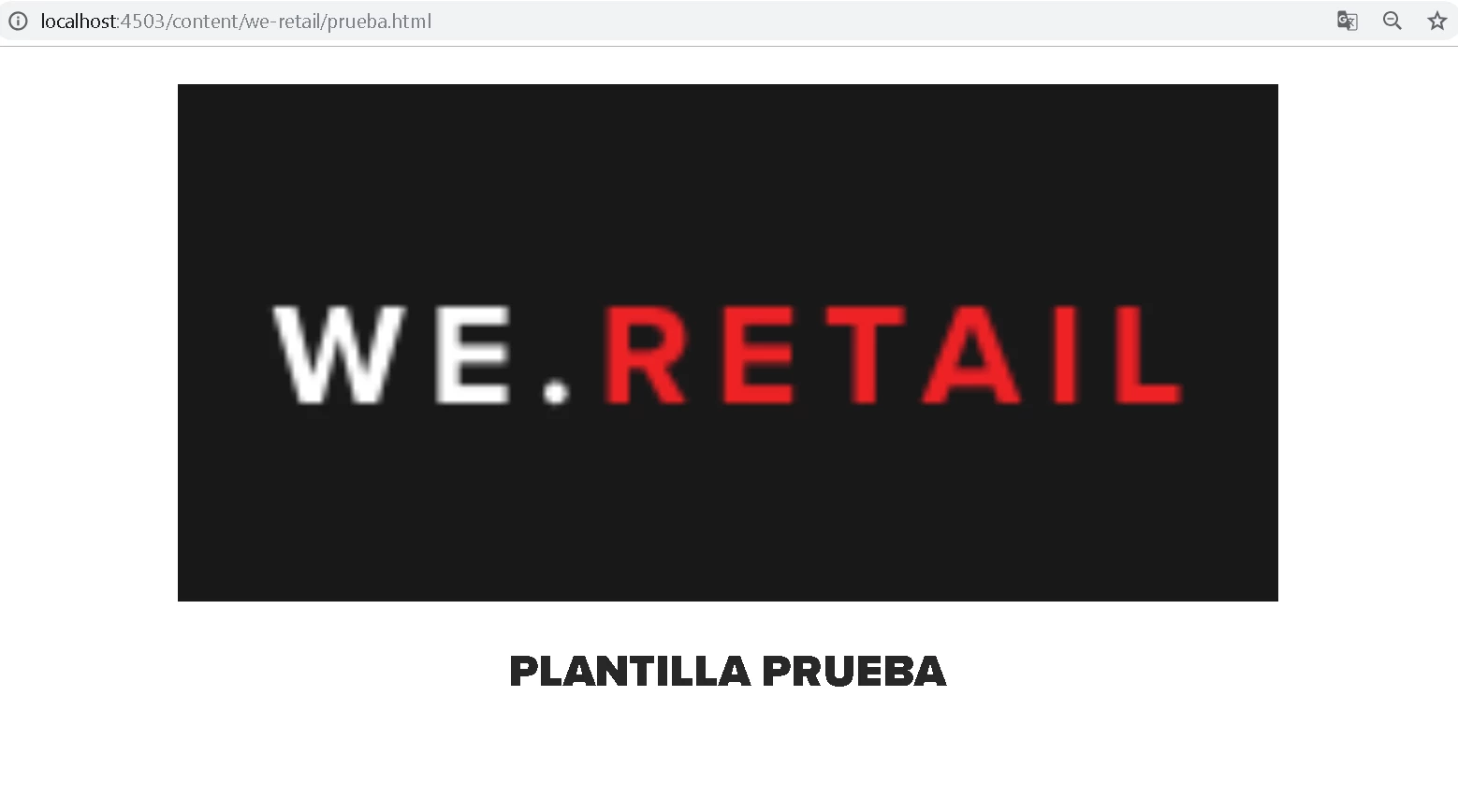
What is happened? Any idea about this?

This post is no longer active and is closed to new replies. Need help? Start a new post to ask your question.
Best answer by Ott0gi

Hi everybody,

Thaks for your answers and your support. Finally,  I got it to work, I am new to the platform and I learned several things based on their comments, the problem of the script that I was not executing was because I needed to add the allowProxy property to true for my clientlibs folder. Well, I hope you continue to support me in the future that I have to see on the platform, special thanks to smacdonald2008 and gauravb10066713.

I see you soon. Greetings

23 replies

smacdonald2008
Level 10
February 20, 2019

I will look at this package.

Here is a video that shows you a custom component set in Author, deployed to PUB. Then you can see the results that are configured on Author and rendered in the PUBLISH instance:

smacdonald2008
Level 10
February 20, 2019

There are a few issues with your component:

1 . Your component is not following a standard way of building HTL components. For example - you have not made use of a dialog. So when i set a value in a dialog, it's not rendering. I recommend that you re-design your component that follows how to build an AEM component that uses granite resource types for a component dialog:

Building Experience Manager Components using Granite/Coral Resource Types

2. I see that you have your HTML set via the script. The NULL was coming from the script - not AEM. I changed the logic to print this:

It works -- see the output in the page:

I deployed everything to PUB - and it works too:

Please also watch the video too where we show a standard HTL that uses a Java WCMUsePojo working on the PUB instance.

Ott0gi
Ott0giAuthorAccepted solution
Level 2
February 21, 2019

Hi everybody,

Thaks for your answers and your support. Finally,  I got it to work, I am new to the platform and I learned several things based on their comments, the problem of the script that I was not executing was because I needed to add the allowProxy property to true for my clientlibs folder. Well, I hope you continue to support me in the future that I have to see on the platform, special thanks to smacdonald2008 and gauravb10066713.

I see you soon. Greetings