My component doesn't view when publish my page AEM | Community
Skip to main content
Ott0gi
Level 2
February 15, 2019
Solved

My component doesn't view when publish my page AEM

  • February 15, 2019
  • 23 replies
  • 14593 views

Hi, I don't speak english very well, I have a simple component:
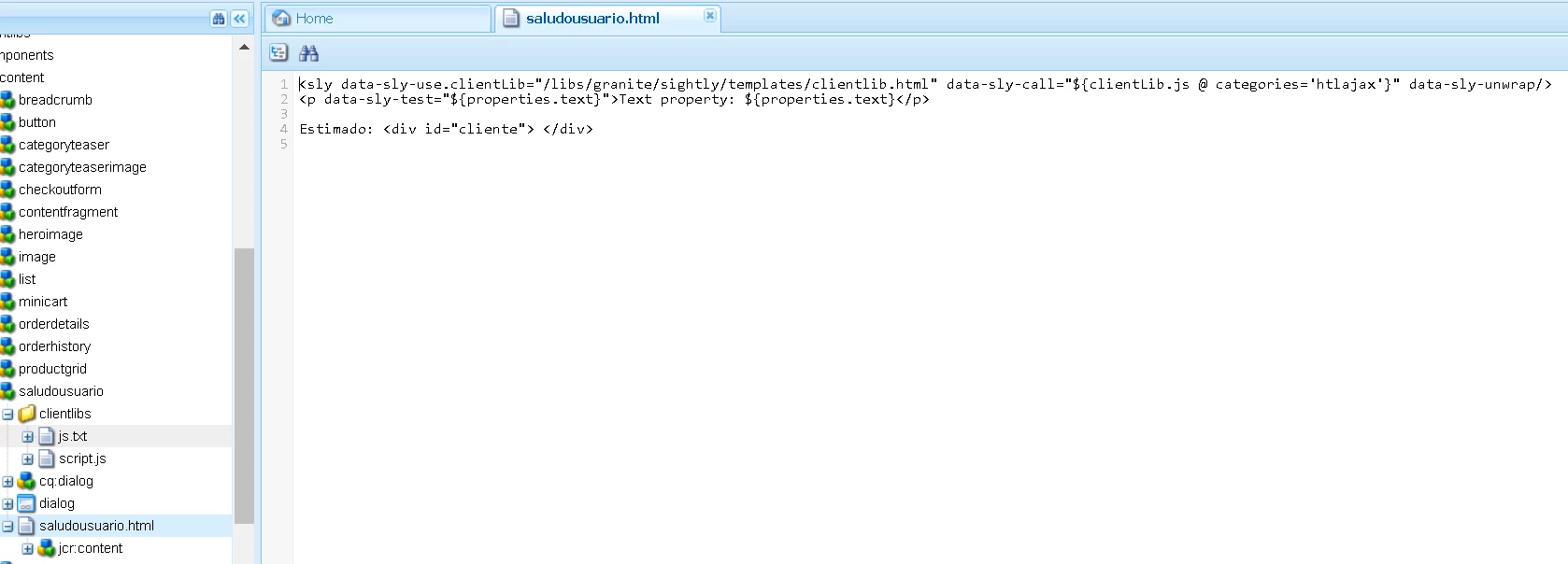
This component write name of client than give for a parameter on the URL, thus:
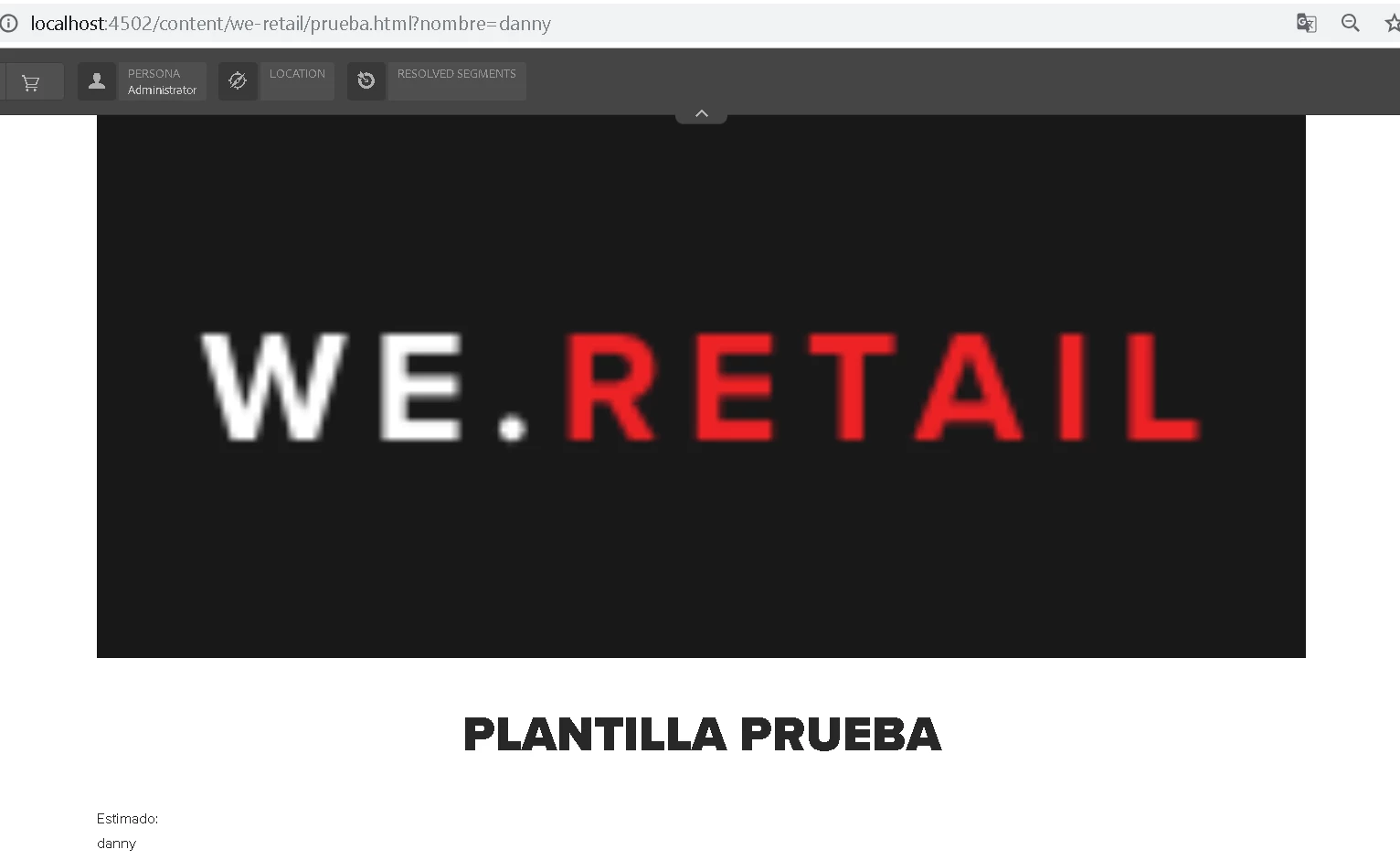
If I changed the value of parameter, change value in my div, it's OK, but when publish this page doesn't view my component:
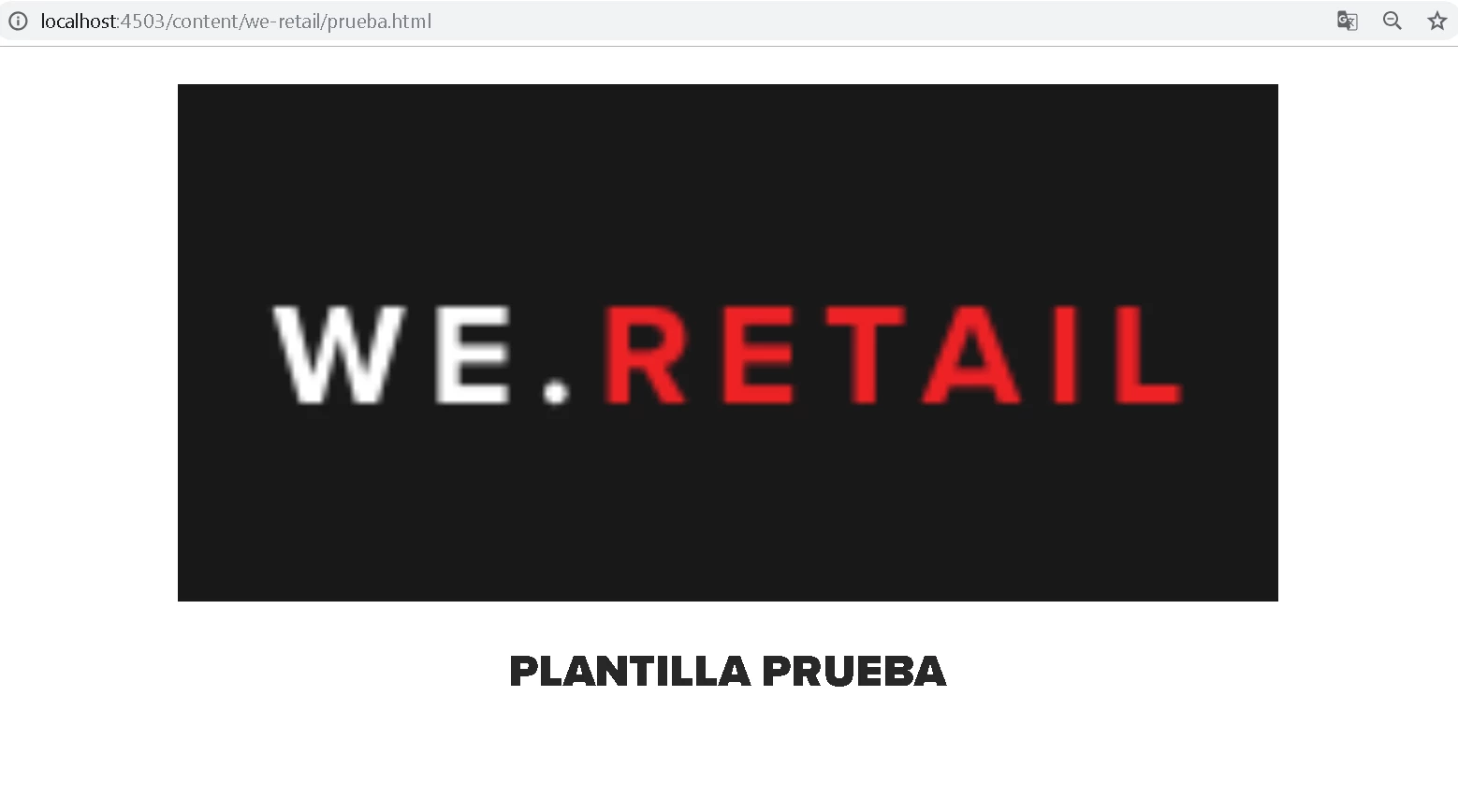
What is happened? Any idea about this?

This post is no longer active and is closed to new replies. Need help? Start a new post to ask your question.
Best answer by Ott0gi

Hi everybody,

Thaks for your answers and your support. Finally,  I got it to work, I am new to the platform and I learned several things based on their comments, the problem of the script that I was not executing was because I needed to add the allowProxy property to true for my clientlibs folder. Well, I hope you continue to support me in the future that I have to see on the platform, special thanks to smacdonald2008 and gauravb10066713.

I see you soon. Greetings

23 replies

edubey
Level 10
February 15, 2019

Make sure to deploy your component code to publish

June 14, 2020
hi I have the same issue , Can I know how to publish the custom component or template
Ott0gi
Ott0giAuthor
Level 2
February 15, 2019

How does it do that?

Gaurav-Behl
Level 10
February 15, 2019

In the above screenshot for publish server url, you haven't passed the querystring. What is your use case?

could you share your code?

Ott0gi
Ott0giAuthor
Level 2
February 18, 2019

Sure, this is my code for file js.txt:

script.js

For file script.js:

$(document).ready(function() {

   $('#cliente').text('Juan');

});

For file saludo.html:

<sly data-sly-use.clientLib="/libs/granite/sightly/templates/clientlib.html"

     data-sly-call="${clientLib.js @ categories='htlajax'}"

data-sly-unwrap/>

<p data-sly-test="${properties.text}">Text property: ${properties.text}</p>

Felicidades Estimado: <div id="cliente"> </div>

Here structure files in my CRXDE, show properties for folder clientlibs:

My use case is write my name "Juan" in div with id="cliente" but I can't when publish my page, Any idea?

smacdonald2008
Level 10
February 18, 2019

As Praveen pointed out - looks like your component is not deployed on the AEM PUBLISH instance.

Create a package with all of your components under /app/yourProject and deploy to PUB. All components need to be on the PUB instance for them to be displayed in PUB.

Ott0gi
Ott0giAuthor
Level 2
February 18, 2019

Hi smacdonald2008, thx for your answer, yeah I published all my project with my component on publish instance, I suppose than fine because my component is show in my page on publish instance, I change designed on my page and working in other project different to WeRetail, but I'm doing the same an my project now is called WeRimac:

Author instance(mode editor):

Publish instance:

smacdonald2008
Level 10
February 18, 2019

On Publish - look at CRXDE lite, check the page props under /content<yourproject/YourPage. See if the properties are set properly. WHen you deploy your page - it should be deploying the page under /content with the props

Ott0gi
Ott0giAuthor
Level 2
February 18, 2019

smacdonald2008, I see tree at CRXDE, I have this:

Now, I do not see my component "saludo"  in this tree, I only see the "title" and the "image" under root, but because my component is shown in the publish instance.

How do I add my component to this tree in this instance?

Gaurav-Behl
Level 10
February 18, 2019

Login @ localhost:4502/crx/packmgr and

  • create a package of your source code  -- /apps/WeRimac & /conf/WeRimac and replicate it
  • create a package of content pages - /content/WeRimac and replicate it
  • check on author that your component is added to the page and it appears fine?

Login to localhost:4503/crx/de and validate that you can see source code package and content pages

Check if the component appears on page or not?  If the component is added to page in author and you replicate the content page, it should work in publish server as well.

In case of any issues, login with admin credentials on localhost:4503 and then test it and revert.

Ott0gi
Ott0giAuthor
Level 2
February 18, 2019

gauravb41175071​, thx for your answer, the steps that you mention and I made them, show:

On option "more" I did do click on "replicate" for two packages and my bundle on http://localhost:4502/system/console/bundles​ it's OK. I createdmy project WeRimac using archetype version 15 on eclipse, then only I did do -PautoInstallPackage install, then my project appear in CRXDE, thus:

Via CXRDE, I create component "saludo" and all files of this, then I "build" of my package at localhost:4502/crx/packmgr, then "replicate" thanks to this I was able to see my component in the publish instance, because at the beginning of this topic, that was my problem.

What am I doing wrong? because doesn't print "Juan" on my page. Help me please.