Local publish can't see published content from author | Community
Skip to main content
Level 2
November 25, 2021
Solved

Local publish can't see published content from author

  • November 25, 2021
  • 2 replies
  • 3004 views

I downloaded the latest AEM SDK aem-sdk-2021.11.6023.20211111T113531Z-211000.zip,  and rename the jar package to to aem-author-p4502.jar and aem-publish-p4503.jar, both the author and publish is able to run successfully. And I enabled the replication  agent.
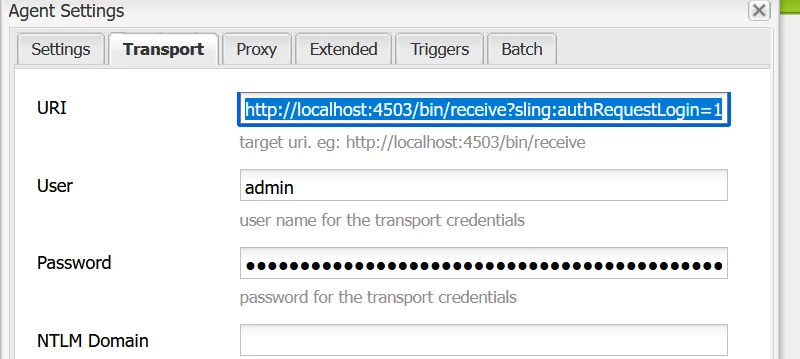
 

Then I successfully build the sample code(https://github.com/adobe/aem-guides-wknd) and deploy to local author.

I published the changes in author, but  can't see anything in local publish environment. Any suggestion? Thanks
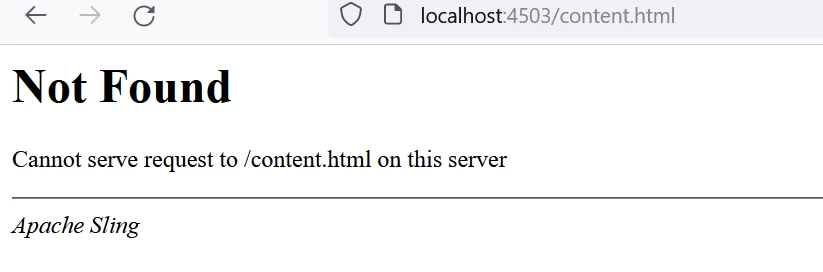
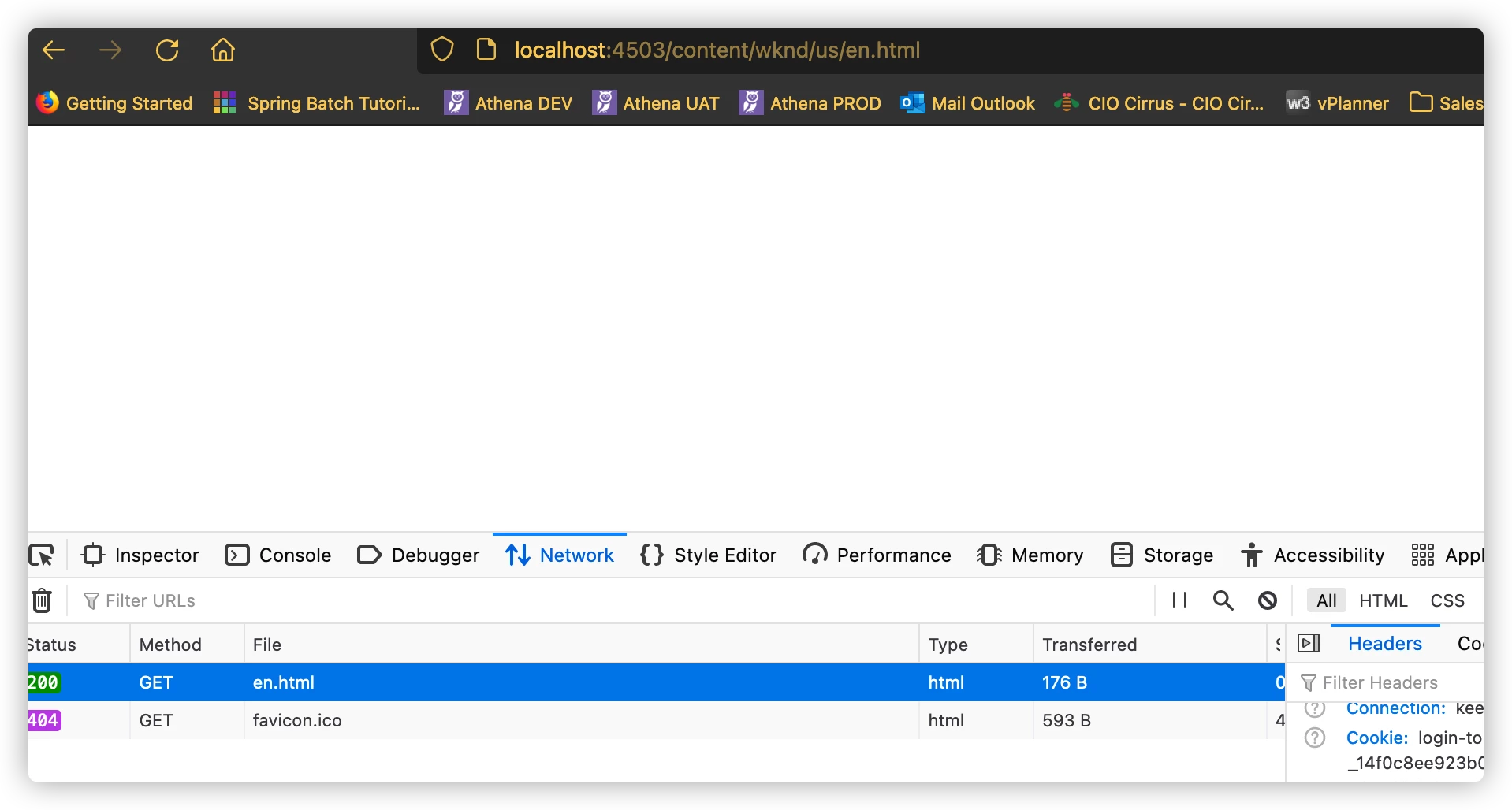
And when I try to check http://localhost:4503/content/wknd/us/en.html, it's a blank page


This post is no longer active and is closed to new replies. Need help? Start a new post to ask your question.
Best answer by Kishore_Kumar_

@kishore_kumar_Thank you.

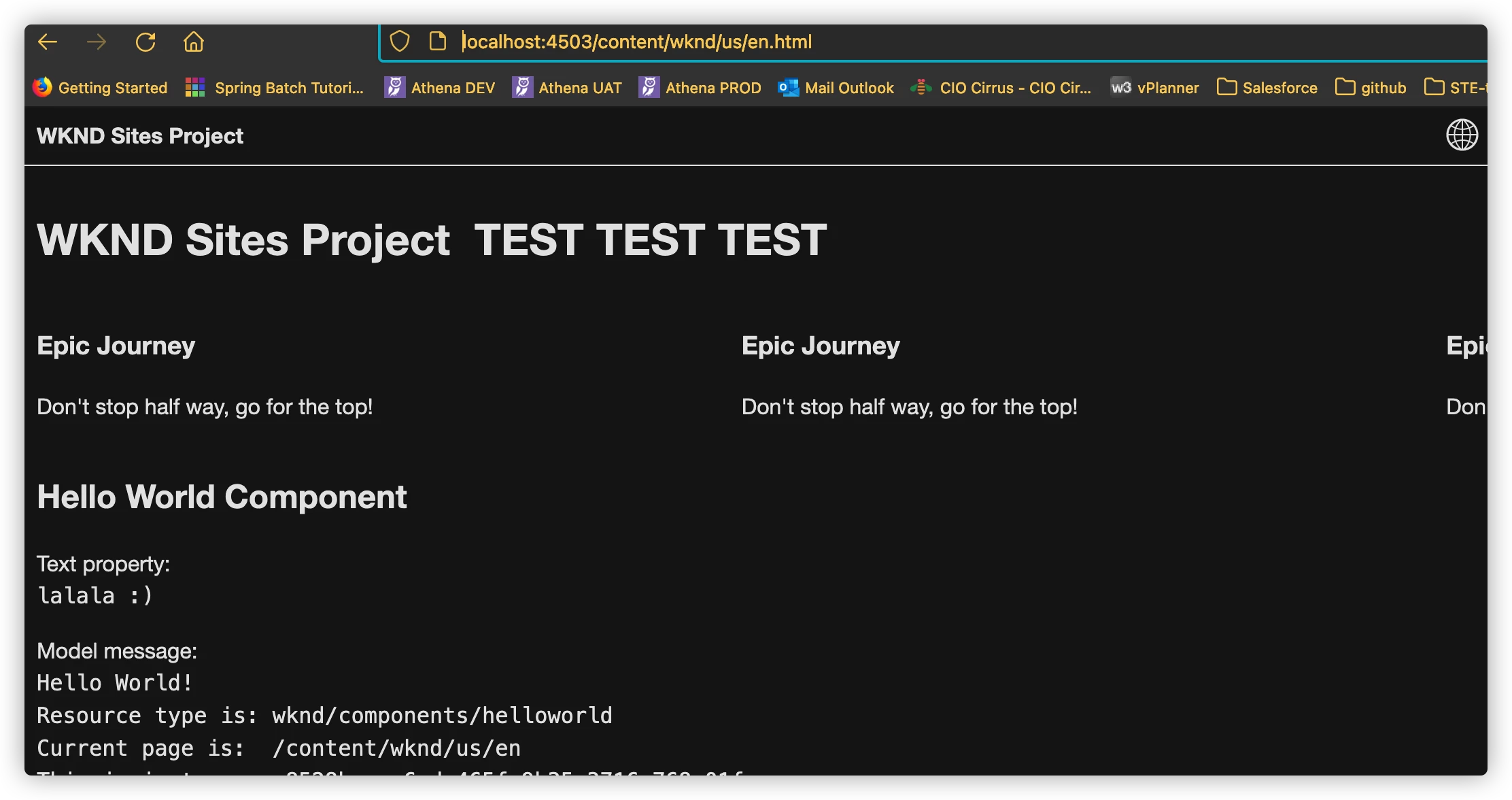
Now I can see the content with URL

http://localhost:4503/content/wknd/us/en.html

But I can't see the content directly with URL http://localhost:4503/


Any more suggestion? thanks


We have to do mapping configs for redirects. Please refer below article to get some idea.


https://www.albinsblog.com/2020/07/configure-sling-mapping-for-resource-resolution-in-adobe-experience-manager.html 


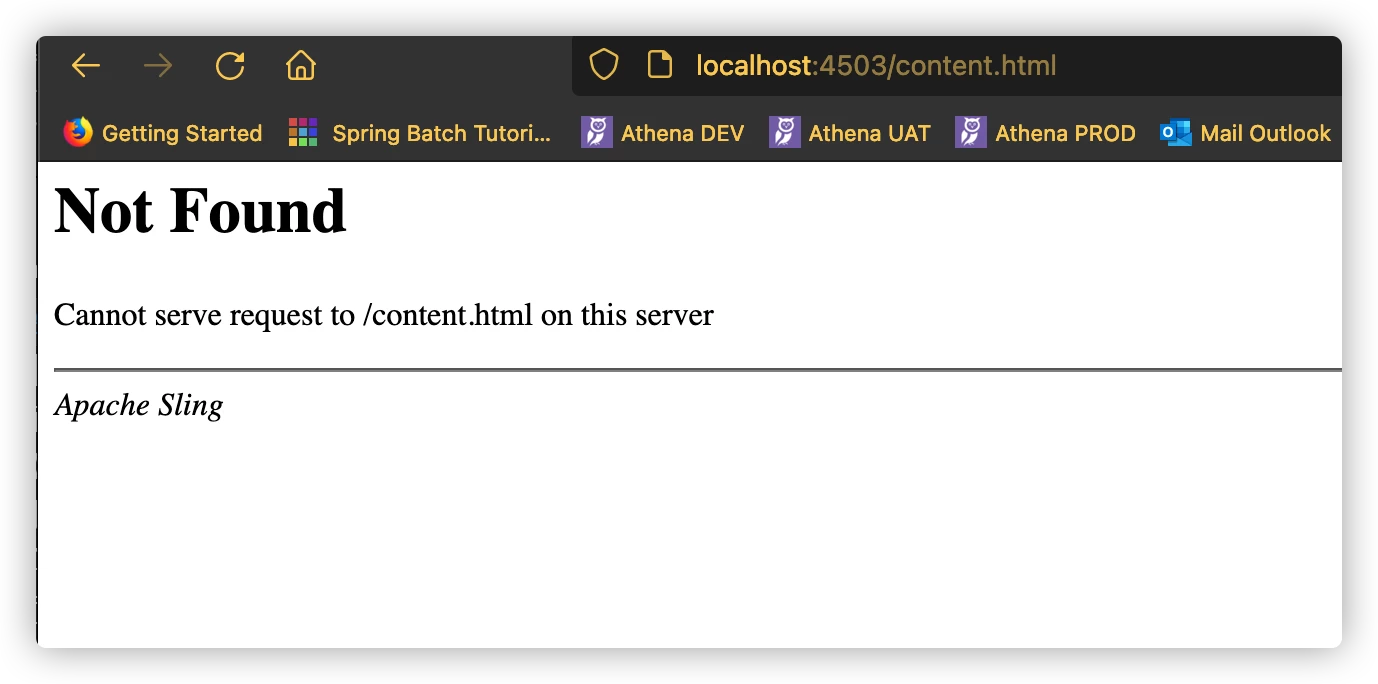
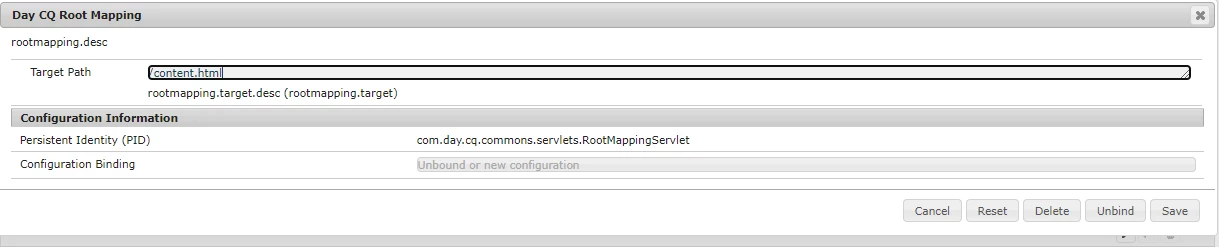
and JFYI the reason you are redirecting to localhost:4503/content.html if you hit localhot:4503 is due to config of default root mapping of publisher.


Go to 

http://localhost:4503/system/console/configMgr

check for "Day CQ Root Mapping" property.


Similarly for author instance if you hit localhost:4502 it will redirect to localhot:4502/aem/start.html


2 replies

Siva_Sogalapalli
Community Advisor
Community Advisor
November 25, 2021

@wkk52586 one quick question, did you also deploy the code to publisher instance? 

In order to see the page content on publisher, make sure both author & publisher has same code based installed. 


Kiran_Vedantam
Community Advisor
Community Advisor
November 25, 2021

Hi @wkk52586 


What is the error thats coming in the logs?

Can you confirm if the same page is working in author?

Can you confirm if all the bundles are installed and active in publisher?


Thanks,

Kiran Vedantam.

wkk52586Author
Level 2
November 26, 2021

@kiran_vedantam  @siva_sogalapalli  I'm a green hand for AEM. After installing the author and publish and run them up. Setup the configuration and test successfully.


Then I just followed the guide in https://experienceleague.adobe.com/docs/experience-manager-learn/getting-started-wknd-tutorial-develop/project-archetype/project-setup.html?lang=en

Generated the project and ran the command

mvn clean install -PautoInstallSinglePackage

The WKND projects deployed to local author:

Then I made some changes for en and publish that,

But in local publisher ,it's a blank page


Any suggestion? Thank you!


wkk52586Author
Level 2
November 26, 2021

Hi @wkk52586 


Run below command to deploy in publisher instance and then check please.


mvn clean install -PautoInstallPackagePublish

@kishore_kumar_Thank you.

Now I can see the content with URL

http://localhost:4503/content/wknd/us/en.html

But I can't see the content directly with URL http://localhost:4503/


Any more suggestion? thanks