Hi @veerareddyc1015,
I had faced a similar issue a while ago: https://experienceleaguecommunities.adobe.com/t5/adobe-experience-manager/rte-link/td-p/451393
To answer your question:
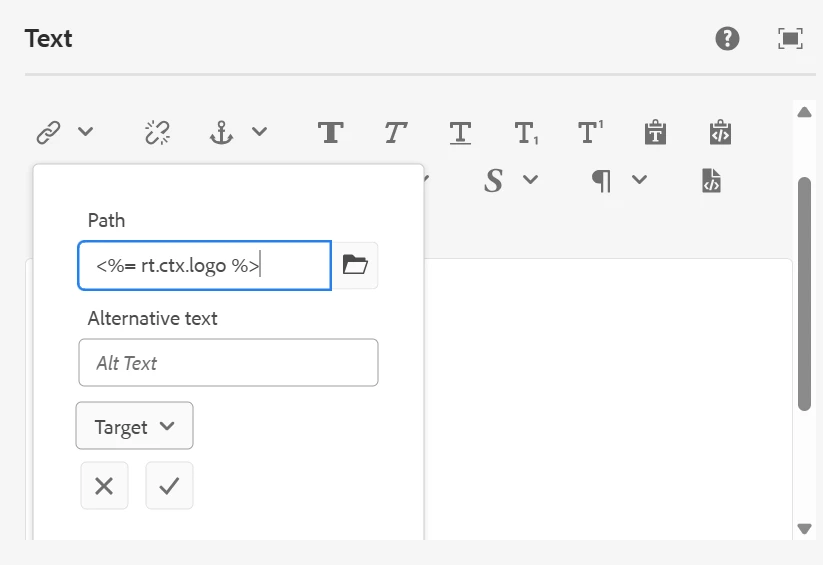
1. Can I save <%= rt.ctx.logo %> as-is in the node?
No, not directly using the standard RTE. AEM RTE escapes special characters (like <, %, =) automatically. You would need to override or post-process this behavior to retain raw dynamic content.
2. How to fix this or work around it?
Option 1: Use custom placeholder format (I would recommend this)
Instead of using real <%= ... %> expressions, use a custom token format (e.g., @@logo@@) that is:
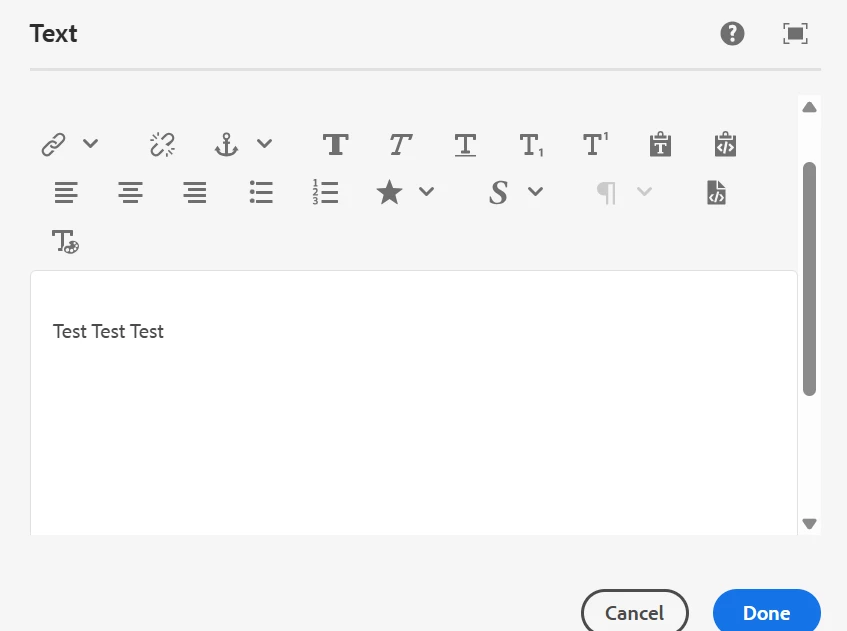
<a href="@@logo@@">Test</a>
Then, in your HTL or backend code, replace @@logo@@ with rt.ctx.logo.
Example: Something like this
Author Output (safe for RTE):
<a href="@@logo@@">Click here</a>
HTL or Java logic:
String content = contentFromRTE.replace("@@logo@@", rt.getCtx().getLogo());
Option 2: Use a Hidden Field for Expressions
Separate static vs dynamic content:
-
Use RTE for authoring normal content
-
Use a hidden field or custom path field in the dialog to enter the dynamic expression like <%= rt.ctx.logo %>
-
Inject it in your HTL logic or rendering script
3. Can I disable encoding in the RTE?
Not easily — RTE is designed to protect against XSS and malformed HTML, so it auto-encodes unsafe input. Disabling it entirely is risky and not recommended.