Layout mode and responsive grid setting
Hello AEM community!
I have a problem setting up the responsive grid in my AEM app.
I followed the Adobe's tutorial site ( Configuring Layout Container and Layouting Mode - docs.adobe.com ) and I am using 6.1 AEM.
After setting up the node as directed in the tutorial, I could not turn on Layout mode to show the ruler and grids.
Following are my set ups.
In my template node, we have following properties.

The template node has following nodes.
I have only one break point as shown, however, even I made multiple break points, it does not show layout mode at editor.html
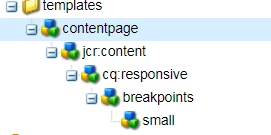
In the Components node, I have the following structure.
The contentpage components is my page component that uses template shown above.
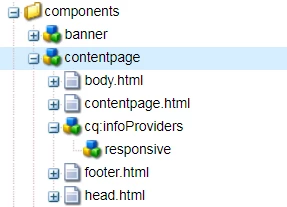
In the contentpage node, I have the following properties

AS you can see from the contentpage structure, I have cq:infoProviders which has a responsive node.
For cq:inforProviders node, I have the following property

For responsive node, I have the following properties

As the tutorial mentioned, I use responsivegrid instead of parsys to make a component drop section

Let's say I have a textField component to use in the page.
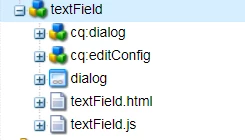
The textField's properties are following

And textField.html is following

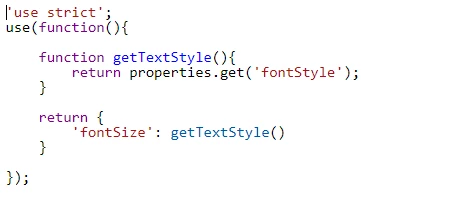
In the text.js I have
I want to have my editor.html like tutorial. I need the yellowed area.
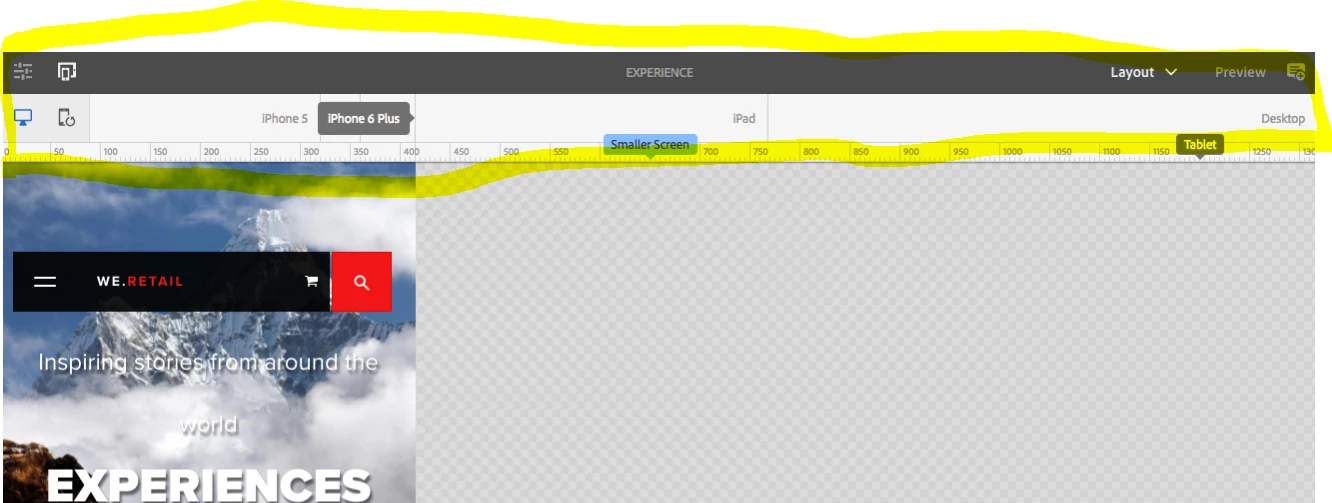
However, my editor.html has Edit, Scaffold, Developer, and Design mode. Not included the Layout mode.

I also want to my editor.html to have responsive component.
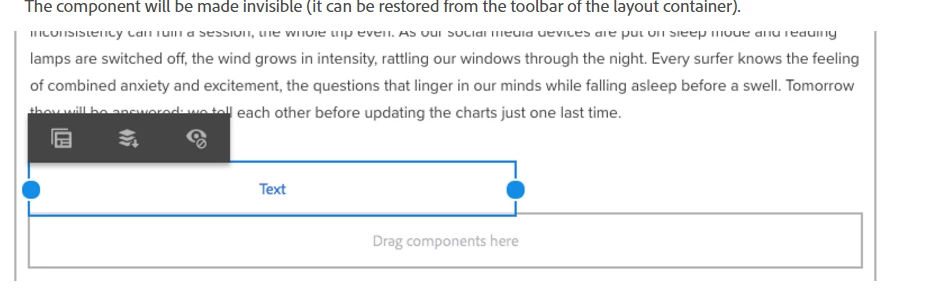
However, I have only fixed width component

I think I missed some configuration or did wrong way to set up node.
If you know about layout mode setting, please help me out here 
Thank you for your help in advance
Ryu