Image - V3 - Core component - Does not show the dialog on AEM 6.5 | Community
Skip to main content
Level 2
February 5, 2024
Solved

Image - V3 - Core component - Does not show the dialog on AEM 6.5

  • February 5, 2024
  • 3 replies
  • 2314 views

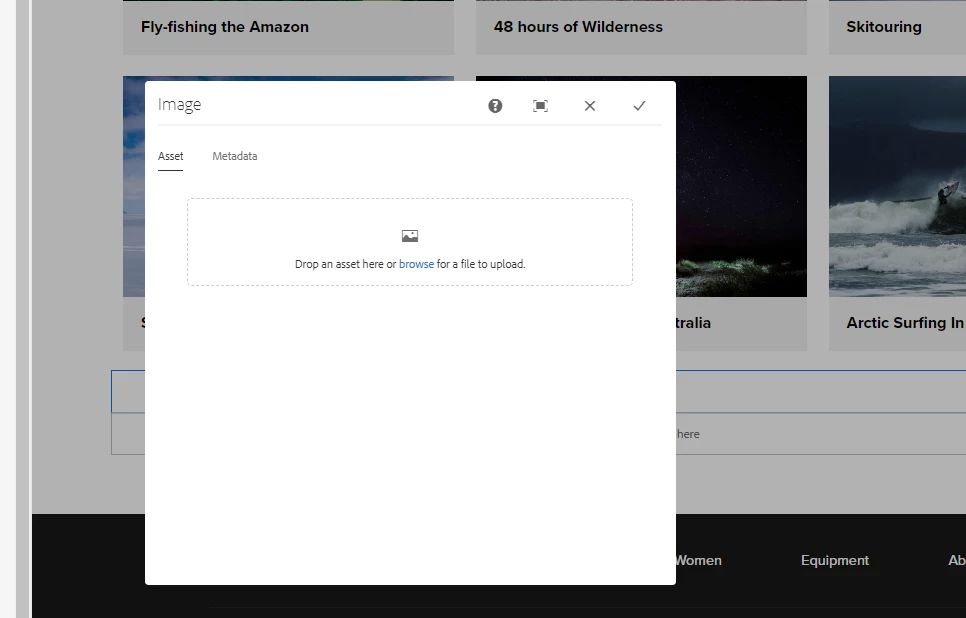
On our project we are seeing an issue with Image core component - v3, that on edit of the component, we do not see the dialog box popup. We can add an image but dialog does not show. The same is also reproduceable on a Wknd site ( https://github.com/adobe/aem-guides-wknd/tree/aem-guides-wknd-3.2.0 )


Our stack:

AEM 6.5

Service pack 6.5.19

Java 11.0.2

Core components 2.23.4


Steps:

Add a new page using Content page template

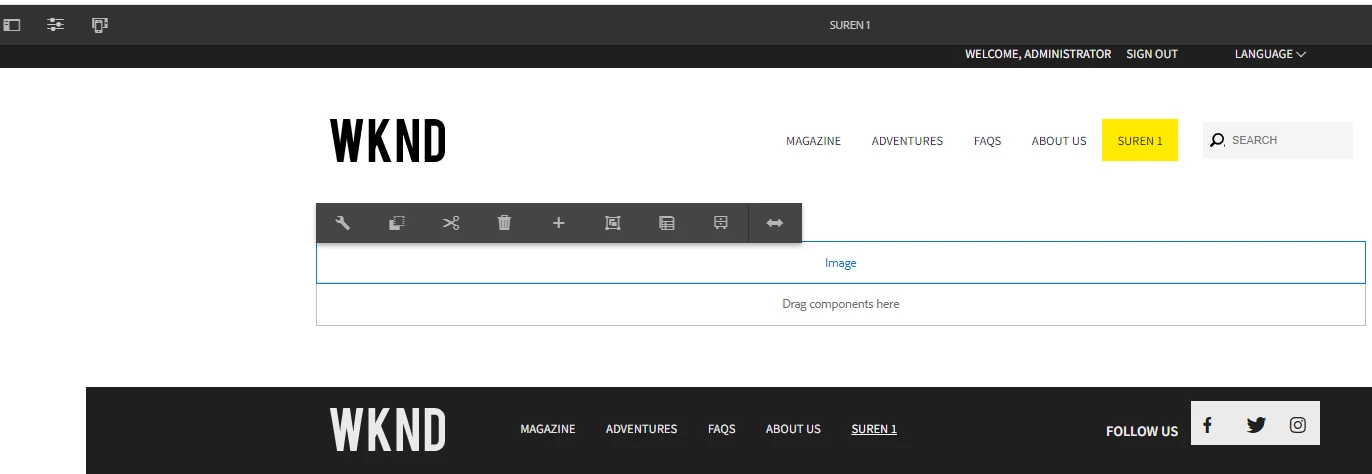
Add an Image component > select "Configure" option, the popup does not display. 


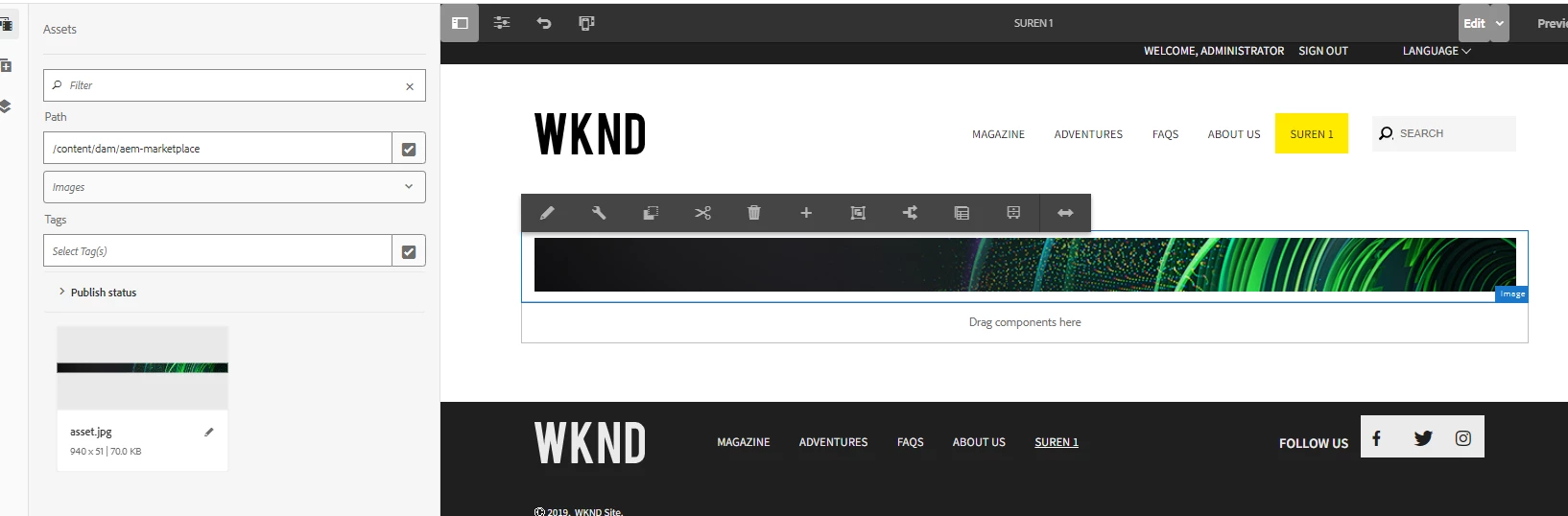
Add an image - drag/drop an asset, but still "configure" option does not show the popup.
Seeing this error on Console
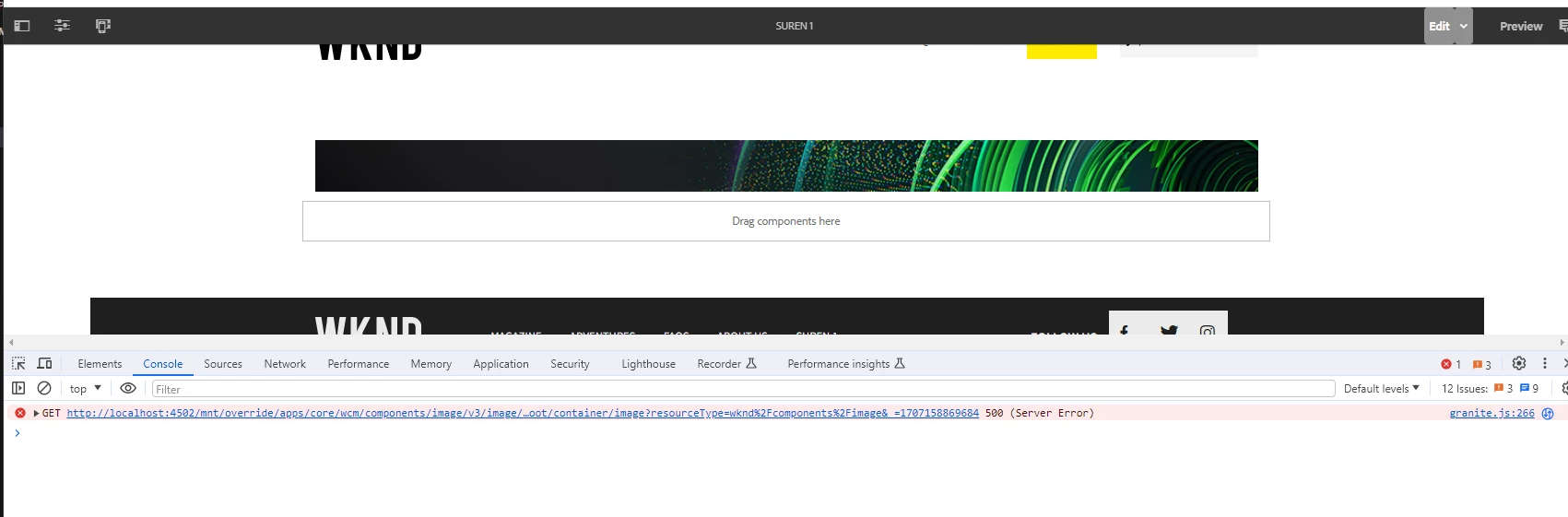
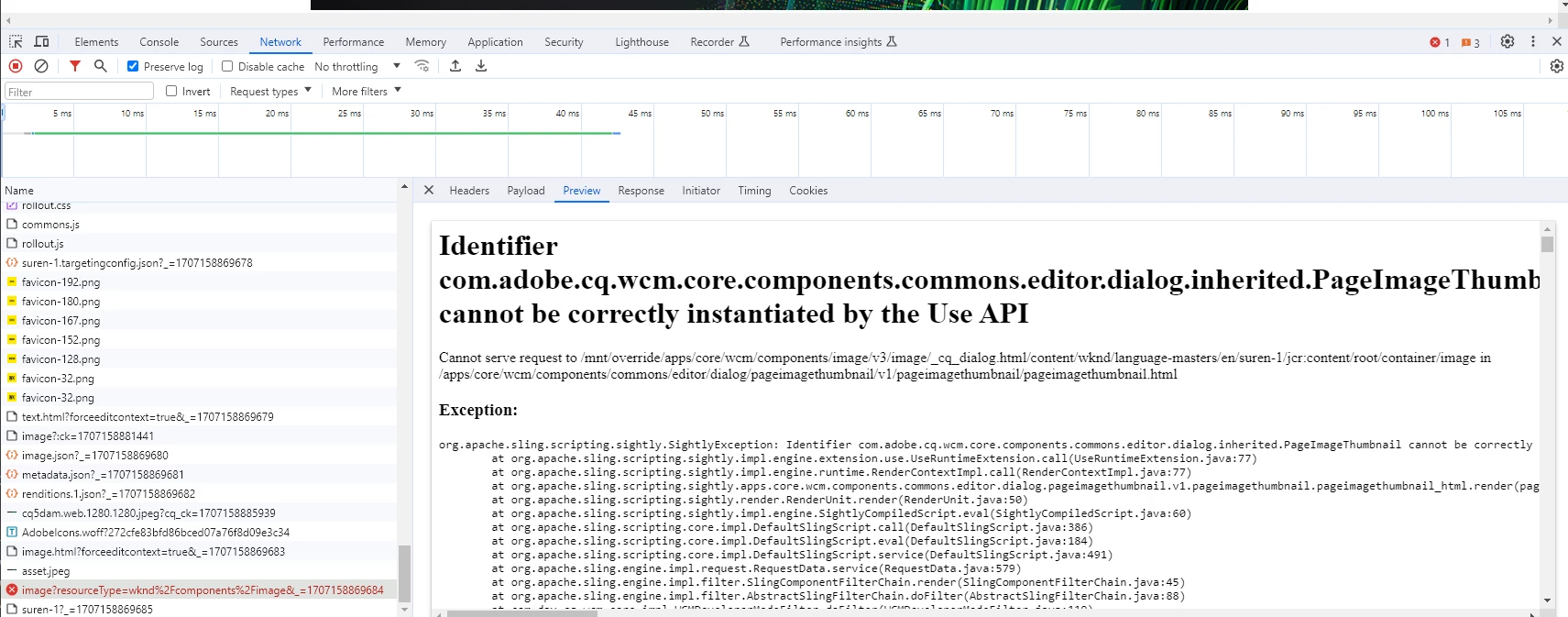
GET http://localhost:4502/mnt/override/apps/core/wcm/components/image/v3/image/_cq_dialog.html/content/wknd/language-masters/en/suren-1/jcr:content/root/container/image?resourceType=wknd%2Fcomponents%2Fimage&_=1707158869684 500 (Server Error)


We are just overlaying the Image and did not add any customizations.

.content.xml


<?xml version="1.0" encoding="UTF-8"?> <jcr:root xmlns:sling="http://sling.apache.org/jcr/sling/1.0" xmlns:cq="http://www.day.com/jcr/cq/1.0" xmlns:jcr="http://www.jcp.org/jcr/1.0" jcr:primaryType="cq:Component" jcr:title="Image" sling:resourceSuperType="core/wcm/components/image/v3/image" componentGroup="Project - Content"/>


and _cq_editConfig.xml


<?xml version="1.0" encoding="UTF-8"?> <jcr:root xmlns:cq="http://www.day.com/jcr/cq/1.0" xmlns:jcr="http://www.jcp.org/jcr/1.0" xmlns:nt="http://www.jcp.org/jcr/nt/1.0" cq:inherit="{Boolean}true" jcr:primaryType="cq:EditConfig"/>


The same works on we.retail site that uses Image core component v2 ( sling:resourceSuperType="core/wcm/components/image/v2/image" https://github.com/Adobe-Marketing-Cloud/aem-sample-we-retail/blob/master/ui.apps/src/main/content/jcr_root/apps/weretail/components/content/image/.content.xml )
This post is no longer active and is closed to new replies. Need help? Start a new post to ask your question.
Best answer by SurenCap

Thanks @anish-sinha 


We identified the issue is with our custom code which was interfering with the core components.

The fix:

We were using Image component in one of our Teaser component. We removed the defaultInjectionStrategy = DefaultInjectionStrategy.OPTIONAL. 


// PREVIOUS: @Model(adaptables = {SlingHttpServletRequest.class}, defaultInjectionStrategy = DefaultInjectionStrategy.OPTIONAL, resourceType = "project/components/teaser", adapters = {Teaser.class}) @Model(adaptables = {SlingHttpServletRequest.class}, resourceType = "project/components/teaser", adapters = {Teaser.class}) @Exporter(name = "jackson", extensions = "json") public class ProjectTeaserModel extends AbstractComponent implements Teaser { ... // PREVIOUS: @ValueMapValue @ValueMapValue(injectionStrategy = InjectionStrategy.OPTIONAL) @Getter public String accessibilityText; ... }


And the "Configure" dialog shows up now:

3 replies

Shashi_Mulugu
Community Advisor
Community Advisor
February 6, 2024

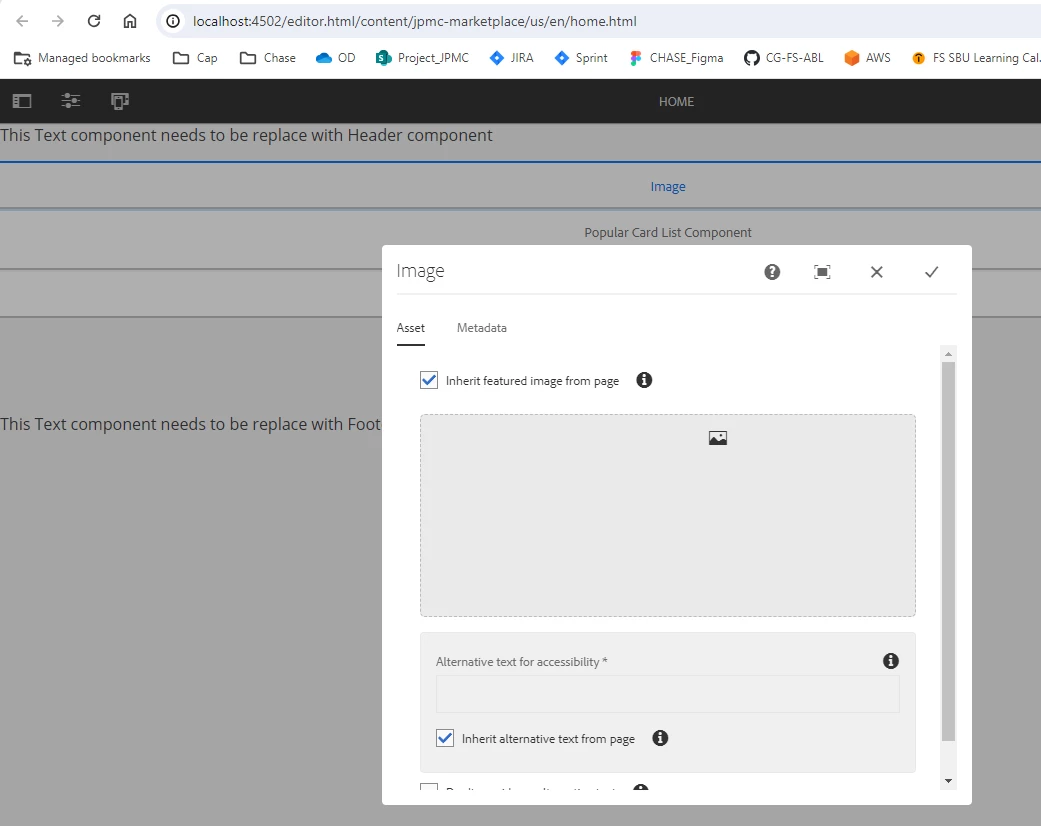
@surencap as per documentation you need to configure featured image in page properties before using Core component v3 version...


SurenCapAuthor
Level 2
February 6, 2024

thanks @shashi_mulugu but i cannot find that in docs? Assuming the "configure" dialog should show up for this core image component - https://experienceleague.adobe.com/docs/experience-manager-core-components/using/wcm-components/image.html#configure-dialog

also we just wanted to use this as a basic image.

Anish-Sinha
Adobe Employee
Adobe Employee
February 6, 2024

Hi @surencap ,

I've just tested this on a newly installed AEM 6.5.19 version, and it functions flawlessly. The image component behaves as expected, whether it's within the WKND project or a custom project generated with the latest archetype. Perhaps you could attempt this on a clean vanilla instance to rule out any interference from custom scripts.

SurenCapAuthorAccepted solution
Level 2
February 6, 2024

Thanks @anish-sinha 


We identified the issue is with our custom code which was interfering with the core components.

The fix:

We were using Image component in one of our Teaser component. We removed the defaultInjectionStrategy = DefaultInjectionStrategy.OPTIONAL. 


// PREVIOUS: @Model(adaptables = {SlingHttpServletRequest.class}, defaultInjectionStrategy = DefaultInjectionStrategy.OPTIONAL, resourceType = "project/components/teaser", adapters = {Teaser.class}) @Model(adaptables = {SlingHttpServletRequest.class}, resourceType = "project/components/teaser", adapters = {Teaser.class}) @Exporter(name = "jackson", extensions = "json") public class ProjectTeaserModel extends AbstractComponent implements Teaser { ... // PREVIOUS: @ValueMapValue @ValueMapValue(injectionStrategy = InjectionStrategy.OPTIONAL) @Getter public String accessibilityText; ... }


And the "Configure" dialog shows up now:

New Member
February 12, 2024

Thanks, this fixed the issue for me as well! Even though I have absolutely no idea why.

kautuk_sahni
Community Manager
Community Manager
February 6, 2024

@surencap Did you find the suggestions from users helpful? Please let us know if more information is required. Otherwise, please mark the answer as correct for posterity. If you have found out solution yourself, please share it with the community.

Kautuk Sahni