How to enable/disable a page property based on a checkbox or another page property | Community
Skip to main content
Level 2
December 5, 2022
Solved

How to enable/disable a page property based on a checkbox or another page property

  • December 5, 2022
  • 1 reply
  • 980 views

Hi,

I am looking to enable/disable a page property based on other page property. I tried to explore granite:rendercondition, but looks like an older implementation. Currently i am on AEM 6.5. Any leads on this are appreciated.

Thanks,

Raghu

This post is no longer active and is closed to new replies. Need help? Start a new post to ask your question.
Best answer by Avinash_Gupta_

Hi @raghud1980 


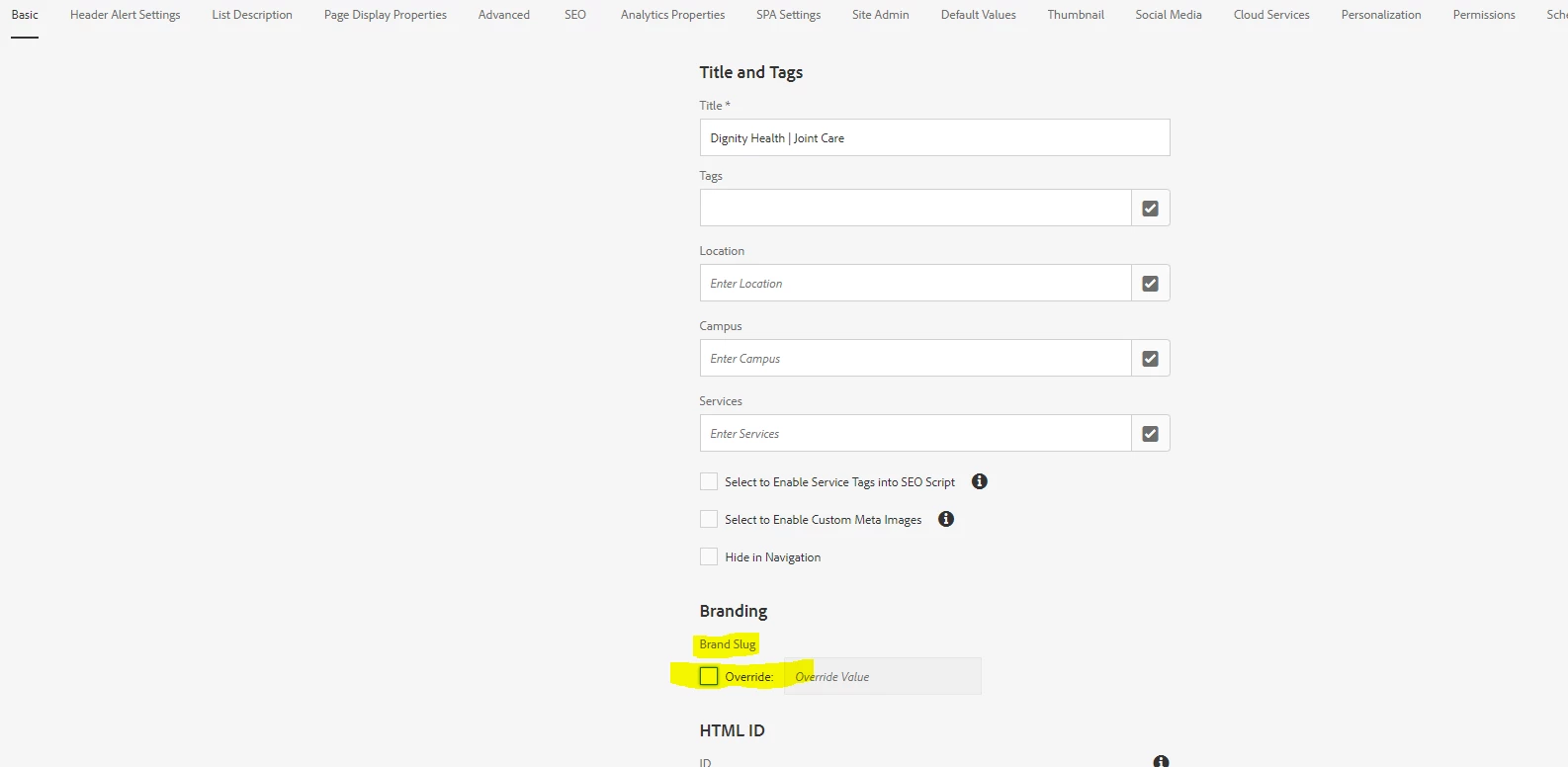
You would need to write your own handler to enable and disable a page properties dialog. If you observe the similar implementation is done in "Brand Slug" option present in OOB page properties dialog . It's enabling and disabling the field. You can refer to the similar approach and implement it based on the core component.


https://github.com/adobe/aem-core-wcm-components/blob/main/content/src/content/jcr_root/apps/core/wcm/components/page/v3/page/clientlibs/editor/js/brandSlugTuple.js 


Hope this helps.

1 reply

Avinash_Gupta_
Community Advisor and Adobe Champion
Avinash_Gupta_Community Advisor and Adobe ChampionAccepted solution
Community Advisor and Adobe Champion
December 5, 2022

Hi @raghud1980 


You would need to write your own handler to enable and disable a page properties dialog. If you observe the similar implementation is done in "Brand Slug" option present in OOB page properties dialog . It's enabling and disabling the field. You can refer to the similar approach and implement it based on the core component.


https://github.com/adobe/aem-core-wcm-components/blob/main/content/src/content/jcr_root/apps/core/wcm/components/page/v3/page/clientlibs/editor/js/brandSlugTuple.js 


Hope this helps.