
How to Dynamically link page to content fragment? | Adobe Higher Education
Skip to main content
sesmic
Level 4
July 8, 2023
解決済み

How to Dynamically link page to content fragment?

  • July 8, 2023
  • 1 の返信
  • 751 ビュー

Hi, I would like to show a list of content fragments with title something similar to list of blogs/post & when title is clicked, it should load full page content where respective content fragments is used.
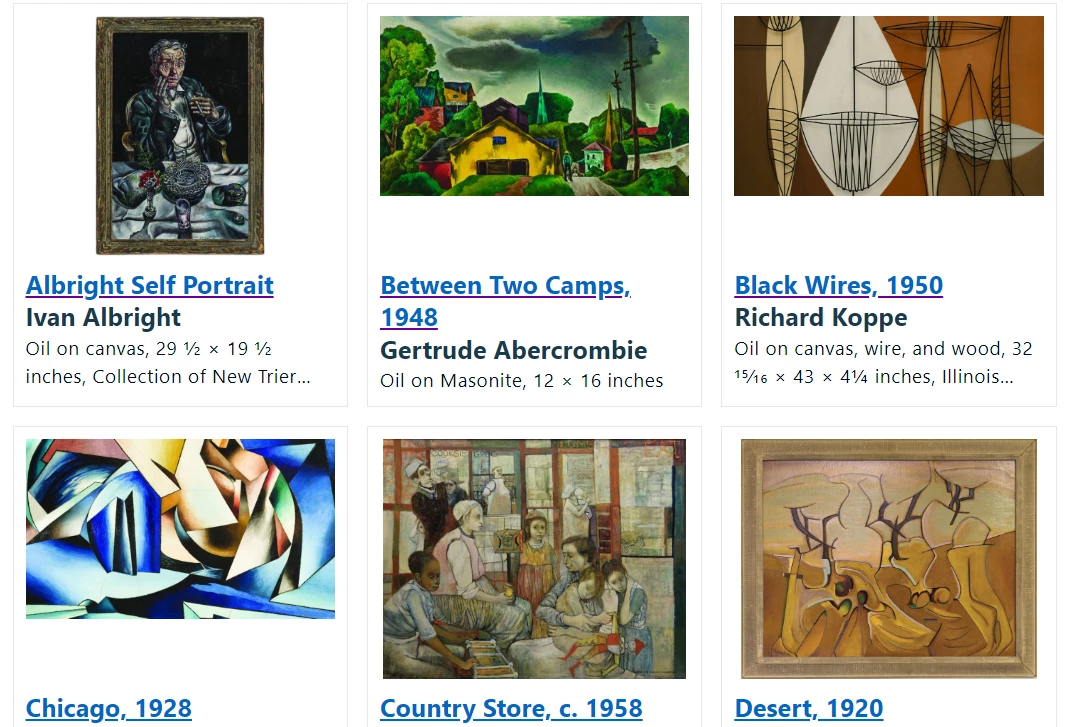
All the blogs/content fragments will be created in author instance only. After some search, I found this article but they didn't share how it was created or achieved it.  I want to create component like on This page but just want to show title with link to full page.
Can you please suggest as to how can I achieve this?


Thanks, in advance!

このトピックへの返信は締め切られました。
ベストアンサー aanchal-sikka

hello @sesmic 


The behavior can be achieved by using the ReferenceSearch. It can return the path of the Page referencing the Asset.


public Page getAssetReference(final String assetPath){ ReferenceSearch referenceSearch = new ReferenceSearch(); referenceSearch.setExact(true); referenceSearch.setHollow(false); referenceSearch.setMaxReferencesPerPage(-1); Collection<ReferenceSearch.Info> resultSet = referenceSearch.search(resolver, assetPath).values(); for (ReferenceSearch.Info info: resultSet) { return info.getPage(); } return null; }


You would also need to extend the Content Fragment List component [0] via Delegation pattern [1], to render the Page Link on UI.


[0]: https://experienceleague.adobe.com/docs/experience-manager-core-components/using/wcm-components/content-fragment-list.html?lang=en


[1]: https://experienceleague.adobe.com/docs/experience-manager-core-components/using/developing/customizing.html?lang=en

1 の返信

aanchal-sikka
Community Advisor
Community Advisor
July 9, 2023

hello @sesmic 


The behavior can be achieved by using the ReferenceSearch. It can return the path of the Page referencing the Asset.


public Page getAssetReference(final String assetPath){ ReferenceSearch referenceSearch = new ReferenceSearch(); referenceSearch.setExact(true); referenceSearch.setHollow(false); referenceSearch.setMaxReferencesPerPage(-1); Collection<ReferenceSearch.Info> resultSet = referenceSearch.search(resolver, assetPath).values(); for (ReferenceSearch.Info info: resultSet) { return info.getPage(); } return null; }


You would also need to extend the Content Fragment List component [0] via Delegation pattern [1], to render the Page Link on UI.


[0]: https://experienceleague.adobe.com/docs/experience-manager-core-components/using/wcm-components/content-fragment-list.html?lang=en


[1]: https://experienceleague.adobe.com/docs/experience-manager-core-components/using/developing/customizing.html?lang=en

Aanchal Sikka