Solved
How is Core Image Component adjusting sizes
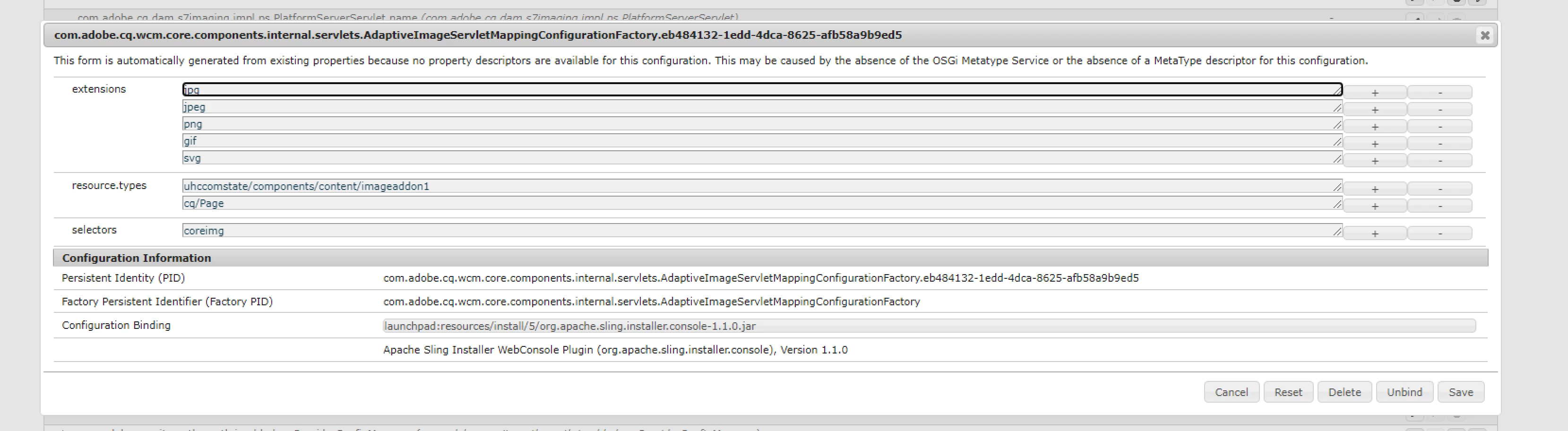
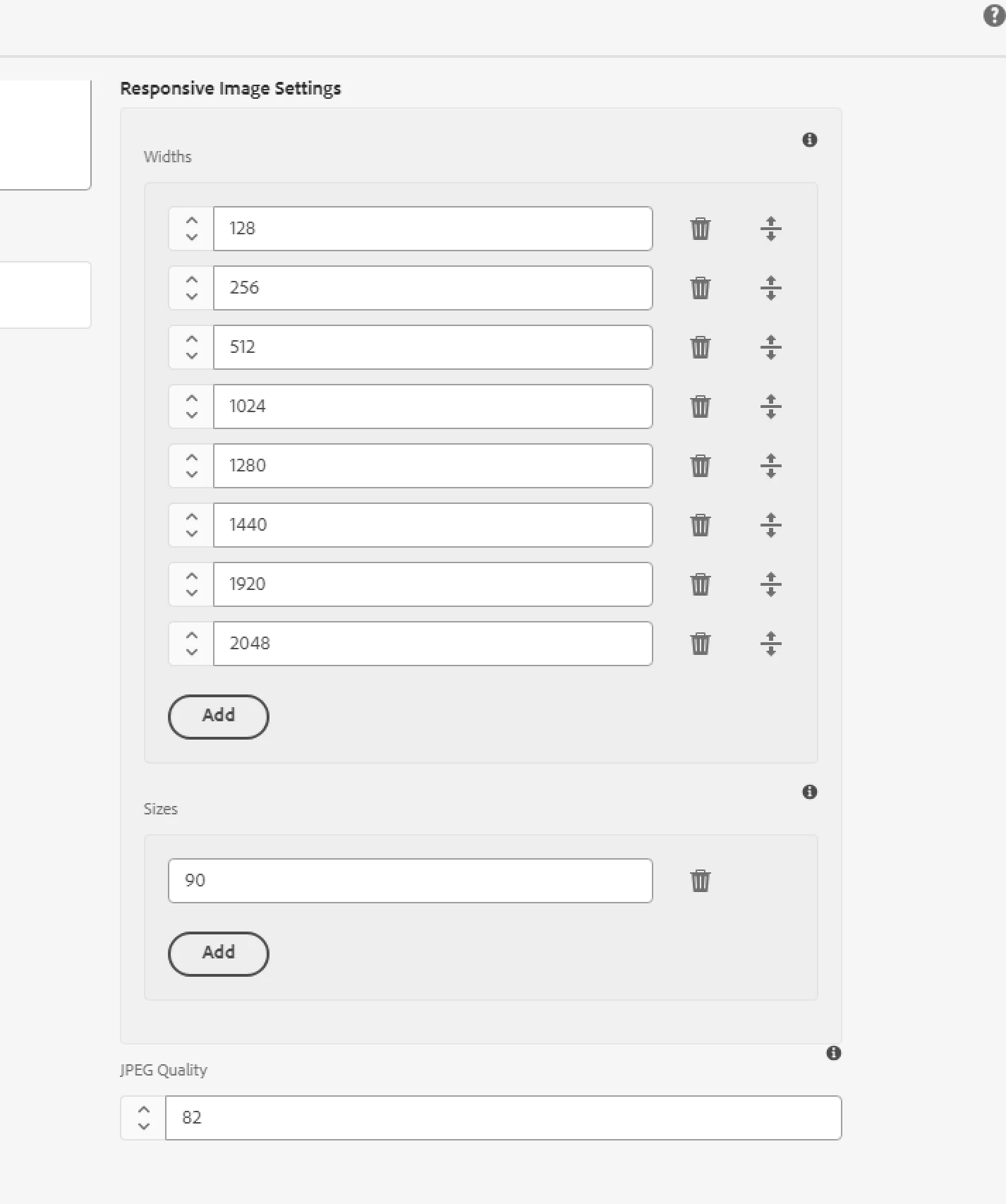
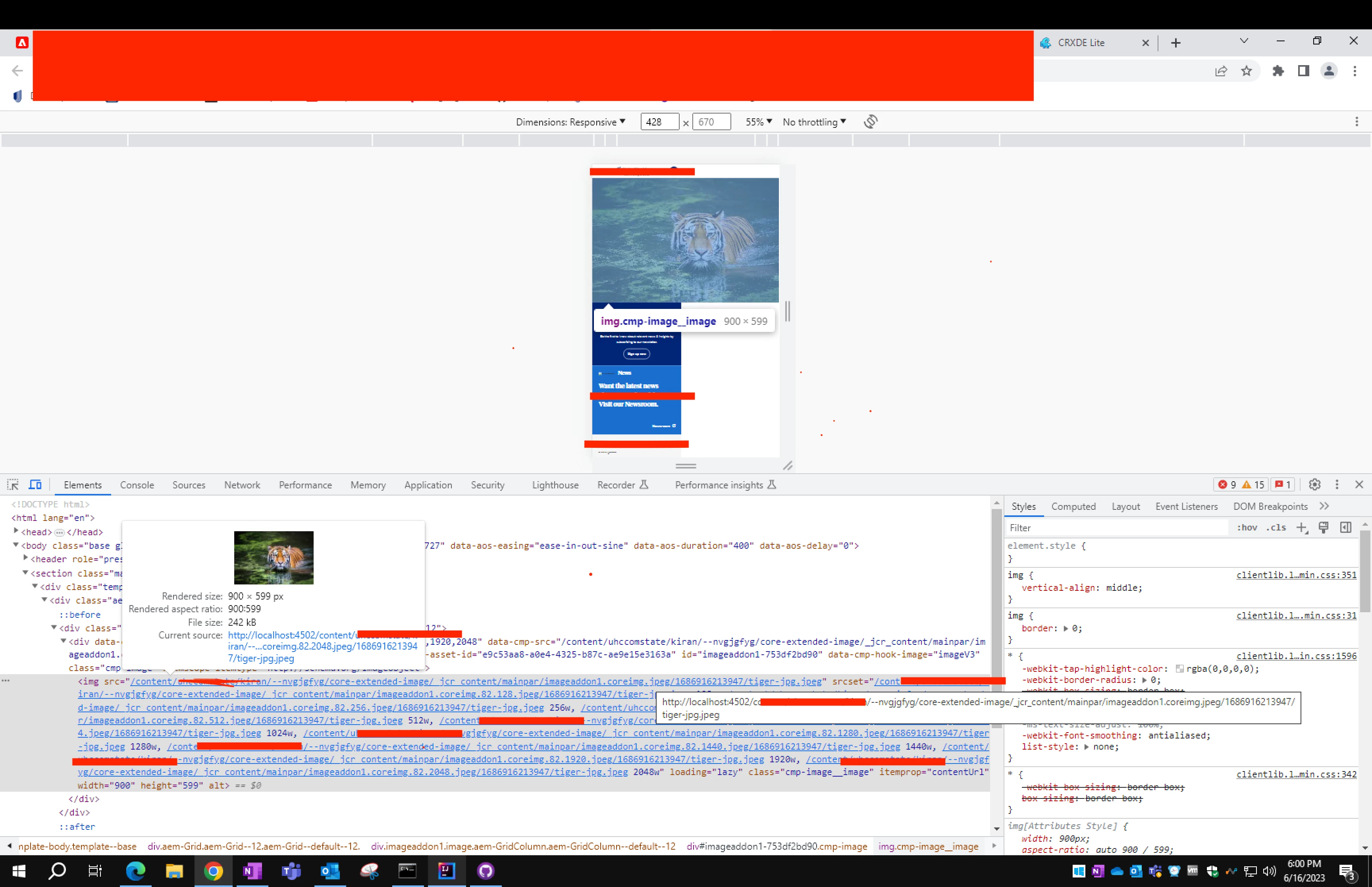
I was checking regarding webp feasibility and came across this doc that said core image(v3) supports smart imaging in AEM aa CS but not in local sdk or on-prem. So, I thought - since we already extended Image(v3) in our POC Image component. I could see this in action when we get it deployed. So, I was checking if adaptive Image is working fine here - so that it could fall back. And noticed that my srcset gives all the widths that I gave in the design dialog .
But my src is not being adaptive based on the device- The widths that gave are 128, 256, 512, 1024, 1280, 1440, 1920, 2058. But in desktop in takes 1920 & as I reduce the screen it takes 2048. It is not picking other widths from the srcset. gives always the original rendition and has fixed width and height no matter what the screen size is.
I am not sure why is this happening. Could help me with what else should I check to make sure that it works fine. Since, i extending core component only