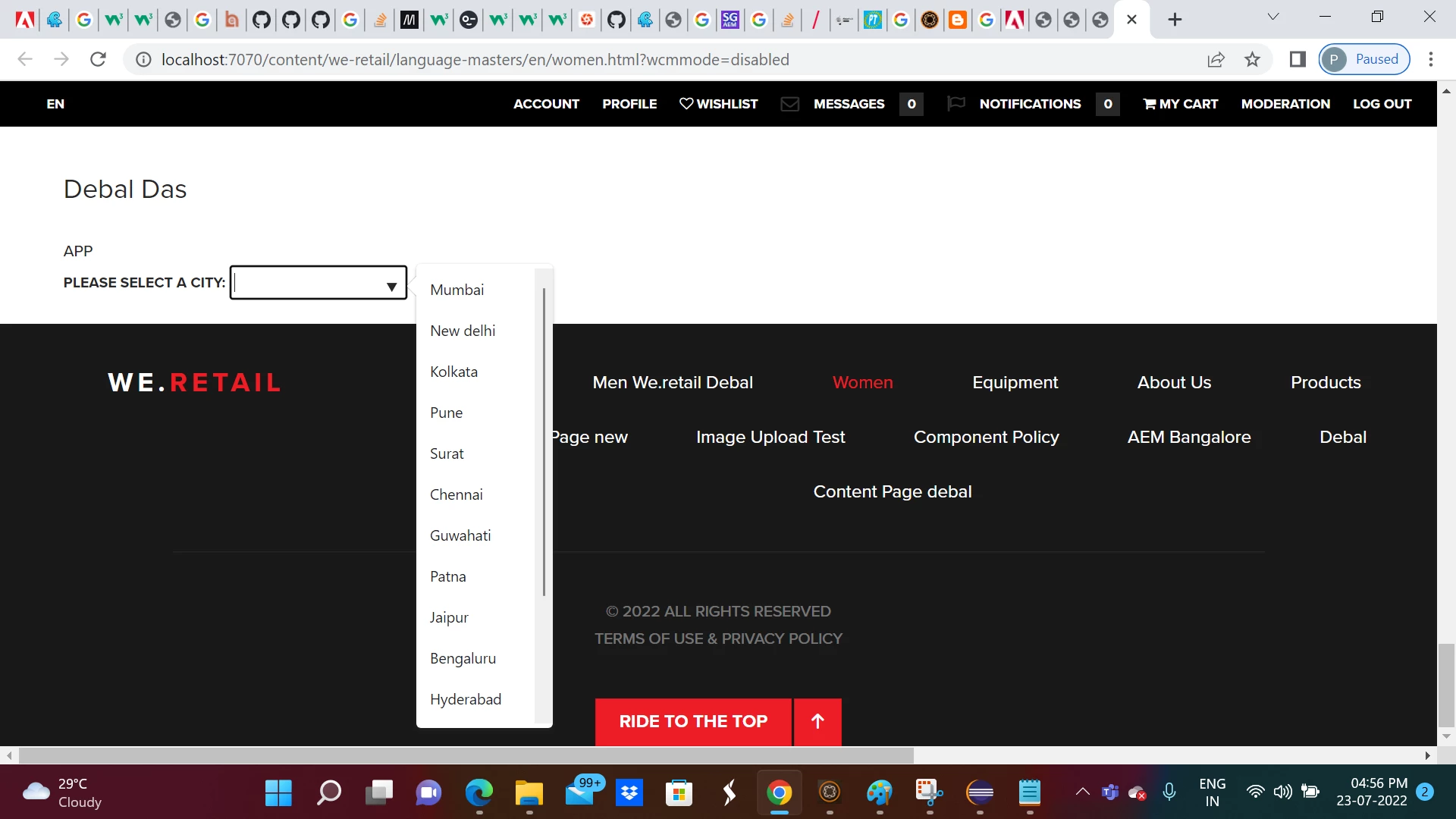
Sharing sample code , hope this will help you -
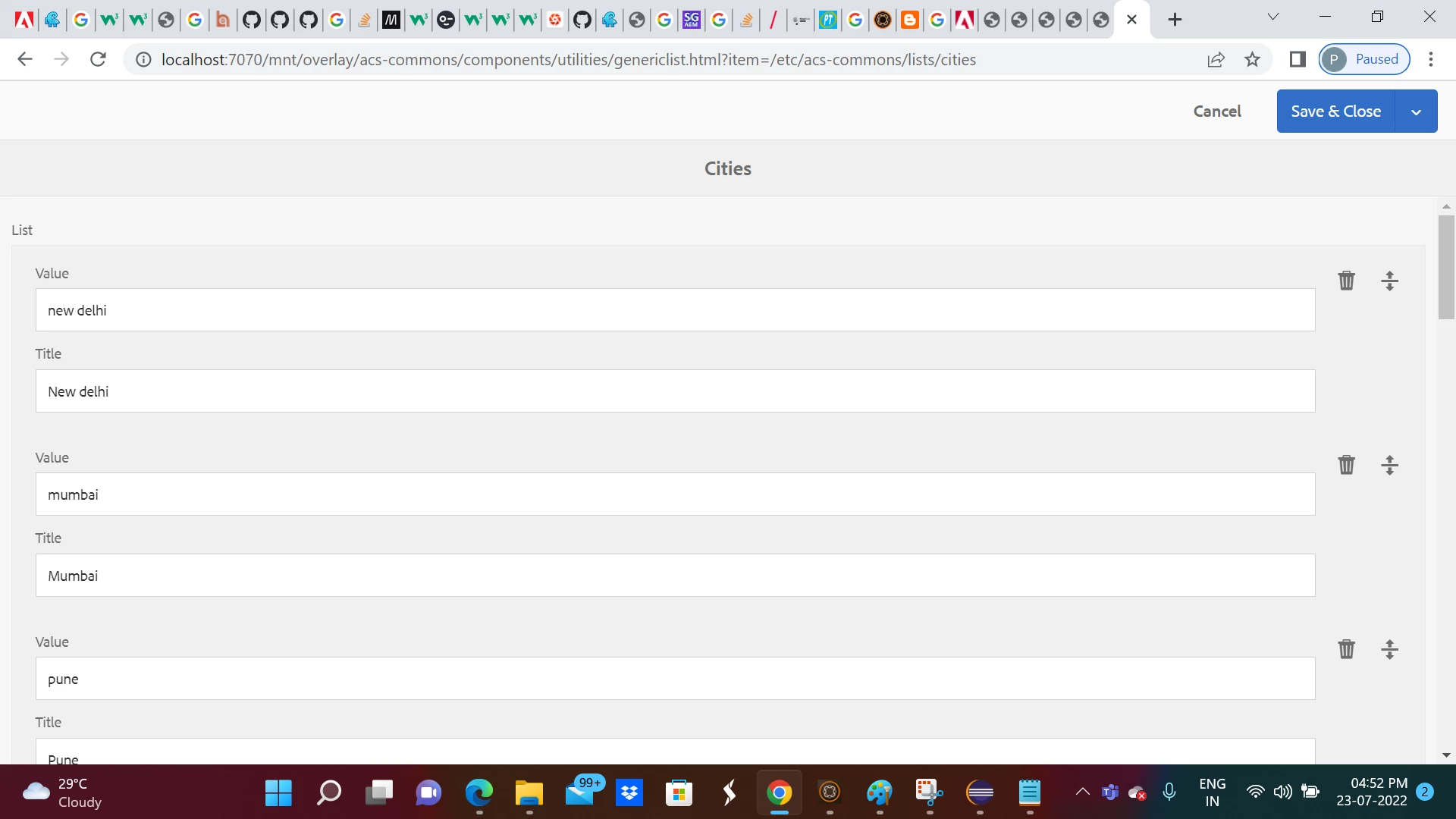
1. Acs commons generic list associated with Indian cities -
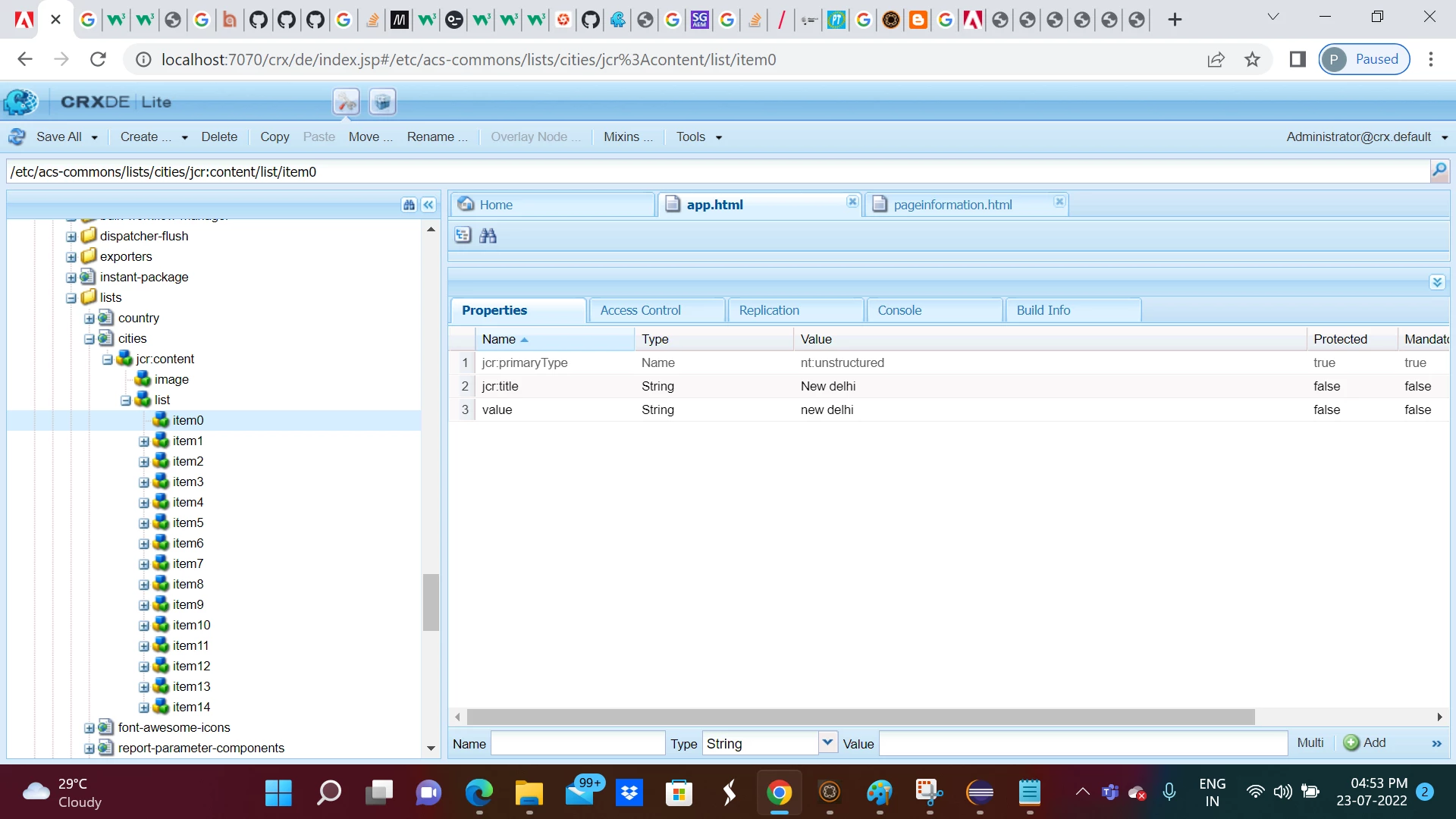
2. Location of acs common generic list associated with Indian cities in AEM repository -
/etc/acs-commons/lists/cities/jcr:content/list
3. Below sling model is responsible to read generic list associated with Indian cities -
package com.aem.demo.core.models;

import java.util.HashMap;
import java.util.Map;
import java.util.Objects;

import javax.annotation.PostConstruct;

import org.apache.sling.api.resource.Resource;
import org.apache.sling.api.resource.ResourceResolver;
import org.apache.sling.models.annotations.DefaultInjectionStrategy;
import org.apache.sling.models.annotations.Model;
import org.apache.sling.models.annotations.injectorspecific.SlingObject;

import com.drew.lang.annotations.NotNull;
import com.drew.lang.annotations.Nullable;

@Model(adaptables = Resource.class, defaultInjectionStrategy = DefaultInjectionStrategy.OPTIONAL)
public class City  {


    @SlingObject
    private ResourceResolver resourceResolver;

    private Map<String, String> citymap;


	@PostConstruct
    protected void init() {
    	@Nullable
		Resource resource = resourceResolver.getResource("/etc/acs-commons/lists/cities/jcr:content/list");
    	if (Objects.nonNull(resource)) {
    		citymap = new HashMap<String, String>();
    		@NotNull
			Iterable<Resource> children = resource.getChildren();
    		for (Resource childResource : children) {


				String title = childResource.getValueMap().get("jcr:title", String.class);

				String nodevalue = childResource.getValueMap().get("value", String.class);
				citymap.put(nodevalue, title);

			}


		}


	}
	public Map<String, String> getCitymap() {
		return citymap;
	}


   }
4. AEM component with code a field with drop down options -
APP</br>


<label>Please select a City:</label>
<input list="city-details" id="city-choice" name="city-choice" />
<div data-sly-use.cmap="com.aem.demo.core.models.City">
<datalist id="city-details">
<sly data-sly-list="${cmap.citymap}">
    <option value="${cmap.citymap[item]}">
</sly>
</datalist>

</div>
5. Final output -