How can I change the name of an asset when it is uploaded in DAM? | Community
Skip to main content
Level 4
September 13, 2023
Solved

How can I change the name of an asset when it is uploaded in DAM?

  • September 13, 2023
  • 1 reply
  • 2414 views

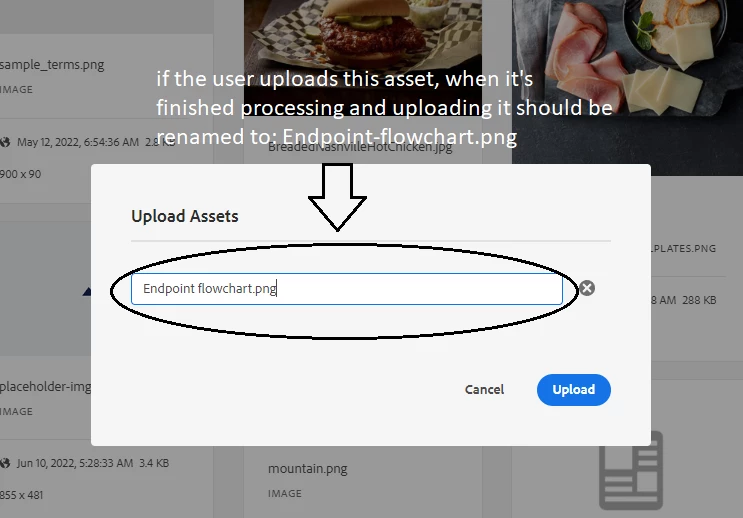
Hello, what happens is that I need that the assets have a format in the name, this format is that the user can put the name he wants to the asset as long as it doesn't contain spaces, in case of containing space, the spaces must be replaced by micro (the symbol - ).


For example, let's say the user uploads an asset called:


my asset.jpg


Then when he uploads it to DAM at that time the name should be changed as follows:


my-asset.jpg


So that when the asset is finished uploading and processing, it will be displayed in the AEM DAM folder.

my-asset.jpg instead of my asset.jpg


How can I do that?
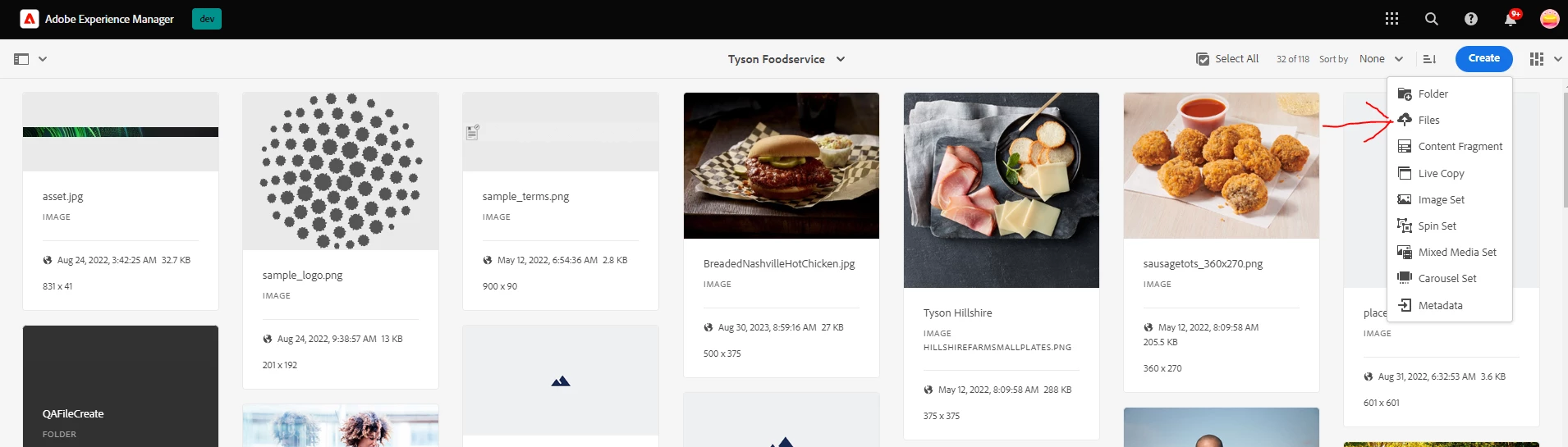


If it's possible to do it in my project folder it would be nice
 

This post is no longer active and is closed to new replies. Need help? Start a new post to ask your question.
Best answer by lukasz-m

Still doesn't work, I add even the css and js files and still not updating the new changes.


Hi @aaron_dempwolff,

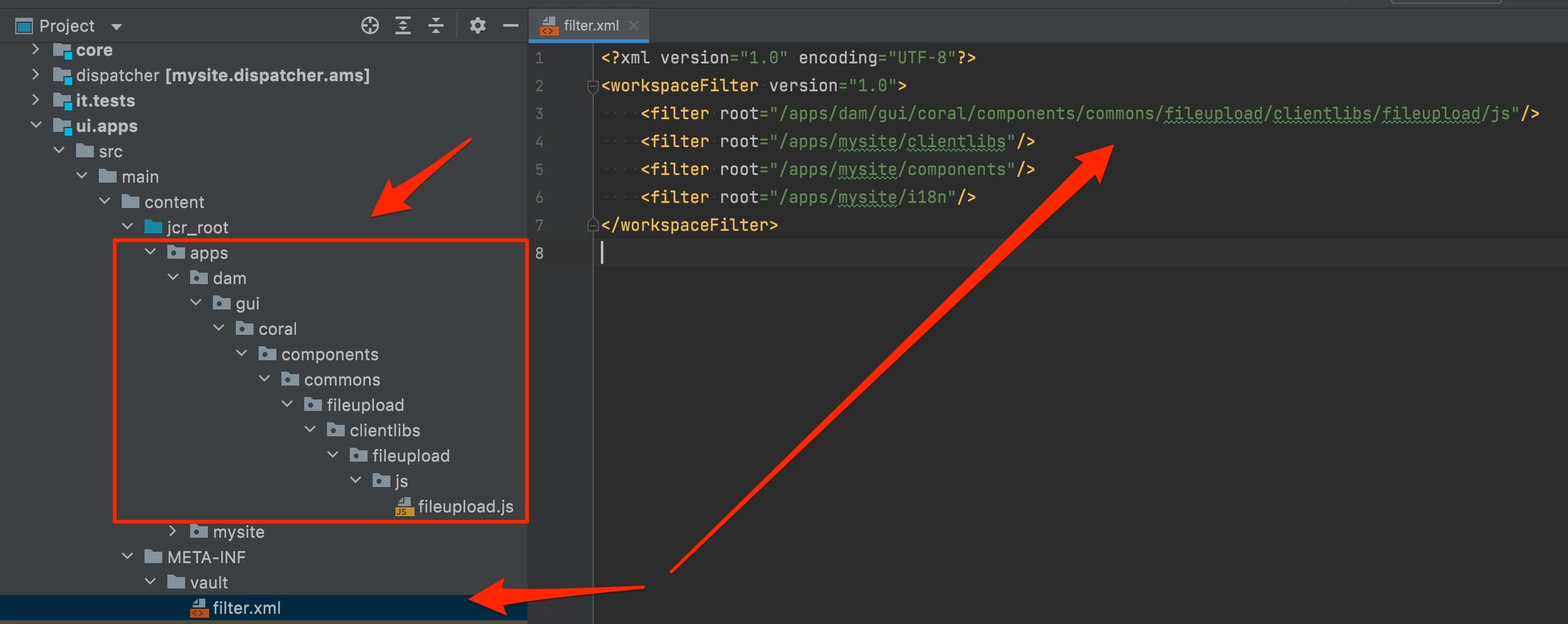
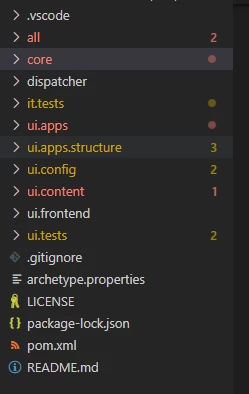
It is not working because you are using /libs instead of /apps in your project structure. You also have to update filter.xml file to include your custom file, /apps/dam/gui/coral/components/commons/fileupload/clientlibs/fileupload/js

The structure, and filter xml, are presented below

1 reply

A_H_M_Imrul
Community Advisor
Community Advisor
September 13, 2023
Level 4
September 13, 2023

Do you know if is possible to do it in the AEM project folder?


aanchal-sikka
Community Advisor
Community Advisor
September 14, 2023

Hello @aaron_dempwolff 


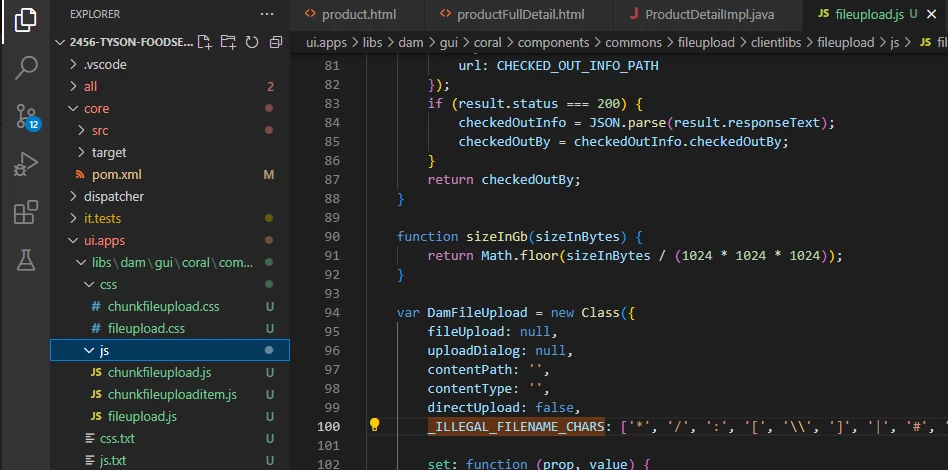
We should be able to overlay the file in /apps folder "/apps/dam/gui/coral/components/commons/fileupload/clientlibs/fileupload/js/fileupload.js".


Code can be checked in to ui.apps.


It has a following line. Please try adding space to it. Hopefully it should work


_ILLEGAL_FILENAME_CHARS: [ "©", "/", ":", "[", "\\", "]", "|", "#", "%", "{", "}", "?", "&" ],

Aanchal Sikka