Graph QL Query not returning image path. | Community
Skip to main content
Level 2
September 9, 2025
Solved

Graph QL Query not returning image path.

  • September 9, 2025
  • 1 reply
  • 260 views

Implementation Details :-
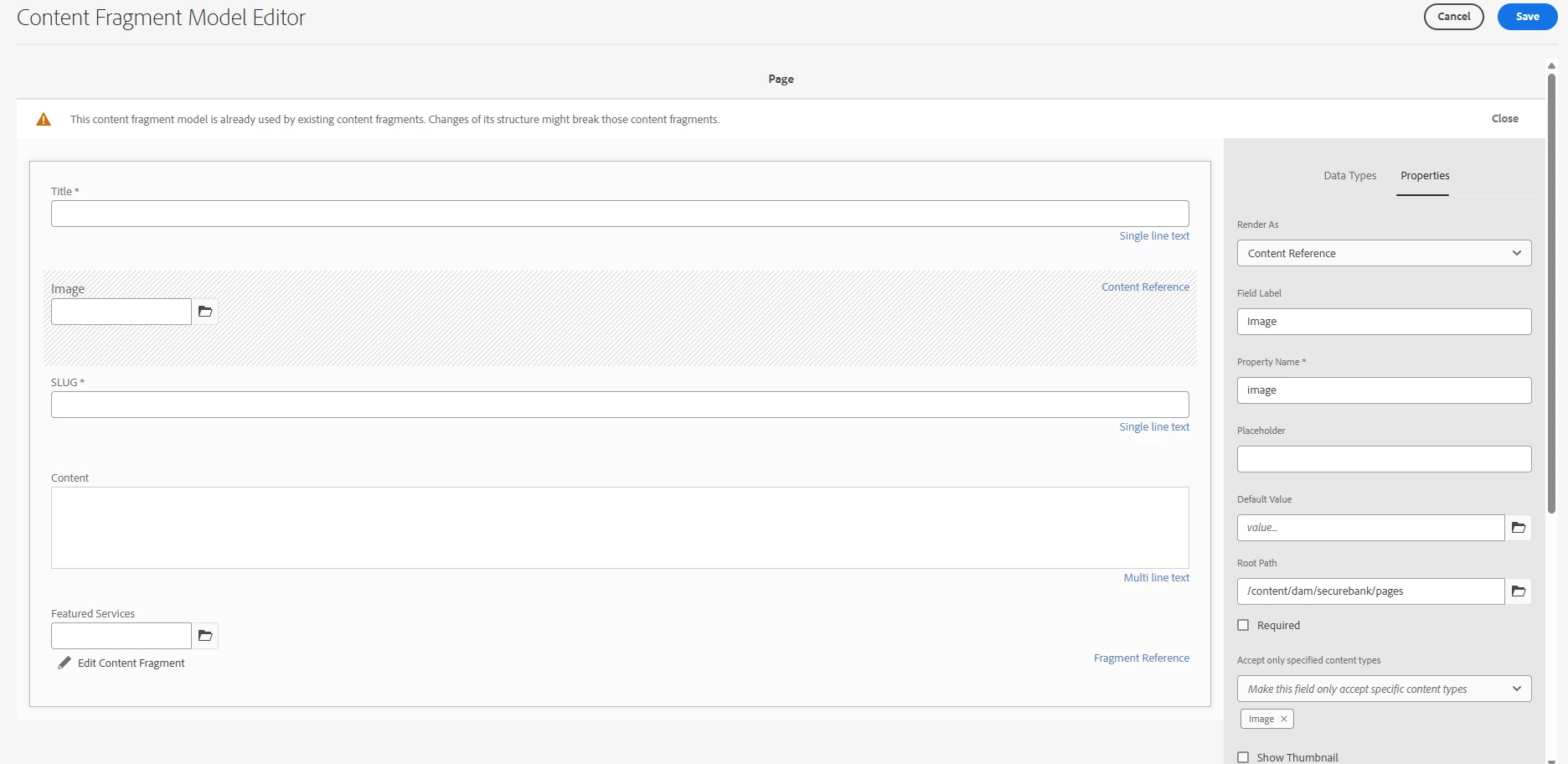
1. In Content Fragment Model Editor we are using Content Reference with type Image.
    

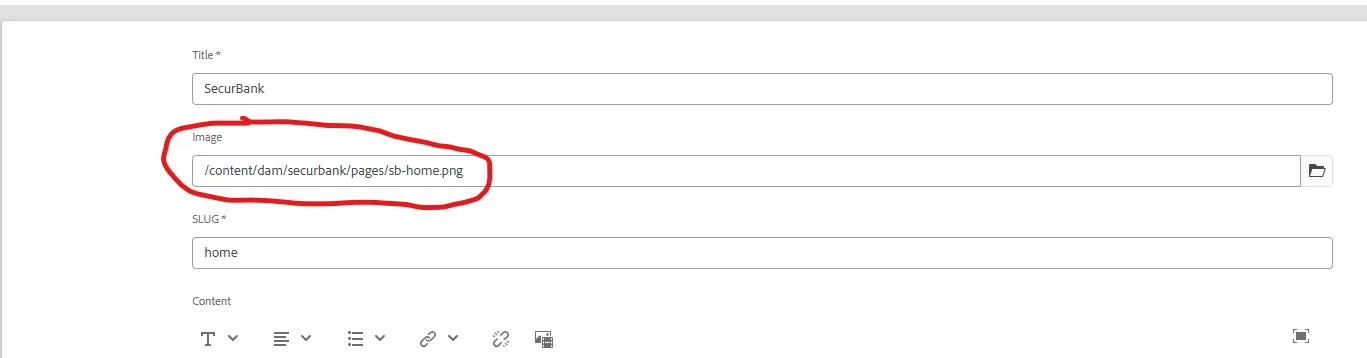
2. Now using this model we have added path to image.


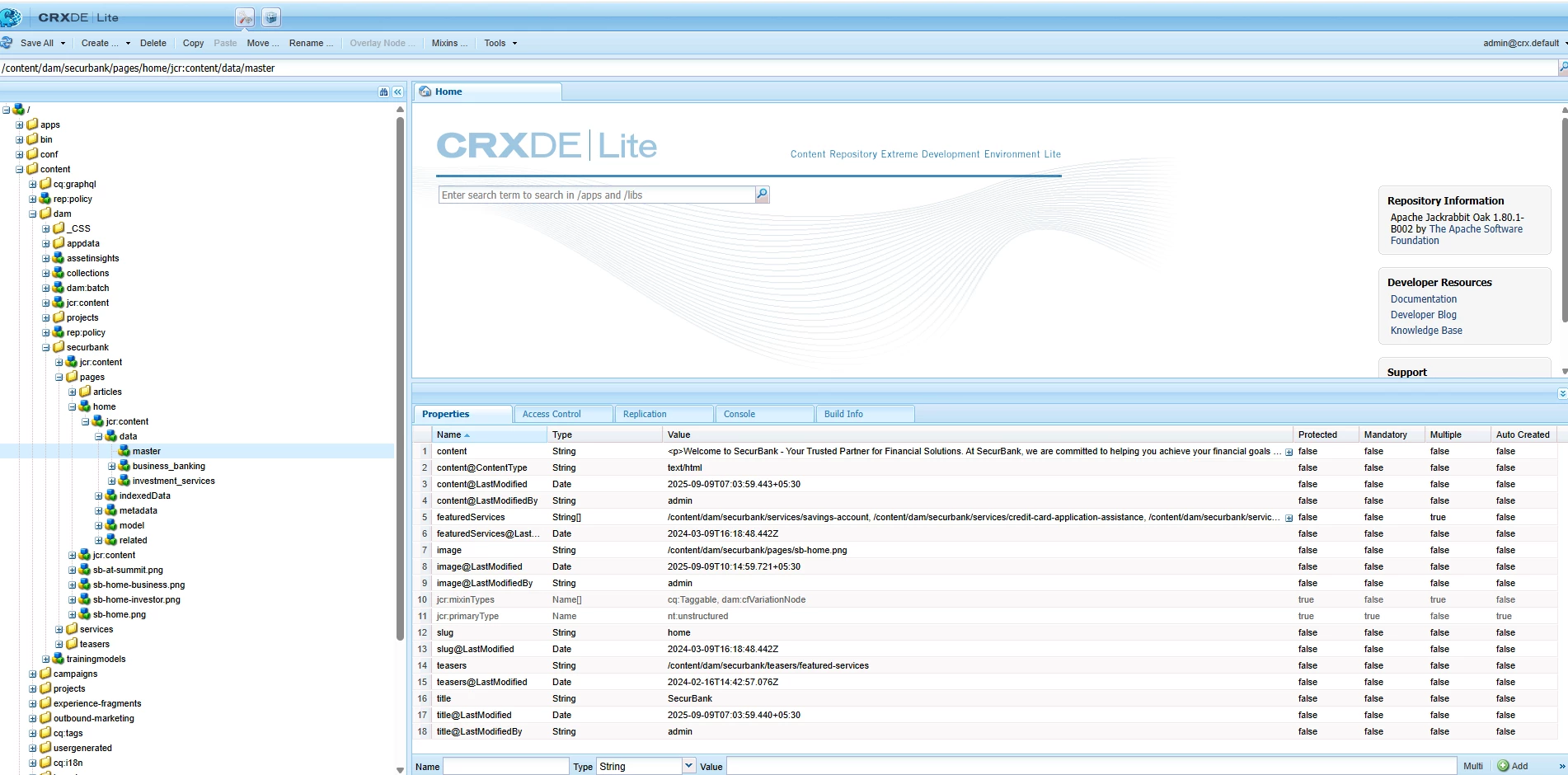
3. Its getting stored in correct manner in crx/de.

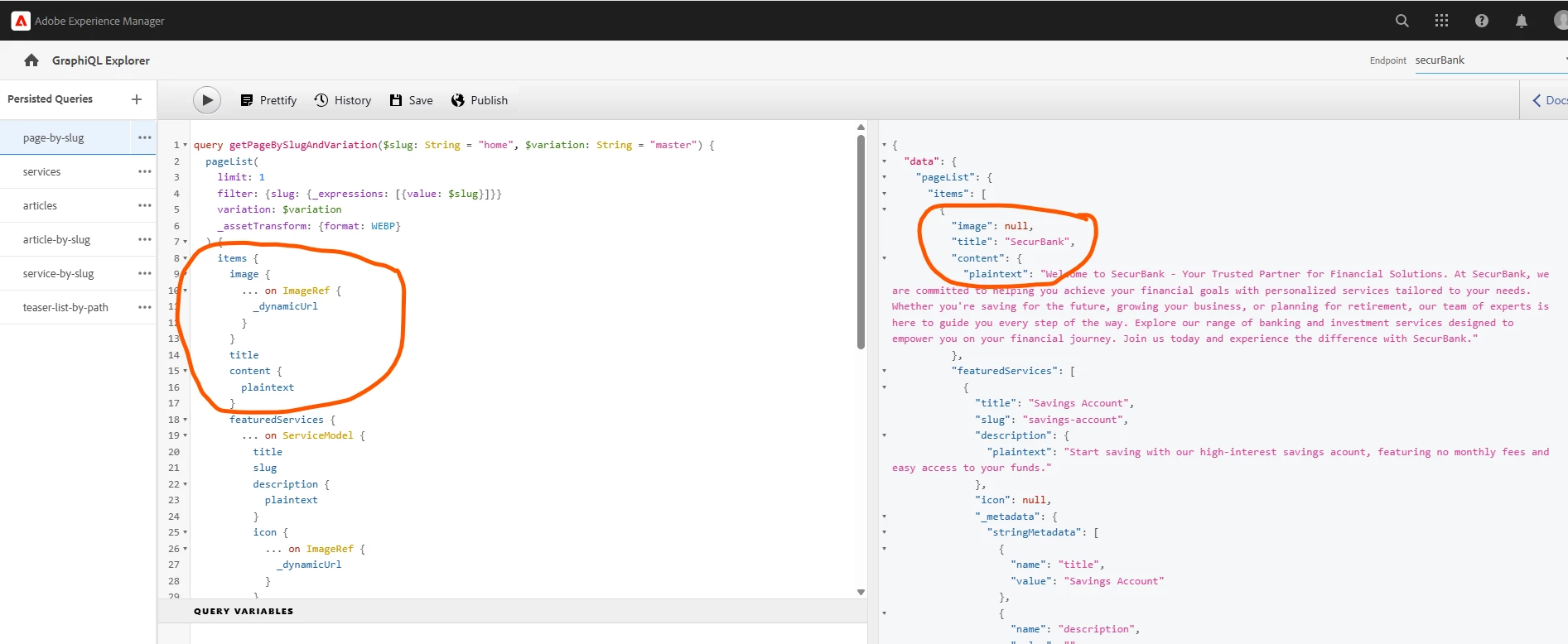
4. Graph QL Query returning null.

Note - Its AEM as CS Local set up.


Best answer by SantoshSai

Hi @randeep_virk,

In Local SDK, the ImageRef._dynamicUrl field is not populated (it’s provided by Asset Delivery, which only works in the cloud env after it’s configured). When you query:

image {
  ... on ImageRef { _dynamicUrl }
}

the resolver can’t produce a Dynamic Media/Asset-Delivery URL locally, so the field comes back null - even though your image property is set correctly (you can see the path stored at /content/dam/securbank/pages/sb-home.png in CRXDE).

Here is what you can do:

Local SDK (recommended)
Query the fields that are available locally and build the URL yourself:

items {
  image {
    ... on ImageRef {
      _path
      _id
      _name
      _mimeType
      # if available in your SDK build:
      _authorUrl  # often works locally; use this directly
      # _publishUrl  # works when the asset is published in a cloud env
    }
  }
  title
  content { plaintext }
}
  • Use _authorUrl in local dev, or construct a URL from _path
    (e.g., https://localhost:4502${_path} for author, or your dispatcher/publish host when testing publish).

Cloud environment
If you want _dynamicUrl:

  1. Configure Asset Delivery (Tools → Assets → Configuration) for your cloud env.

  2. Publish the asset, the content fragment, the model, and the GraphQL endpoint.

  3. Then the same query with _dynamicUrl will return a value.
1 reply

SantoshSai
Community Advisor
SantoshSaiCommunity AdvisorAccepted solution
Community Advisor
September 9, 2025

Hi @randeep_virk,

In Local SDK, the ImageRef._dynamicUrl field is not populated (it’s provided by Asset Delivery, which only works in the cloud env after it’s configured). When you query:

image {
  ... on ImageRef { _dynamicUrl }
}

the resolver can’t produce a Dynamic Media/Asset-Delivery URL locally, so the field comes back null - even though your image property is set correctly (you can see the path stored at /content/dam/securbank/pages/sb-home.png in CRXDE).

Here is what you can do:

Local SDK (recommended)
Query the fields that are available locally and build the URL yourself:

items {
  image {
    ... on ImageRef {
      _path
      _id
      _name
      _mimeType
      # if available in your SDK build:
      _authorUrl  # often works locally; use this directly
      # _publishUrl  # works when the asset is published in a cloud env
    }
  }
  title
  content { plaintext }
}
  • Use _authorUrl in local dev, or construct a URL from _path
    (e.g., https://localhost:4502${_path} for author, or your dispatcher/publish host when testing publish).

Cloud environment
If you want _dynamicUrl:

  1. Configure Asset Delivery (Tools → Assets → Configuration) for your cloud env.

  2. Publish the asset, the content fragment, the model, and the GraphQL endpoint.

  3. Then the same query with _dynamicUrl will return a value.
Santosh Sai
Level 2
September 13, 2025

Thanks , ITS Working Now !!  @santoshsai