Getting error " Unable to fetch data Source" while setting up data model integration in AEM Forms | Community
Skip to main content
Level 2
December 24, 2018

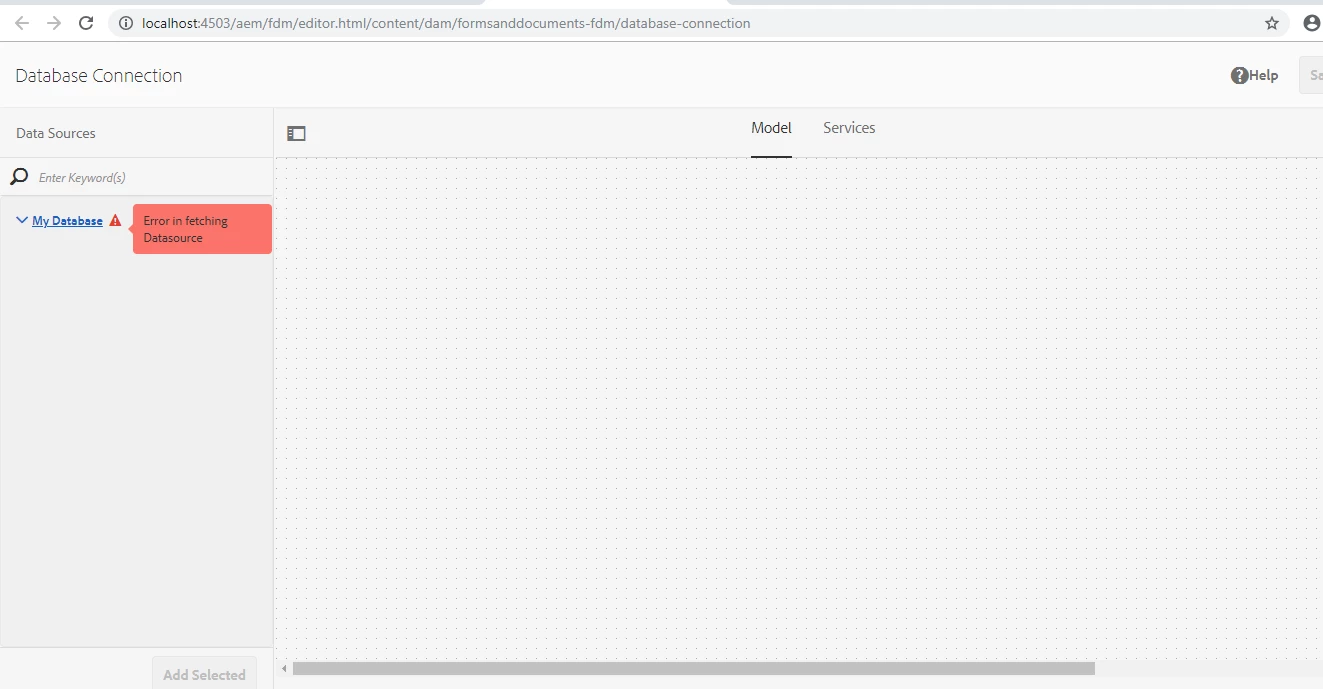
Getting error " Unable to fetch data Source" while setting up data model integration in AEM Forms

  • December 24, 2018
  • 3 replies
  • 9901 views

Hi Team,

I have setup Form Data Model Integration using jdbc driver in aem form. As per the given steps in  Adobe Experience Manager Help | AEM Forms Data Integration  and video Creating a Form Data Model for Database Integrations - YouTube .

i have install the jdbc driver in aem osgi bundle setup Mysql workbench and create a database and schema in mysql workbench then setup the data source in aem configuration as per the steps and when i created data model in aem data integration its showing me below error  " Unable to fetch data Source"

Please help me out from this i am new to this technology and not getting much help from other blogs.
Thanks in Advance.

Mohit Vashisht

This post is no longer active and is closed to new replies. Need help? Start a new post to ask your question.

3 replies

Mayank_Gandhi
Adobe Employee
Adobe Employee
December 28, 2018

please attach the screenshot of Datasource settings, JDBC driver details, error logs and AEM forms version.

Adobe Employee
December 29, 2018

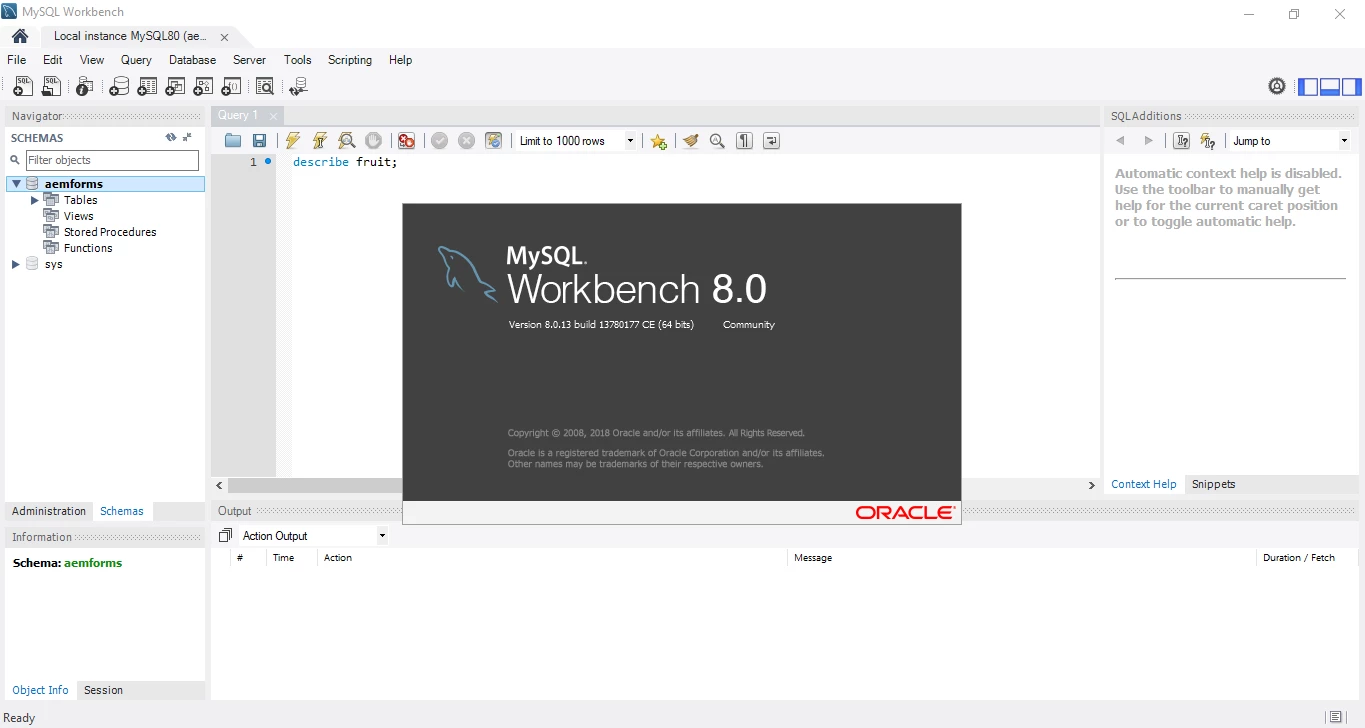
What is the version of MySQL Database?

Level 2
December 29, 2018

Hi workflowuser

please see the attached screenshot for MYSQL Version

Thanks!

Adobe Employee
December 29, 2018
Level 2
December 30, 2018

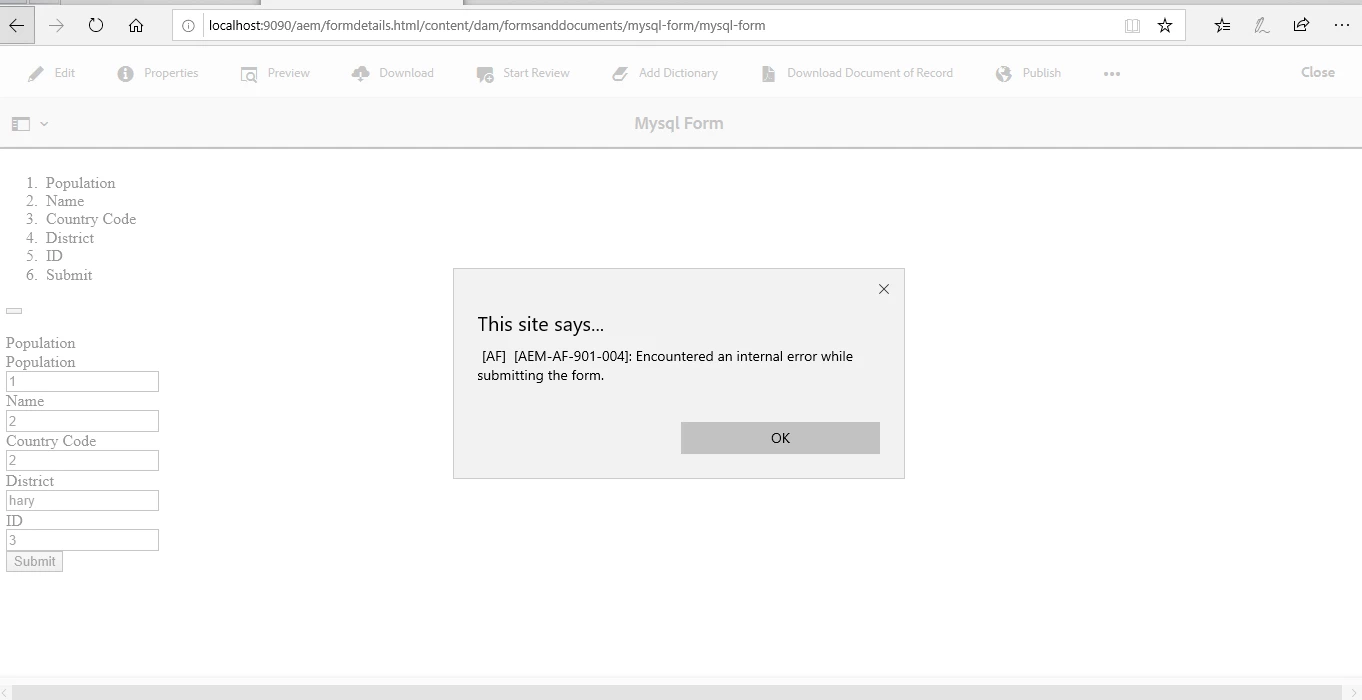
Thanks so much now able to get the data value that created in mysql workbench but there is another error getting when i am submitting form

i need to configure submit button or anything else.

thanks!

Adobe Employee
December 30, 2018

Send the server error log