Error when creating an AEM project in Eclipse
When attempting to follow along with the Back-end Developer Workshop video: "Using the AEM Eclipse Plug-in", I get errors that I don't see represented in the video.
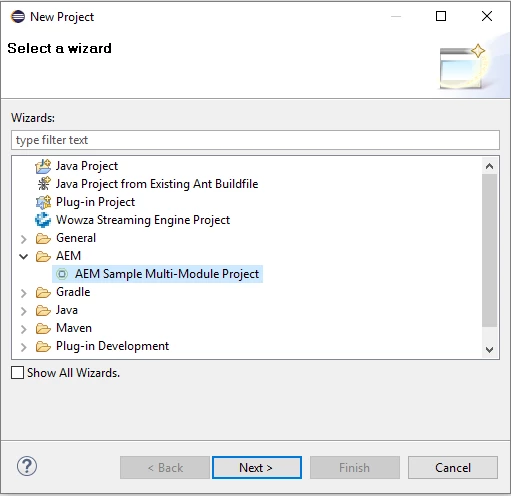
First I create a project.
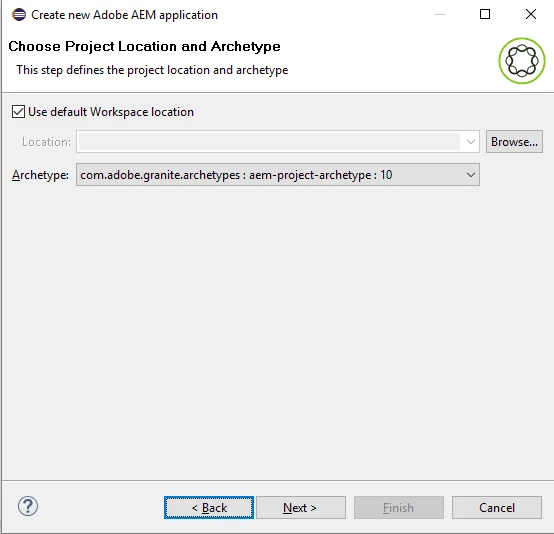
Next I choose the archetype
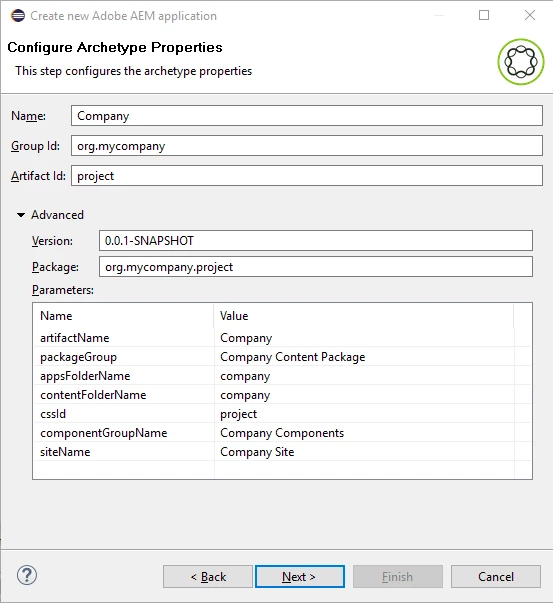
Then I set up my properties like they are in the video
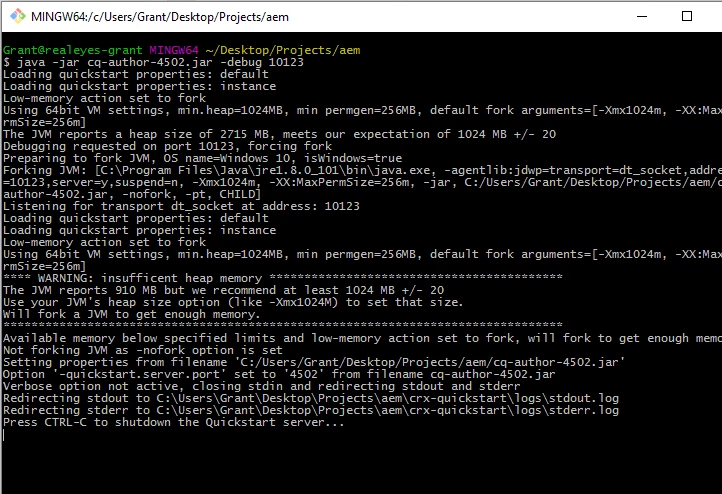
Then I start up my server and wait until I an access the page at localhost:4502
Then I set up my new server
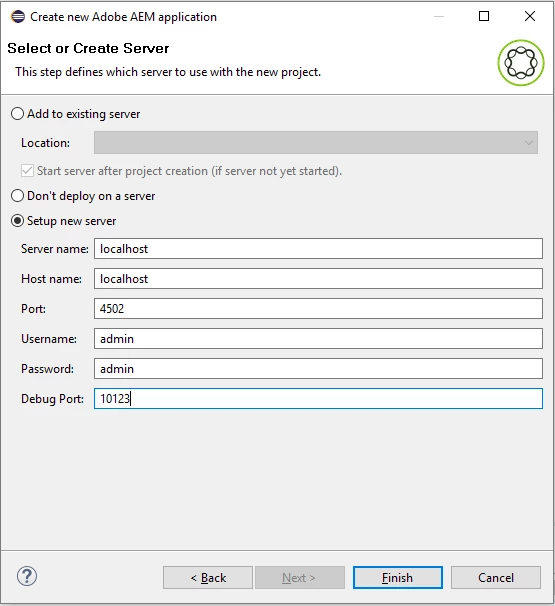
Here's what happens after I hit "Finish":
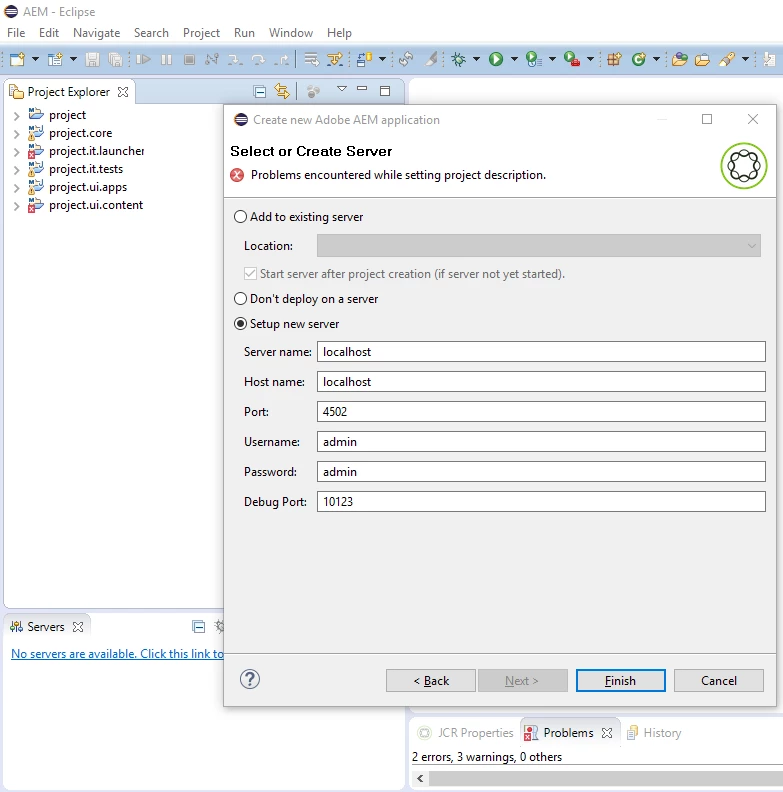
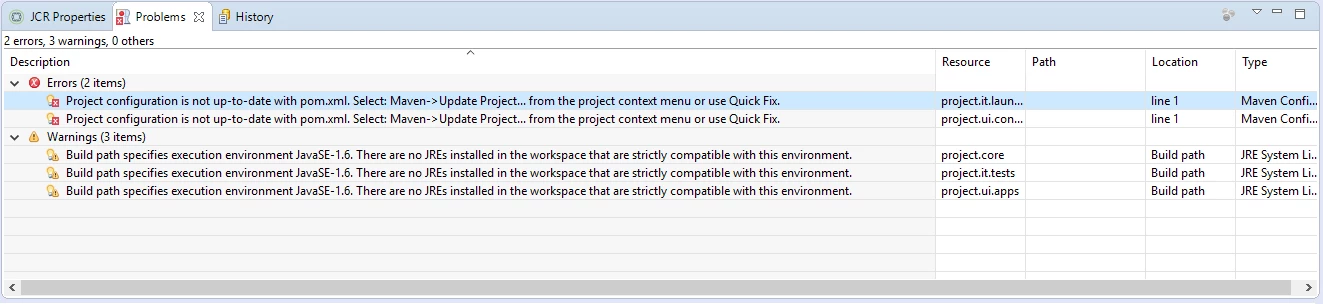
Here is the expanded "Problems" tab.
If I do as Eclipse suggests and update the project, this happens:
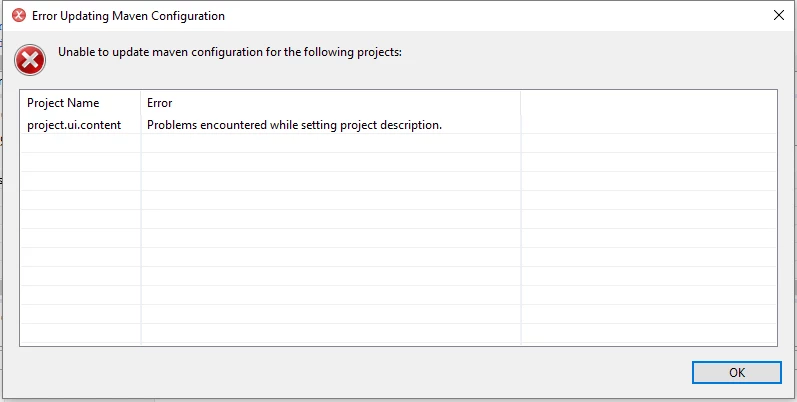
But then the errors go away.
Unfortunately, I don't have a Server in my "Servers" tab, so if I go to create one...
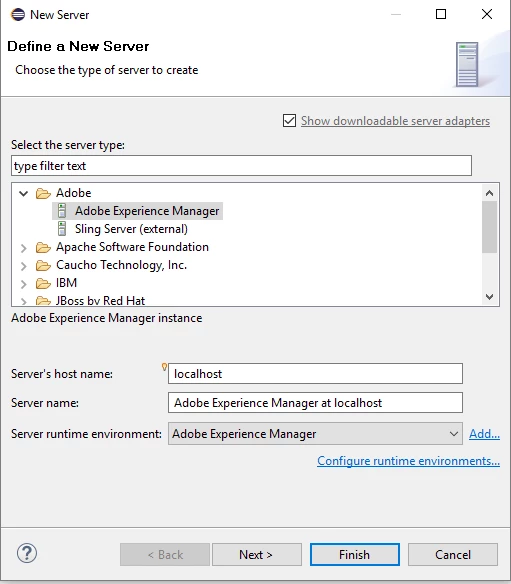
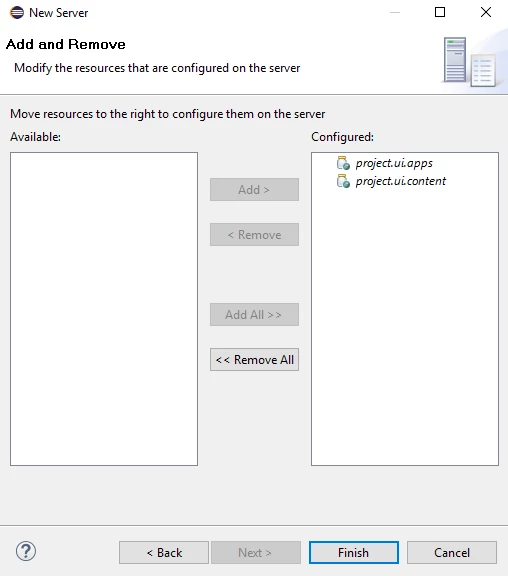
And after a bit of configuration to set the port and debug, and after pressing the "Connect to the server in debug mode" button, I get this:
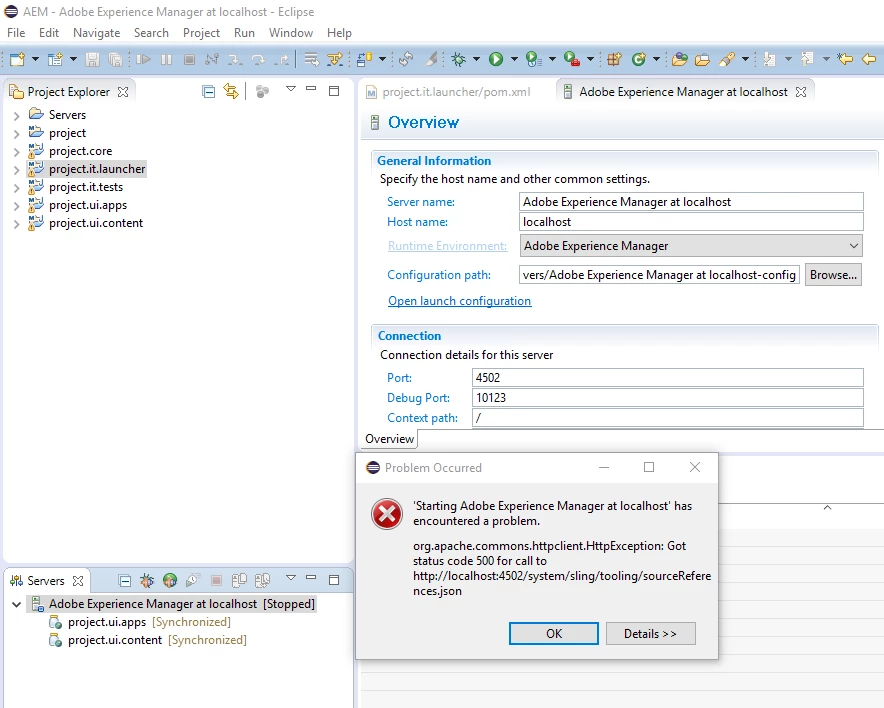
If I connect in Run mode, I don't see any errors and the Server changes to "[Started]".
I can clean and publish fine. I can see the "Company" site afterwards.
Is there anything I can do to avoid these errors?
Here is the Eclipse error log from the day these screenshots were taken:
!SESSION 2016-09-08 11:25:54.742 -----------------------------------------------
eclipse.buildId=4.5.2.M20160212-1500
java.version=1.8.0_101
java.vendor=Oracle Corporation
BootLoader constants: OS=win32, ARCH=x86_64, WS=win32, NL=en_US
Framework arguments: -product org.eclipse.epp.package.java.product
Command-line arguments: -os win32 -ws win32 -arch x86_64 -product org.eclipse.epp.package.java.product
!ENTRY org.eclipse.ui.navigator 2 0 2016-09-08 11:26:04.686
!MESSAGE Can't find Navigator Content Descriptor with id: org.eclipse.jst.jee.ui.ejb
!ENTRY org.eclipse.egit.ui 2 0 2016-09-08 11:26:06.366
!MESSAGE Warning: The environment variable HOME is not set. The following directory will be used to store the Git
user global configuration and to define the default location to store repositories: 'C:\Users\Grant'. If this is
not correct please set the HOME environment variable and restart Eclipse. Otherwise Git for Windows and
EGit might behave differently since they see different configuration options.
This warning can be switched off on the Team > Git > Confirmations and Warnings preference page.
!ENTRY org.eclipse.wst.common.project.facet.core 4 0 2016-09-08 12:09:20.602
!MESSAGE Project facet jst.ejb has not been defined. It is used in plugin org.eclipse.jst.j2ee.
!ENTRY org.eclipse.m2e.logback.appender 2 0 2016-09-08 12:09:35.737
!MESSAGE Manifest org.mycompany:project.core:bundle:0.0.1-SNAPSHOT : Unused Private-Package instructions, no such package(s) on the class path: [!*]
!ENTRY org.eclipse.m2e.logback.appender 2 0 2016-09-08 12:09:35.740
!MESSAGE Manifest org.mycompany:project.core:bundle:0.0.1-SNAPSHOT : The JAR is empty: The instructions for the JAR named org.mycompany.project.core did not cause any content to be included, this is likely wrong
!ENTRY org.eclipse.m2e.logback.appender 2 0 2016-09-08 12:09:48.931
!MESSAGE Manifest org.mycompany:project.it.tests:bundle:0.0.1-SNAPSHOT : Unused Private-Package instructions, no such package(s) on the class path: [!*]
!ENTRY org.eclipse.m2e.logback.appender 2 0 2016-09-08 12:09:48.941
!MESSAGE Manifest org.mycompany:project.it.tests:bundle:0.0.1-SNAPSHOT : The JAR is empty: The instructions for the JAR named org.mycompany.project.it.tests did not cause any content to be included, this is likely wrong
!ENTRY org.eclipse.wst.common.project.facet.core 4 0 2016-09-08 12:09:49.430
!MESSAGE Project facet jst.ejb has not been defined. It is used in plugin org.eclipse.jst.server.core.
!ENTRY org.eclipse.wst.common.project.facet.core 4 0 2016-09-08 12:09:49.437
!MESSAGE Project facet wst.jsdt.web has not been defined. It is used in plugin org.eclipse.jst.server.core.
!ENTRY org.eclipse.core.resources 2 568 2016-09-08 12:09:49.750
!MESSAGE Problems encountered while setting project description.
!SUBENTRY 1 org.eclipse.core.resources 2 35 2016-09-08 12:09:49.750
!MESSAGE Nature does not exist: org.eclipse.wst.jsdt.core.jsNature.