Decrease the height of Richtext in a multifield of component's dialog.
Hi All,
I have a requirement to decrease the height of the Richtext field which is present in the multifield of the component's dialog.
The issue I am facing is that :
When the first time I 'Add' / enable the multifield in the component's dialog, I am not able to achieve the decreased size of the Richtext. However, when I author few things in the multifield and save the dialog and re-open it, then I am able to achieve the decreased size.
I have used the below piece of Jquery to achieve the decrease height size.
Also, few inputs that might help
1. Since it is a multifield in the dialogs, the fields would be saved as --
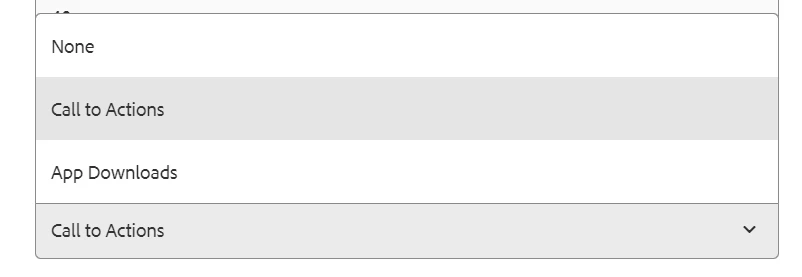
2. The multifield about which I am referring, appears or gets presented on the dialog, when the author selects an option from another dropdown field present in the dialog. Please find below screenshots in order

Pic.1 - Drop Down field

Pic 3- Call to Action multifield being enabled
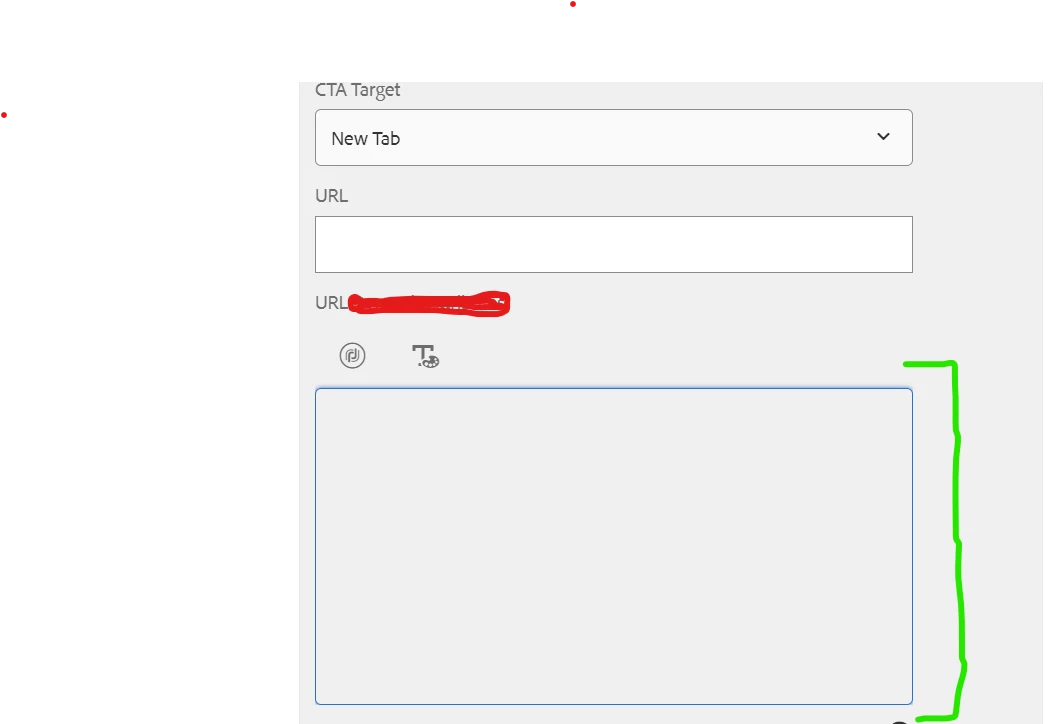
Pic 4- Multifield being open, and the RTE field marked in green, is the field whose size I need to decrease when we are opening/accessing this field for the first time
@kautuk_sahni