Custom Translation Plugin Configuration: How to implement a form as Microsoft Translation
Hello!
I have implemented a plugin for translations, everything works but to configure it you have to go through the Legacy Cloud Service page, while a plugin like the Microsoft one can be configured from the next page (Translation Cloud Service). I followed the project that I find on GitHub, so much so that it can't be configured from that page either. Do you know how to do it or where I can get inspiration to create a custom form? I attach some screens and editform.html below
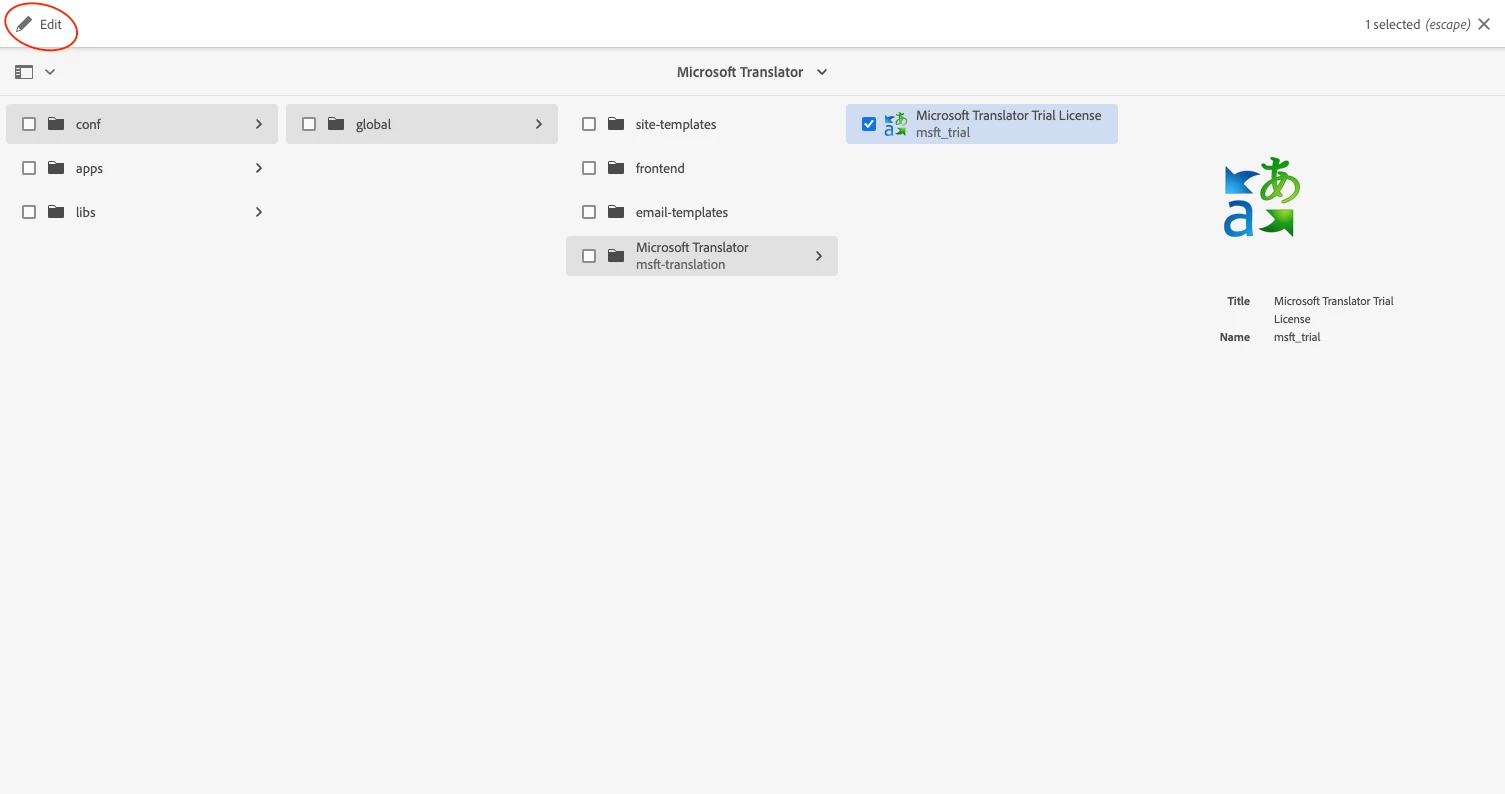
this is what I would like
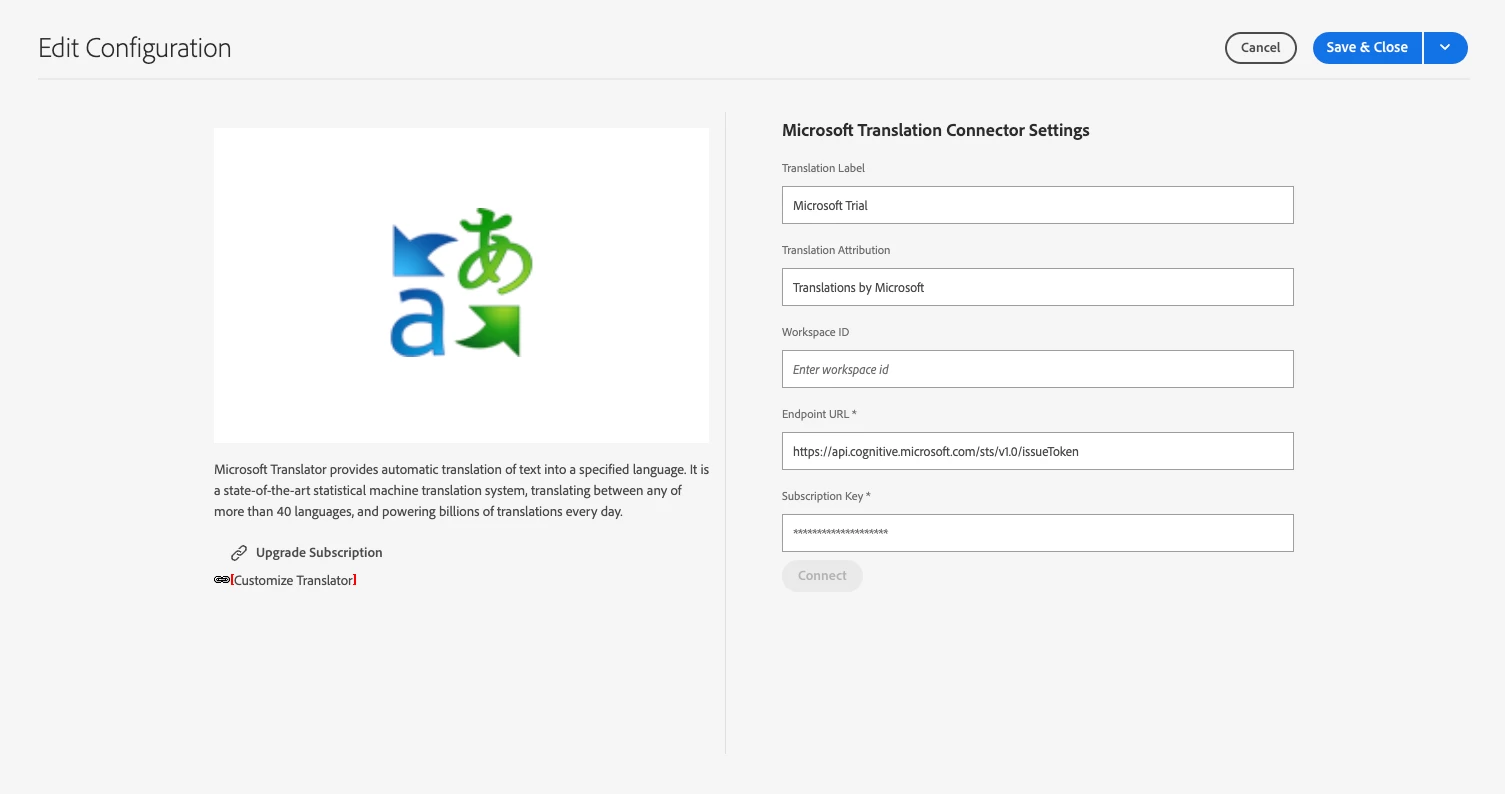
but I can configure it only in the "legacy mode"
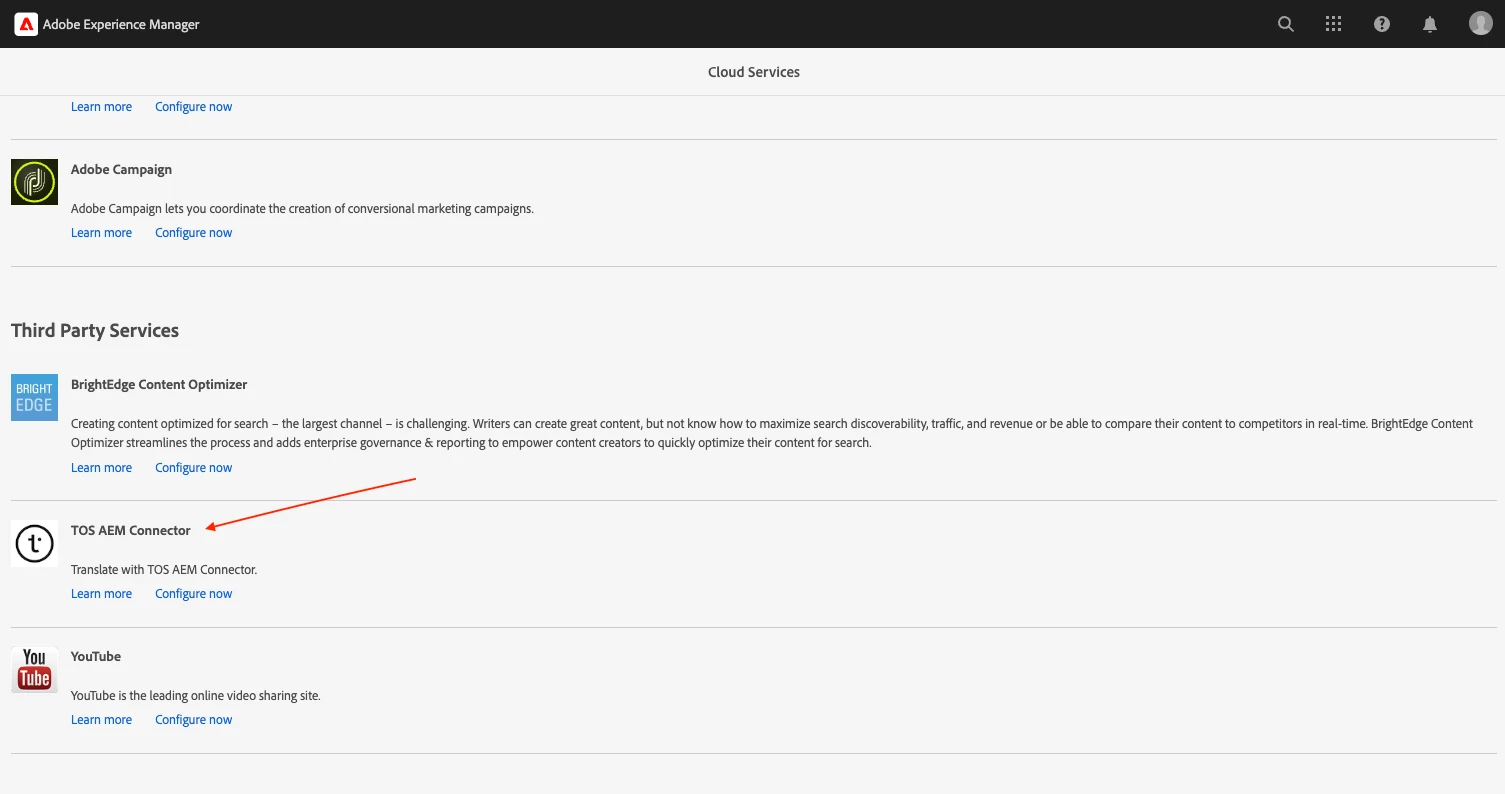
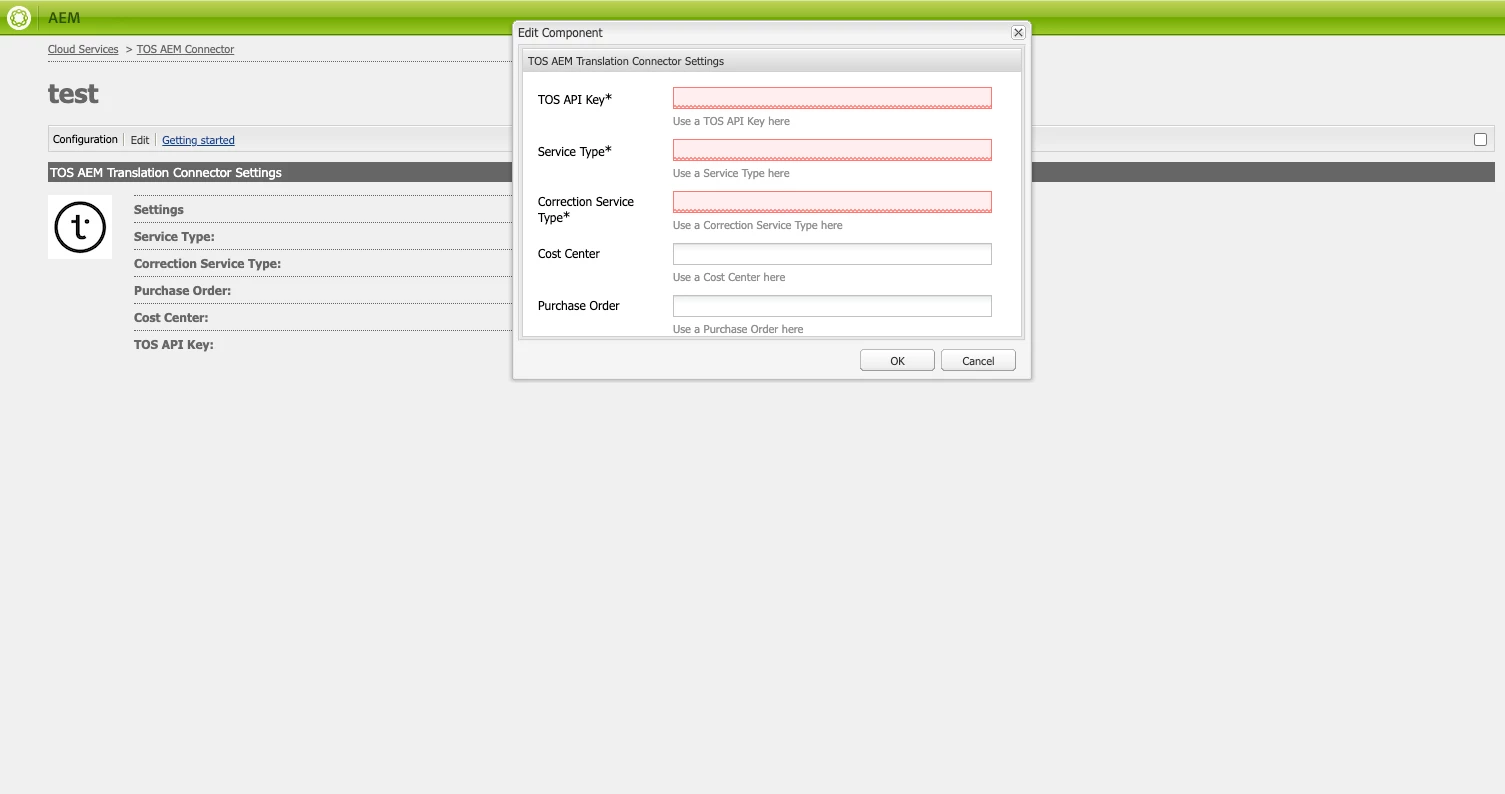
Legacy mode works (not really good) with a XML file:
<?xml version="1.0" encoding="UTF-8"?>
<jcr:root xmlns:cq="http://www.day.com/jcr/cq/1.0" xmlns:jcr="http://www.jcp.org/jcr/1.0" xmlns:nt="http://www.jcp.org/jcr/nt/1.0"
    jcr:primaryType="cq:Dialog"
    xtype="dialog">
    <items jcr:primaryType="cq:WidgetCollection">
        <general
            jcr:primaryType="nt:unstructured"
            title="TOS AEM Translation Connector Settings"
            xtype="panel">
            <items jcr:primaryType="cq:WidgetCollection" >
                <tmsapikey
                        jcr:primaryType="cq:Widget"
                        fieldLabel="TOS API Key"
                        fieldDescription="Use a TOS API Key here"
                        name="./tosapikey"
                        xtype="textfield"
                        allowBlank="false">
                </tmsapikey>
                <tmsservicetype
                        jcr:primaryType="cq:Widget"
                        fieldLabel="Service Type"
                        fieldDescription="Use a Service Type here"
                        name="./servicetype"
                        xtype="textfield"
                        allowBlank="false">
                </tmsservicetype>
                <tmscorrectionservicetype
                        jcr:primaryType="cq:Widget"
                        fieldLabel="Correction Service Type"
                        fieldDescription="Use a Correction Service Type here"
                        name="./correctionservicetype"
                        xtype="textfield"
                        allowBlank="false">
                </tmscorrectionservicetype>
                <tmscostcenter
                        jcr:primaryType="cq:Widget"
                        fieldLabel="Cost Center"
                        fieldDescription="Use a Cost Center here"
                        name="./costcenter"
                        xtype="textfield"
                        allowBlank="true">
                </tmscostcenter>
                <tmspurchaseorder
                        jcr:primaryType="cq:Widget"
                        fieldLabel="Purchase Order"
                        fieldDescription="Use a Purchase Order here"
                        name="./purchaseorder"
                        xtype="textfield"
                        allowBlank="true">
                </tmspurchaseorder>
            </items>
        </general>
    </items>
</jcr:root>
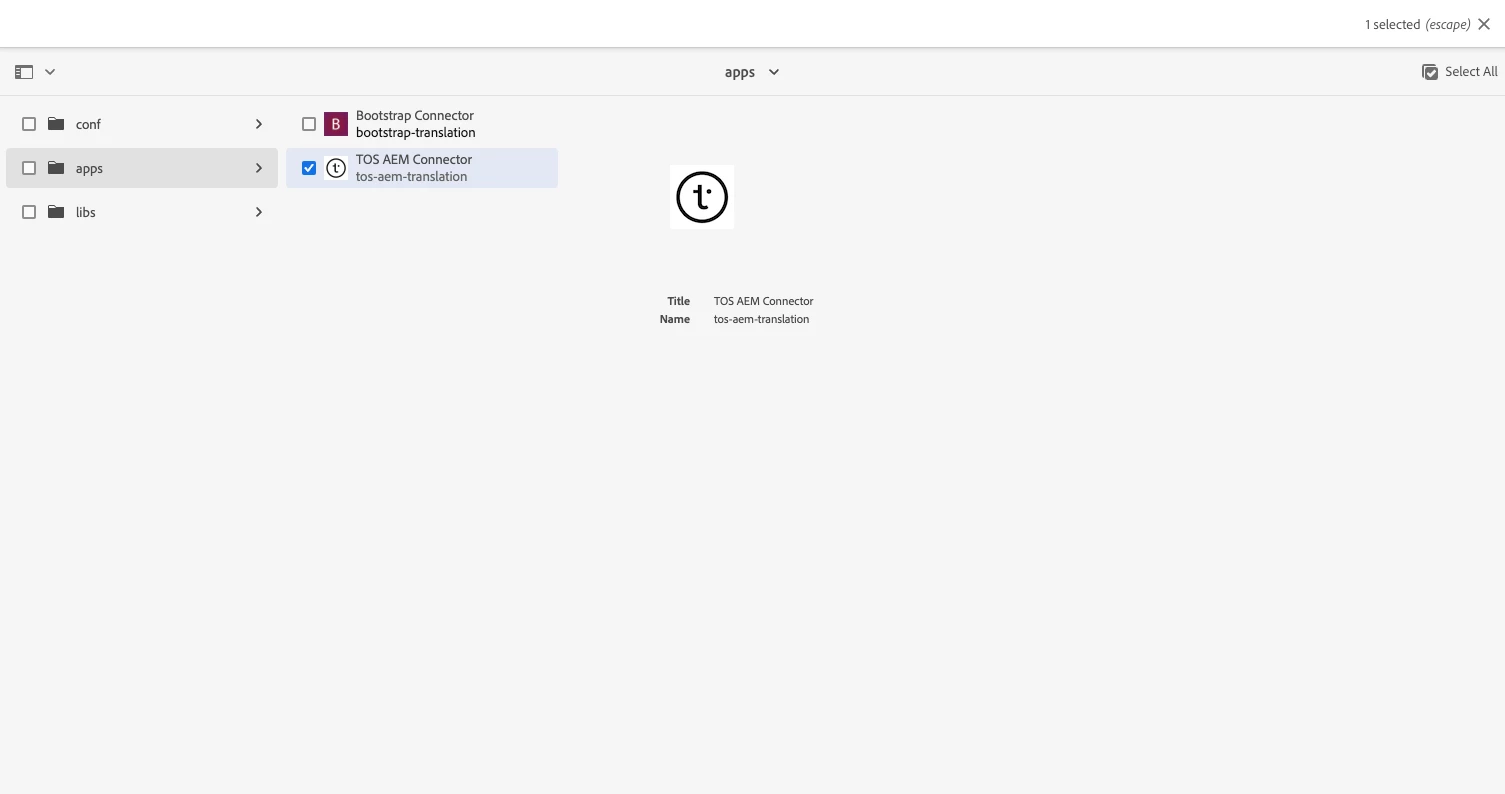
I tried to use an html as the repo on GitHub but doesn't work. I see it in app (booth, the mine and Bootstrap plugin) but it's not editable. Microsoft plugin is in conf and it's editable:
editform.html
<sly data-sly-use.config="${'net.translated.connector.ui.models.TosAemConnectorModel'}">

	<!--/* form id should always be services-editor-form, data-foundation-form-ajax and data-foundation-form-loadingmask are used to auto submit the form on save and close  */-->
    <form id="services-editor-form" method="post" action="${config.formPostPath}" class="coral-form coral-Form--vertical foundation-form" data-foundation-form-ajax="true" data-foundation-form-loadingmask="true">

		<!--/* First Load the client library {js, css} both */-->
        <sly data-sly-use.clientlib="/libs/granite/sightly/templates/clientlib.html" />
        <sly data-sly-call="${clientlib.js @ categories='aem.bootstrap.connector'}" />
        <sly data-sly-call="${clientlib.css @ categories='aem.bootstrap.connector'}" />


        <!--/* Title of the Edit form */-->
        <h3 class="form-legend">${'TOS AEM Translation Connector Settings' @3164305, locale=request.locale}</h3>

        <!--/* Input field with label and input area */-->
		<label class="fieldlabel">${'TOS API Key' @3164305, locale=request.locale} </label>
		<input class="inputTextField" type="text" placeholder="${'Use a TOS API Key here' @3164305, locale=request.locale}" name="./tosapikey" value="${config.tosapikey}" is="coral-textfield" aria-invalid="false" required>

		<label class="fieldlabel">${'Service Type' @3164305, locale=request.locale} </label>
		<input class="inputTextField" type="text" placeholder="${'Use a Service Type here' @3164305, locale=request.locale}" name="./servicetype" value="${config.servicetype}" is="coral-textfield" aria-invalid="false" required>

		<label class="fieldlabel">${'Correction Service Type' @3164305, locale=request.locale} </label>
		<input class="inputTextField" type="text" placeholder="${'Use a Correction Service Type here' @3164305, locale=request.locale}" name="./correctionservicetype" value="${config.correctionservicetype}" is="coral-textfield" aria-invalid="false" required>

		<label class="fieldlabel">${'Cost Center' @3164305, locale=request.locale} </label>
		<input class="inputTextField" type="text" placeholder="${'Use a Cost Center here' @3164305, locale=request.locale}" name="./costcenter" value="${config.costcenter}" is="coral-textfield" aria-invalid="false">

		<label class="fieldlabel">${'Purchase Order' @3164305, locale=request.locale} </label>
		<input class="inputTextField" type="text" placeholder="${'Use a Purchase Order here' @3164305, locale=request.locale}" name="./purchaseorder" value="${config.purchaseorder}" is="coral-textfield" aria-invalid="false">
	</form>

    <!--/* Any button if required, available variants = {"primary", "secondary"} */-->
	<button is="coral-button" class="checkSomeCondition" iconsize="S" variant="primary" >${'Connect' @3164305, locale=request.locale} </button>

</sly>