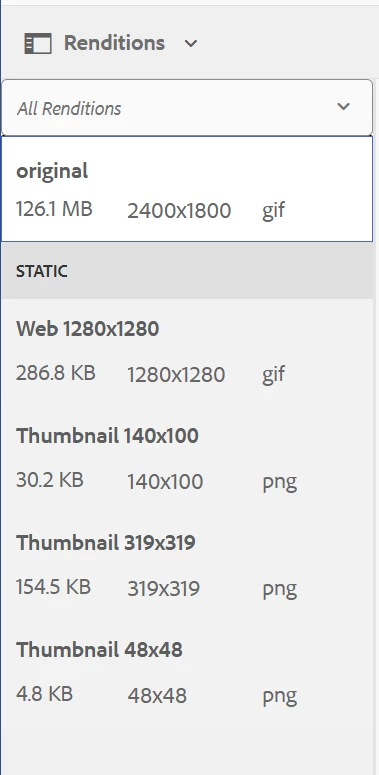
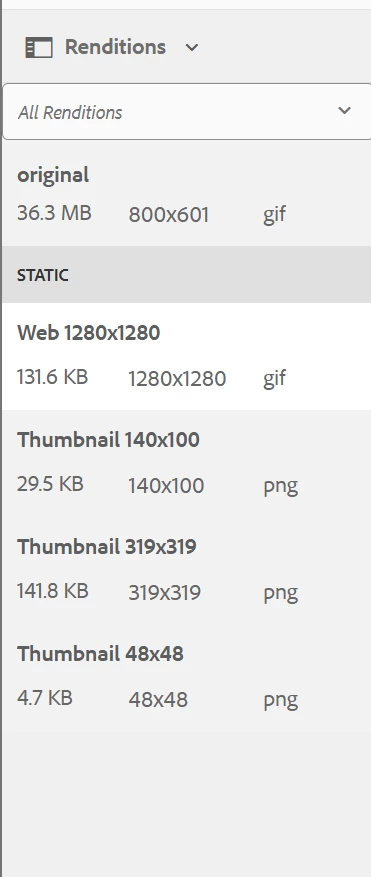
For AEM as a Cloud Service, developing and deploying Asset Compute workers offers an approach to handling animated GIFs. This would involve writing custom code that utilizes libraries capable of processing and optimizing GIF files. For instance, a worker could be developed to resize the GIF, reduce its colour palette, or apply other optimization techniques. Once the worker is developed, it needs to be registered with AEM's Processing Profiles. A Processing Profile can be configured to trigger the custom worker whenever an animated GIF is uploaded to a specific folder in the AEM Assets repository. The output generated by the worker, which would be the optimized or resized GIF, is then stored back in AEM as a rendition of the original asset.
https://experienceleague.adobe.com/en/docs/experience-manager-learn/cloud-service/asset-compute/develop/worker
https://github.com/AdobeDocs/experience-manager-learn.en/blob/main/help/cloud-service/asset-compute/deploy/processing-profiles.md
For on-premise deployments of AEM there is a potential solution involving the use of Gifsicle, a command-line tool specifically designed for manipulating GIF image files. Gifsicle can be integrated into a custom AEM workflow to create resized GIF renditions while preserving the animation. This approach allows for the generation of different sizes of the animated GIF without relying on AEM's default image processing capabilities, which might not handle GIFs optimally.
https://www.jeroendruwe.be/aem-6-3-creating-gif-renditions-using-gifsicle/