AEM Venia with Magento Integration Category + Product Page Data is not fetching | Community
Skip to main content
Level 2
August 25, 2021

AEM Venia with Magento Integration Category + Product Page Data is not fetching

  • August 25, 2021
  • 1 reply
  • 3099 views

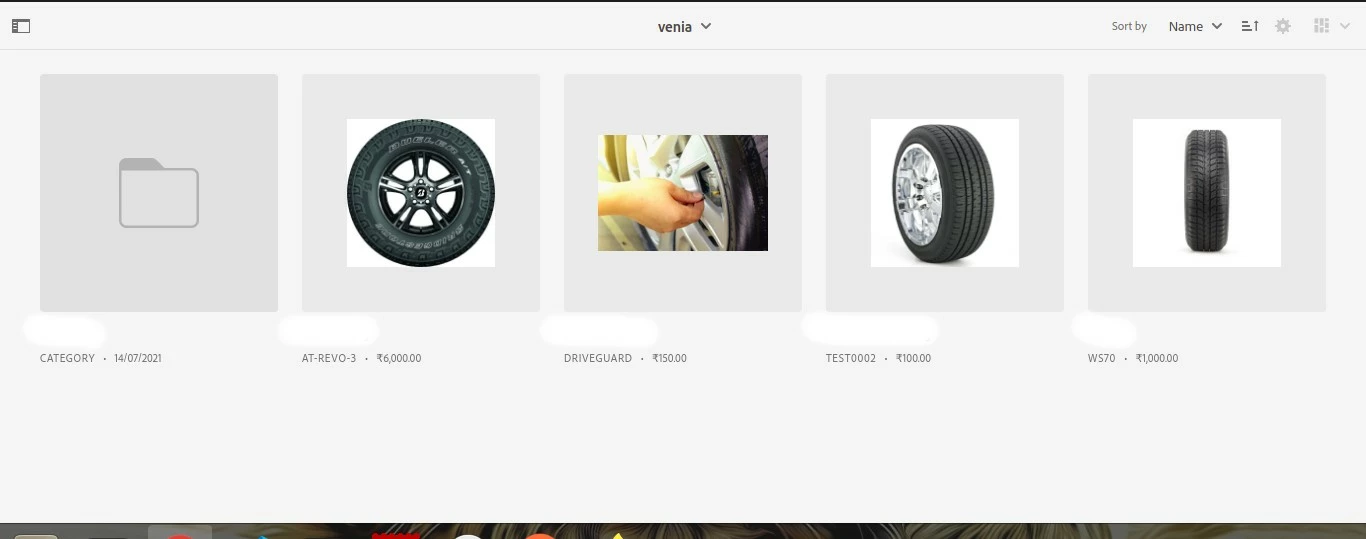
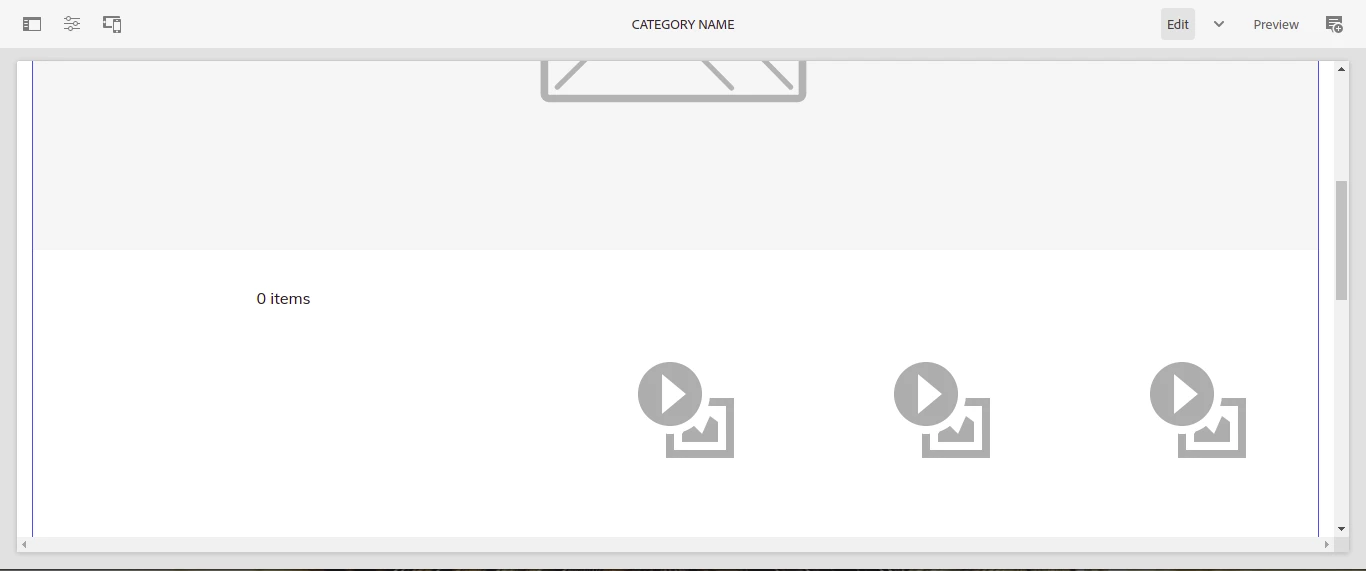
Basically, I have set up AEM 6.5 venia theme, I also successfully connected CIF connector and fetched data from Magento using CIF Connector, but when I tried to the category as well as product page the data of product is not fetching at all, In commerce option, I can see all data fetching from Magento side. 

Attaching the screenshots for reference.
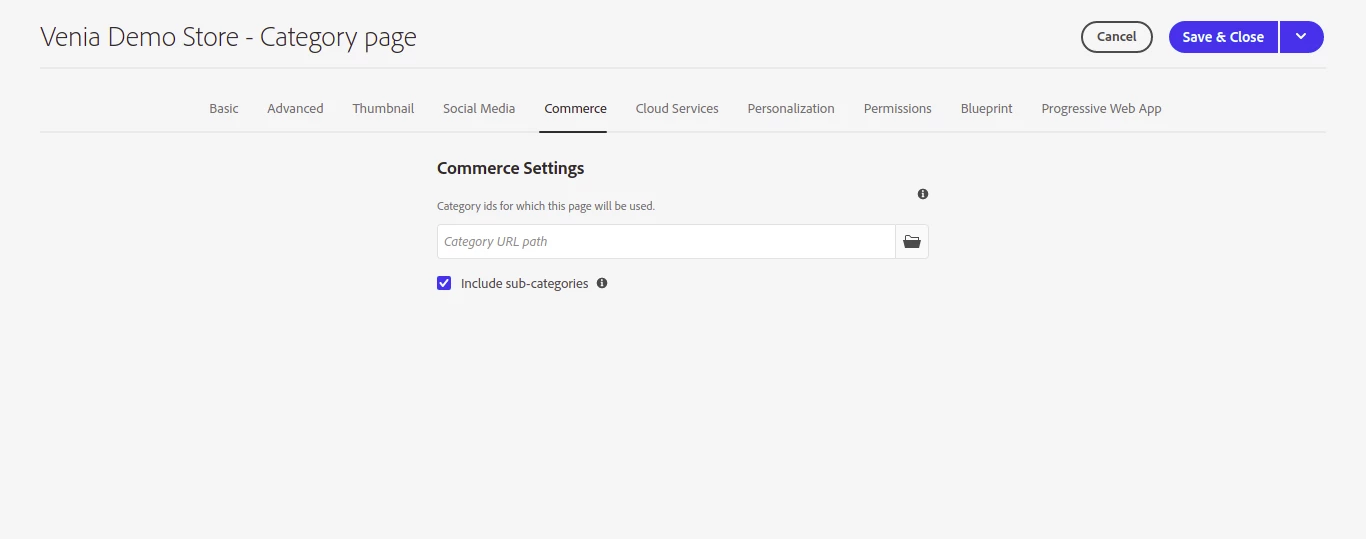


Any help will be appreciated !!

This post is no longer active and is closed to new replies. Need help? Start a new post to ask your question.

1 reply

mhaack
Adobe Employee
Adobe Employee
August 27, 2021

The category page screenshot form the page editor shows the placeholder data while edition. Try switch to preview and navigate to the category. Or use "View with Category" from the actions menu of the editor.

Level 2
August 30, 2021

Hi @mhaack 

Thanks for the support.


I tired by the mentioned suggested, which I have attached screenshot below, no luck till now. In another scenario, I found that in search the data and layered navigation is working fine, but when coming to the category and list page the issue coming up with no data. I found out there is a error on console hereby attach the scrren shot for reference.


Could not fetch storefront instance context Error: Cannot query field "dataServicesStorefrontInstanceContext" on type "Query"


mhaack
Adobe Employee
Adobe Employee
March 21, 2022

Yes, I am getting the default image. I am not able to see the breadcrumb to navigate to the category page. I accessed the category Page manually then I am seeing default images only. But I am able to see images with AEM 6.5 classic(6.5.5 jar + CIF  package)


Just "preview" will not work from the editor, since the page requieres the category as context. Without the category information in the URL it will always display the placeholder images.

In the action menu of the page editor there is a "Preview with Category" menu item, try this.