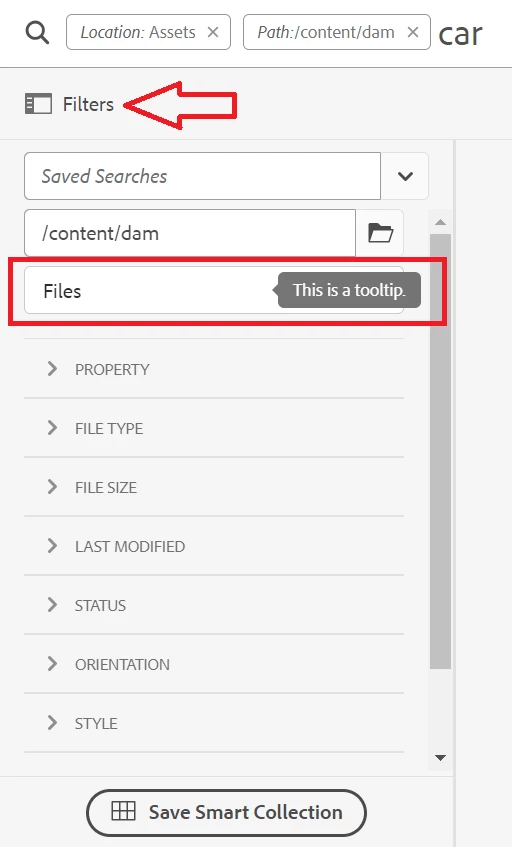
Hi,
Unfortunately, the "Filters" button cannot be overlaid because the logic for building the button is located within a granite:InternalArea (specifically, in /libs/granite/ui/components/shell/omnisearch/searchresults/searchresults.jsp). As a result, you cannot simply add another element or HTML there to include a tooltip.
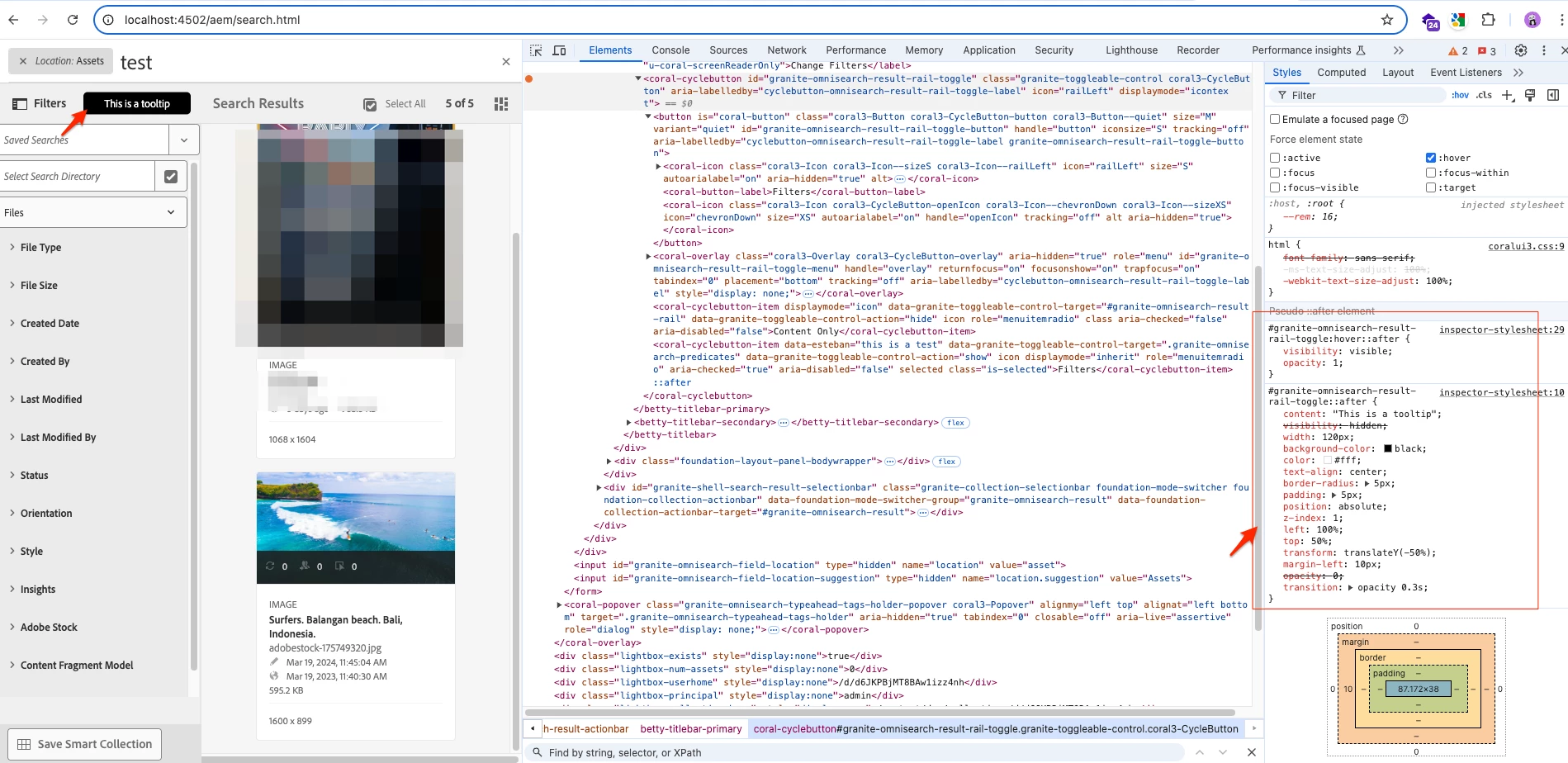
However, you could work around this limitation using CSS, as shown below. While this option may not have the exact same look and feel as the other tooltip, it’s still worth considering. If you need to maintain the appearance of the original tooltip, you could add extra HTML and CSS via a custom JS snippet.
Here’s what I did with only CSS, and it works fine:
#granite-omnisearch-result-rail-toggle {
    position: relative;
    display: inline-block;
    color: blue;
    cursor: pointer;
}

#granite-omnisearch-result-rail-toggle::after {
    content: "This is a tooltip"; /* Tooltip text */
    visibility: hidden;
    width: 120px;
    background-color: black;
    color: #fff;
    text-align: center;
    border-radius: 5px;
    padding: 5px;
    position: absolute;
    z-index: 1;
    left: 100%;
    top: 50%;
    transform: translateY(-50%);
    margin-left: 10px;
    opacity: 0;
    transition: opacity 0.3s;
}

#granite-omnisearch-result-rail-toggle:hover::after {
    visibility: visible;
    opacity: 1;
}
Learn more about areas that are not supposed to overlay: https://experienceleague.adobe.com/en/docs/experience-manager-65/content/implementing/deploying/upgrading/sustainable-upgrades
Hope this helps