Top page margin consistency | Community
Skip to main content
Level 3
September 2, 2022
Solved

Top page margin consistency

  • September 2, 2022
  • 1 reply
  • 1275 views

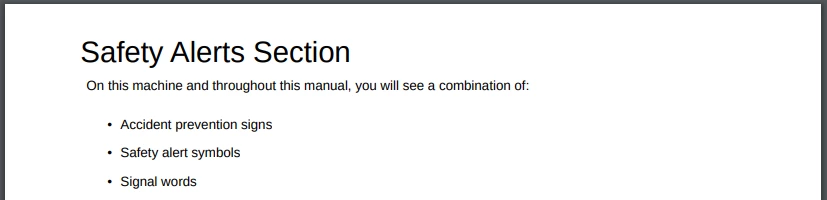
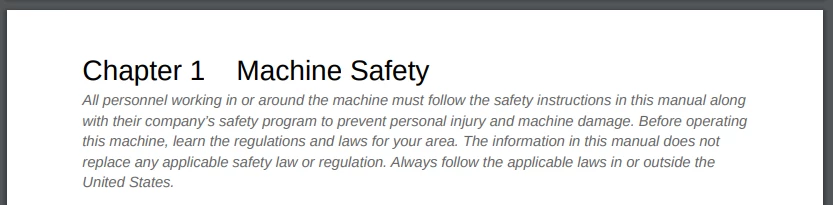
Hello -- How can I get my top page margins to be consistent across pages? I would like the top margin to be the same as the top page margin on the chapter page across all pages of the PDF. I think I’ve adjusted the margins in every place/layout (Chapter, First, Common) that I could find and did not have success getting the top margins to be consistent. 
This post is no longer active and is closed to new replies. Need help? Start a new post to ask your question.
Best answer by VivekKumar

Hi Nicole,


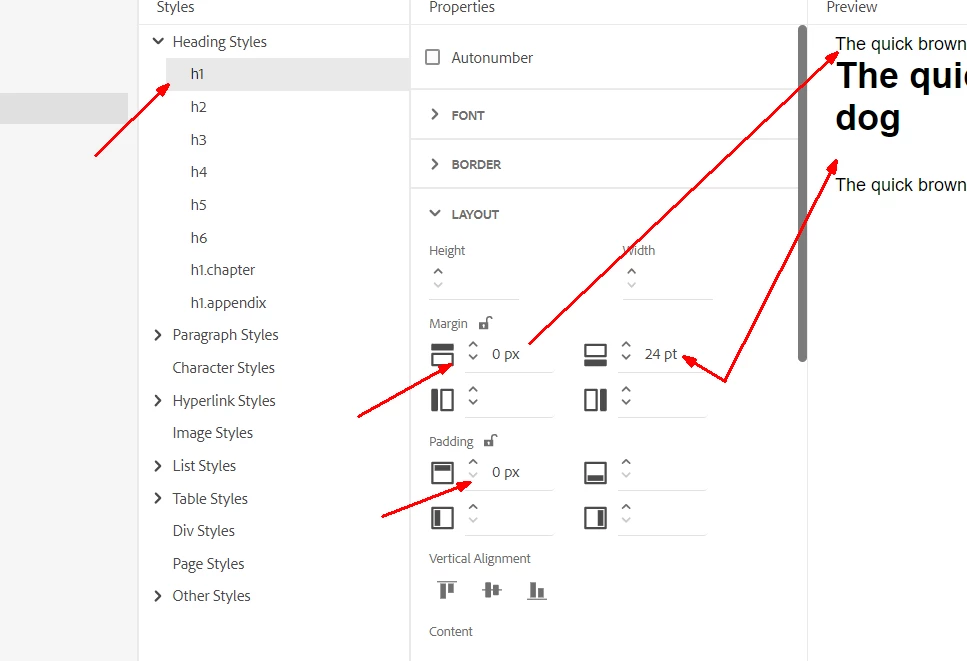
Every element has top margin and padding values and they are different. E.g. Heading 1 has higher top margin/padding than a paragraph or a table. That is what you are observing in your content. To fix this you will have to remove top margin and padding from all your styles. Once you do that then it will impact the content if they are in the middle. So carefully change all the styles, remove the top margin or padding and increase the bottom margin or padding to maintain the look and feel.


Let us know how it goes or if you need any further assitance.


Thanks,

Vivek

1 reply

VivekKumarAdobe EmployeeAccepted solution
Adobe Employee
September 2, 2022

Hi Nicole,


Every element has top margin and padding values and they are different. E.g. Heading 1 has higher top margin/padding than a paragraph or a table. That is what you are observing in your content. To fix this you will have to remove top margin and padding from all your styles. Once you do that then it will impact the content if they are in the middle. So carefully change all the styles, remove the top margin or padding and increase the bottom margin or padding to maintain the look and feel.


Let us know how it goes or if you need any further assitance.


Thanks,

Vivek

December 23, 2022

Hi Vivek, How can we reach to this styles page ?

Adobe Employee
January 2, 2023

Hi Samiksha,


If you open any PDF template then you will find the Stylesheets sections, expand that and then double click any CSS file which you want to edit. See the screenshot below.


Do let us know if you need any further details.

Thanks,

Vivek