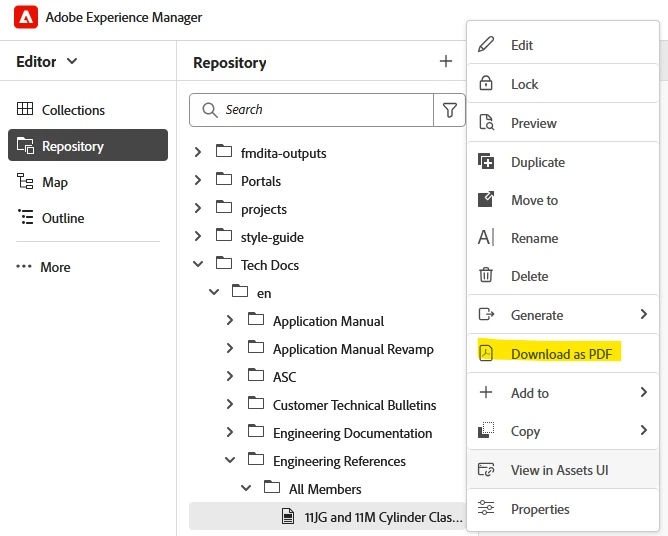
@rkody : the PDF generation at topic level, as you depicted relies on a template.
And to answer: the template and output path setting is set on the output preset of the map.
Hence a context of the map has to be set first of all to show that option "Download as PDF". i.e.
- you need to have a map open in the map panel
- And on that map, you need to have a native PDF preset created as that is the default PDF generation mechanism (you can change that to use DITA-OT - refer documentation)
With above two conditions the option "Download as PDF" is displayed on the context menu options of a topic/map.
Also note that, if you have multiple Native PDF presets on the opened map then you can select one of them and make them as default preset - which will be used when users select "Download as PDF" on a topic
Once you know the PDF preset used, you can identify the template used, output path and customize the settings needed.
I hope this helps