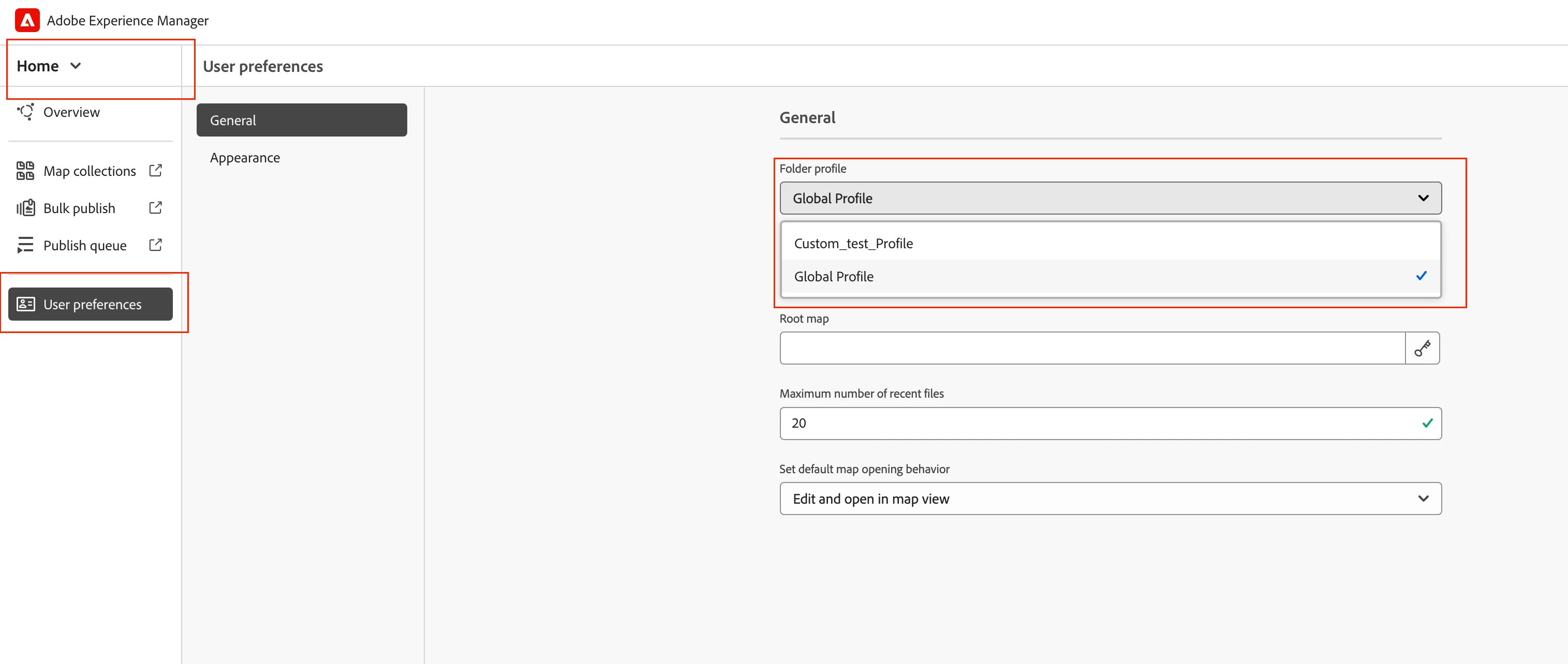
Folder profiles - non-admin users cannot see saved snippets, custom CSS, custom templates
Hello,
I have set up a folder profile that contains a Snippets library, custom CSS, and some custom templates. However, I am the only user who can see them while working in Guides in the folder where the profile is configured. My permissions are high-level admin. Other users can access the folder, but they don't see any of these items that I configured on the folder profile.
I did add their group as an Admin user on the Folder Profile as suggested in this help topic - https://experienceleaguecommunities.adobe.com/t5/experience-manager-guides/permission-for-folder-profiles-in-xml-documentation/m-p/419170 This did not change their ability to see the custom content.
The users are able to create new files from the custom templates from the Assets UI for the same folder, but not from Guides editor. The Snippets catalog is empty for them.
I think there is a permission that I need to enable for this group. Does anyone know what it is?
Thanks,
Robin