Solved
ditaelements - Flattening AEM node structure
While mapping ditaelements to AEM components, p nodes are not flattened, even though the flatten tag is there by default for topic/p in /libs/fmdita/config/elementmapping.xml.
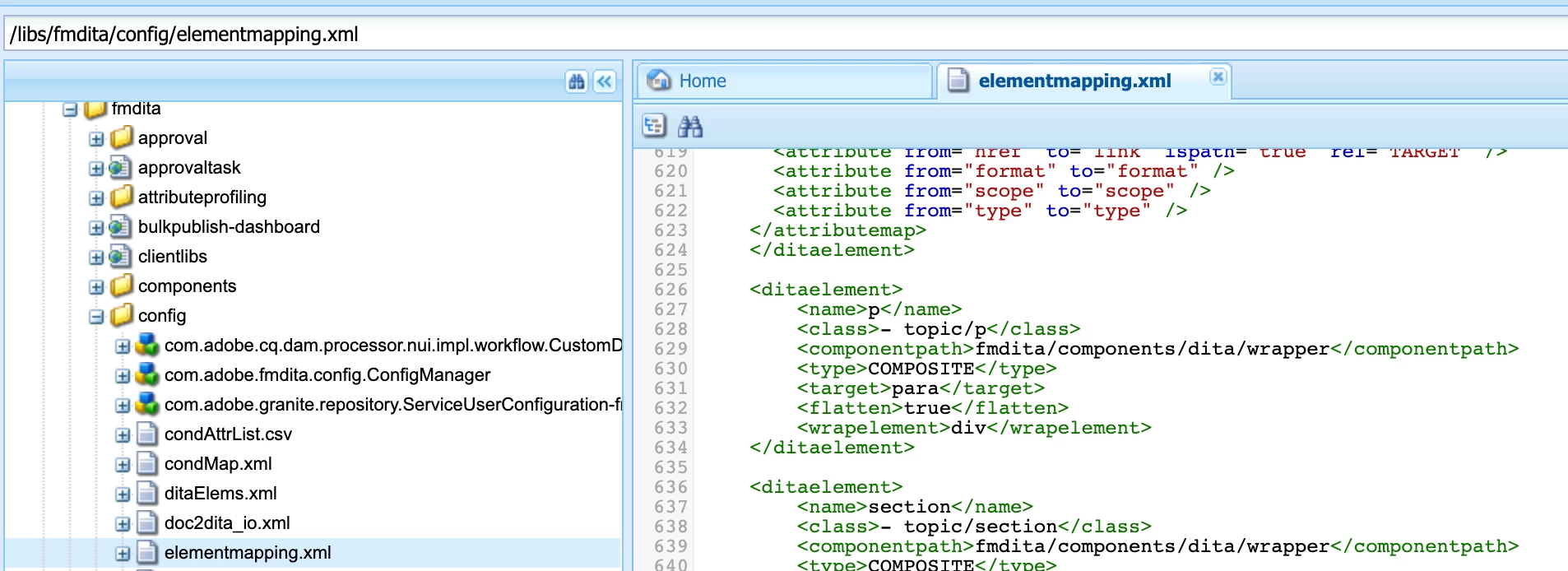 According to the documentation, the p nodes will be flattened, if we enable it in the configuration (https://helpx.adobe.com/content/dam/help/en/xml-documentation-solution/4-0-3/Adobe-Experience-Manager-Guides_UUID_Installation-Configuration-Guide_EN.pdf).
Did the below steps to enable the flattening.
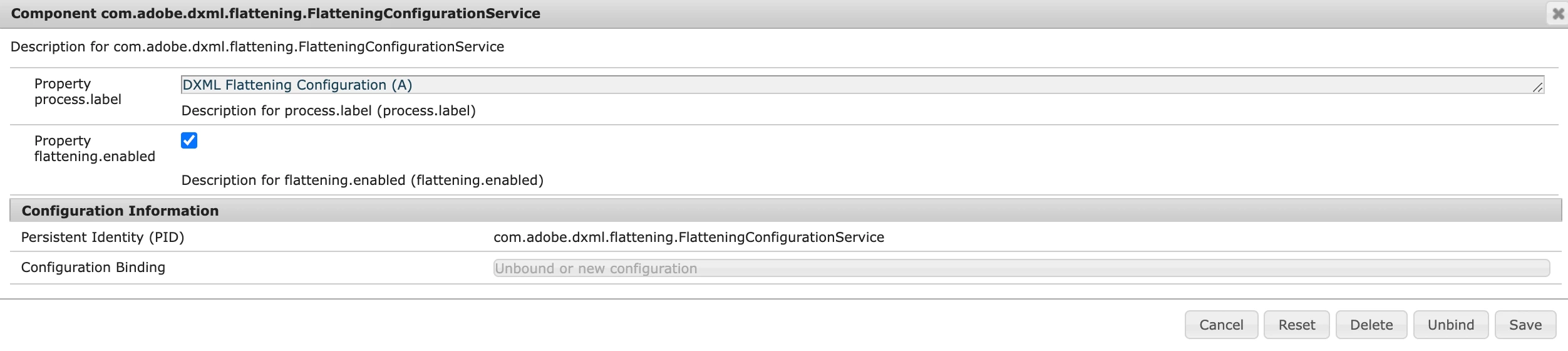
1. Enabled "flattening.enabled" in com.adobe.dxml.flattening.FlatteningConfigurationService
2. Regenerated AEM site
But still
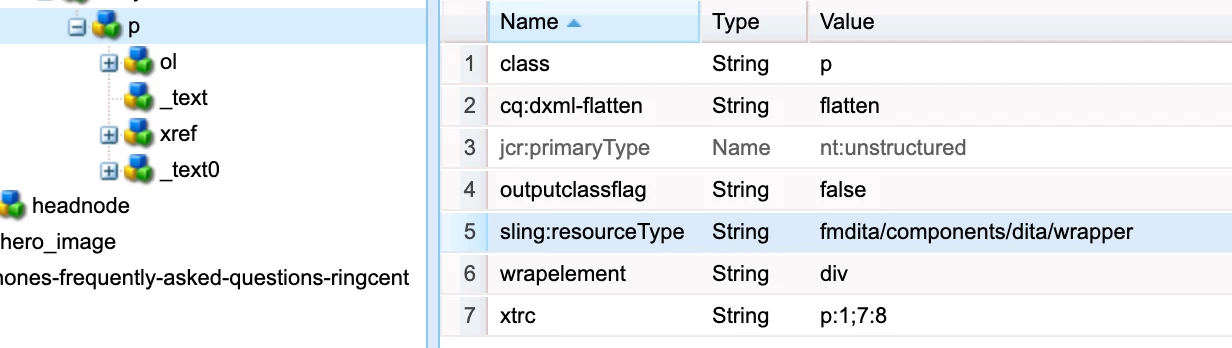
- the node structure is coming expanded
- the resourcetype still remains same and not changed to fmdita/components/flattened
- flatten property is not created
Is there anything else I am missing here?