How to bind reference with XDP fields in adaptive form while using AF core component | Community
Skip to main content
Level 3
November 13, 2025
Solved

How to bind reference with XDP fields in adaptive form while using AF core component

  • November 13, 2025
  • 1 reply
  • 194 views

Hi,


I am facing an issue while trying to bind reference using AF core component (Adaptive Form text Input).


While using the legacy component (Text Box) in Adaptive form, this is the bind refence property.
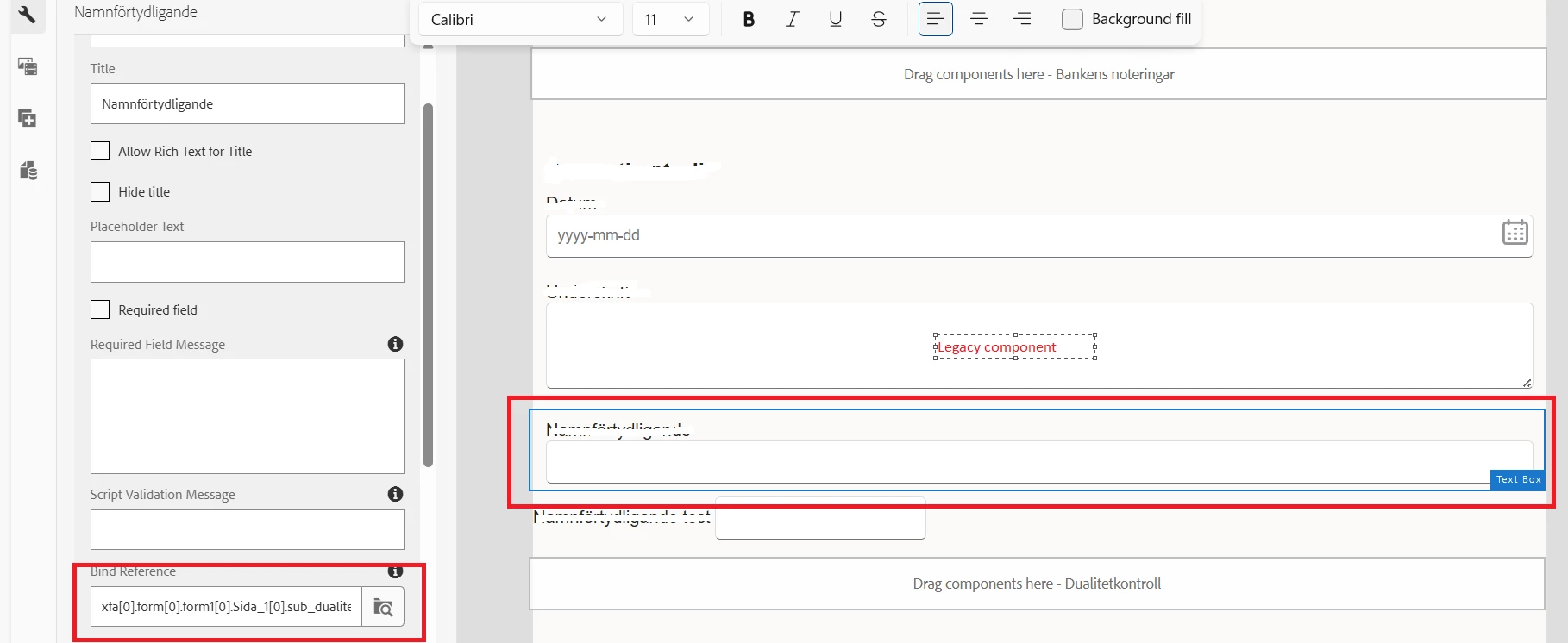
On clicking on bind reference, I could see navigate through XDP structure and associate the correct field.


In case of core component, 
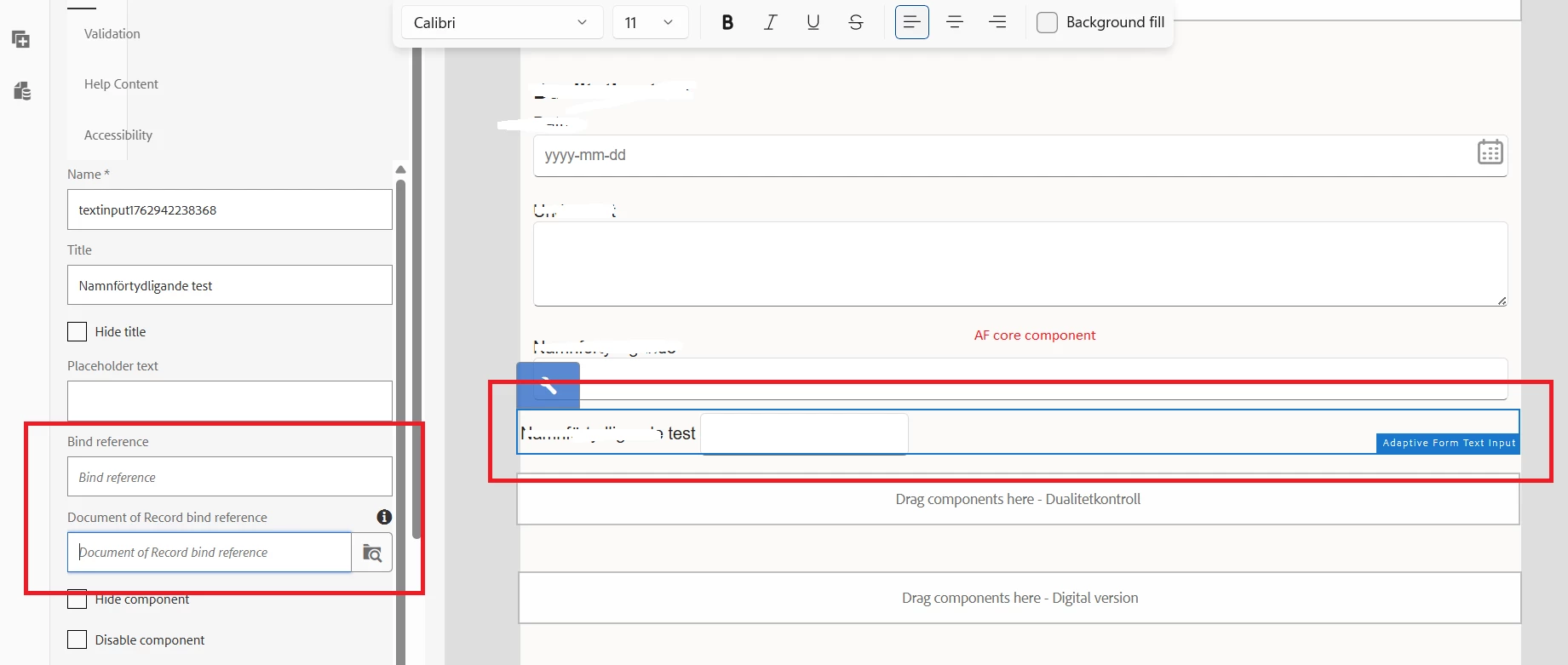
I am not able to navigate and select the right XDP field to associate with text box. Why is the difference and how do we bind the fields form xdp to AF to generate PDF with data from Adaptive form?

Best answer by Pranay_M

Hi @smrithigo,

To answer your question, yes you can create an adaptive form based on one of the following form models:

You can repurpose your XFA form templates to create adaptive forms. To repurpose, upload and associate an XFA form template with an adaptive form. The elements of the Form Template (XFA form) are made available for use in the content finder at the time of adaptive form authoring. From the Content Finder, you can drag-and-drop the form template elements on the form.

Thanks
Pranay

1 reply

SmrithiGoAuthor
Level 3
November 13, 2025

Can we create AF using core component from XDP template (XFA based forms)?

How to create an Adaptive Form based on Core Components using XFA form templates? | Adobe Experience Manager

This says specifically for AEM as a Cloud Service, but is it available for AEM 6.5. Can you please confirm?

SmrithiGoAuthor
Level 3
November 14, 2025

When I try to create an Adaptive form using Blank with Core component, Form Model does not have form template has an option, 

Does anyone if we can create Adaptive form using XDP template on AEM 6.5 version. Any suggestion will be helpful. Thanks.

Pranay_MAdobe EmployeeAccepted solution
Adobe Employee
November 20, 2025

Hi @smrithigo,

To answer your question, yes you can create an adaptive form based on one of the following form models:

You can repurpose your XFA form templates to create adaptive forms. To repurpose, upload and associate an XFA form template with an adaptive form. The elements of the Form Template (XFA form) are made available for use in the content finder at the time of adaptive form authoring. From the Content Finder, you can drag-and-drop the form template elements on the form.

Thanks
Pranay