Decimal Field Leading and Trailing digits issue | Community
Skip to main content
November 2, 2021
Solved

Decimal Field Leading and Trailing digits issue

  • November 2, 2021
  • 1 reply
  • 673 views

Hi all,

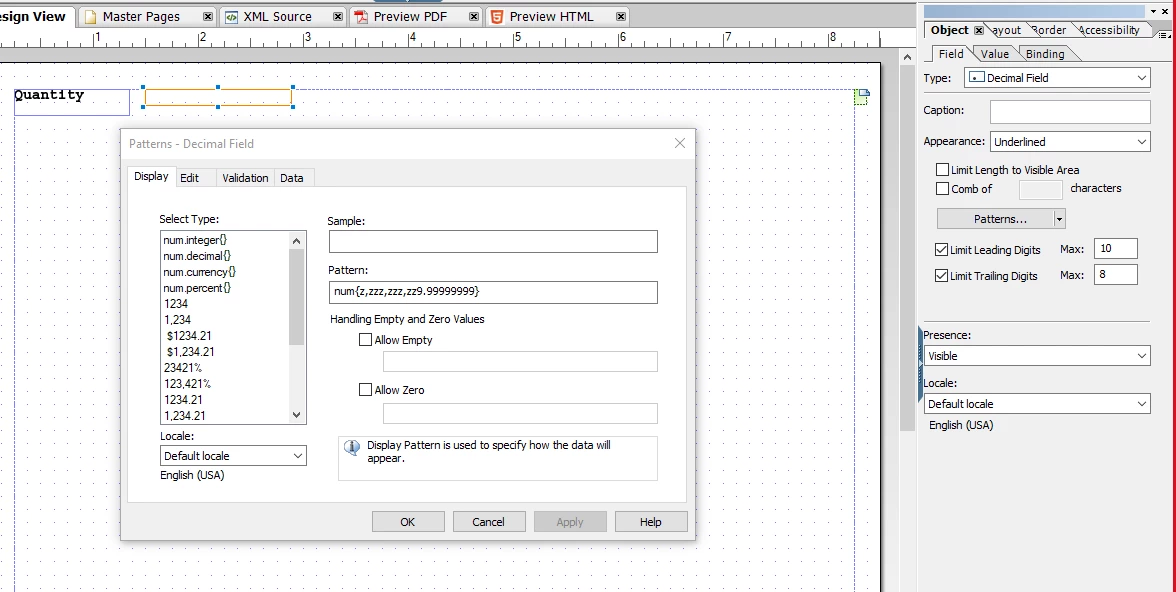
I am trying to give 10 leading and 8 trailing digits in a decimal field. I am using "num{z,zzz,zzz,zz9.99999999}" as Display and Data pattern and have limited the leading and trailing digits to max 10, 8 respectively under the Object palette > Field settings.


I am facing the following issues:

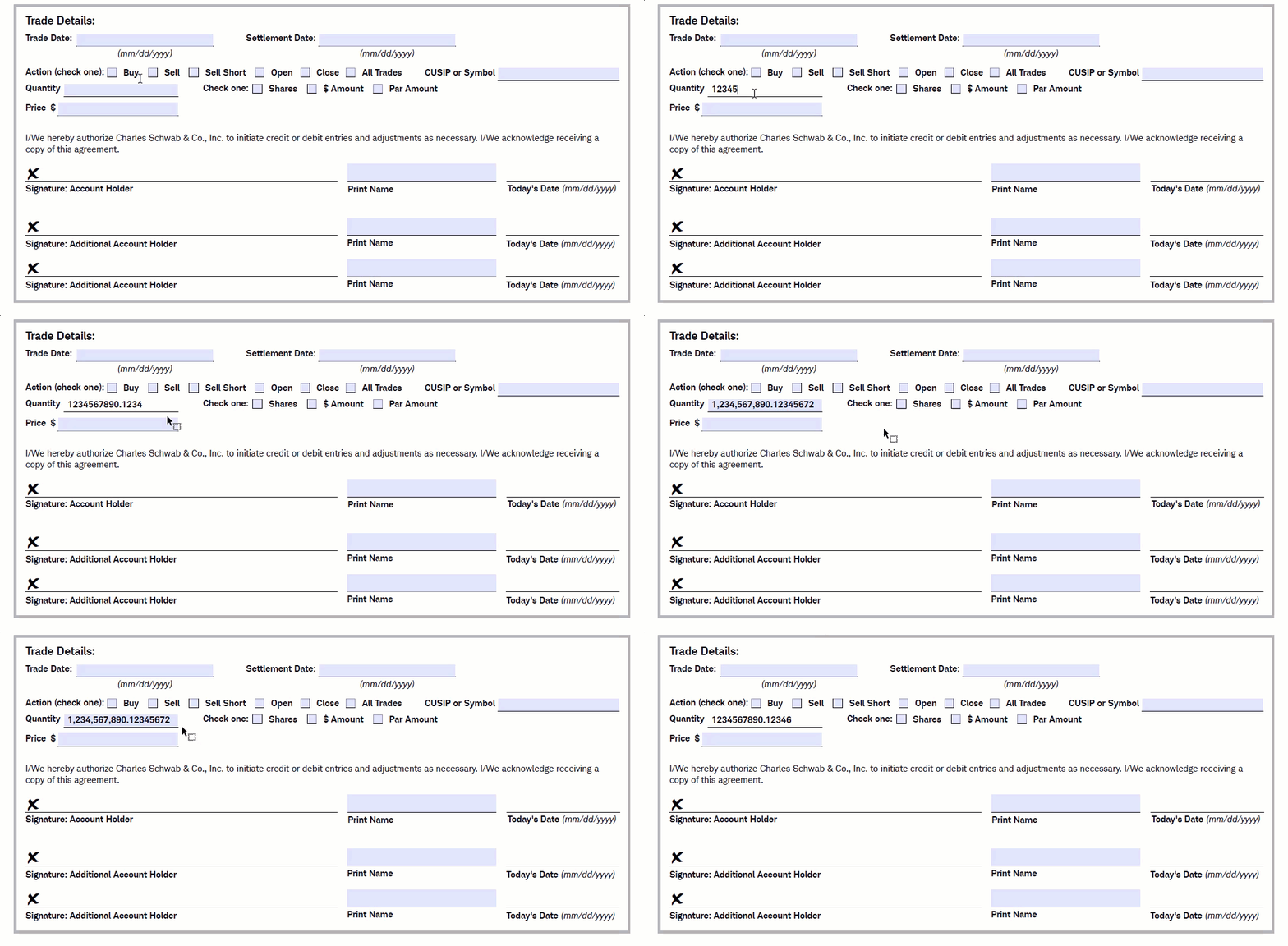
  1. When trying to enter "1234567890.12345678", the last digit ("8") is automatically getting changed to "2".
  2. When trying to edit filled field, the value ".12345678" gets automatically changed to ".12346".
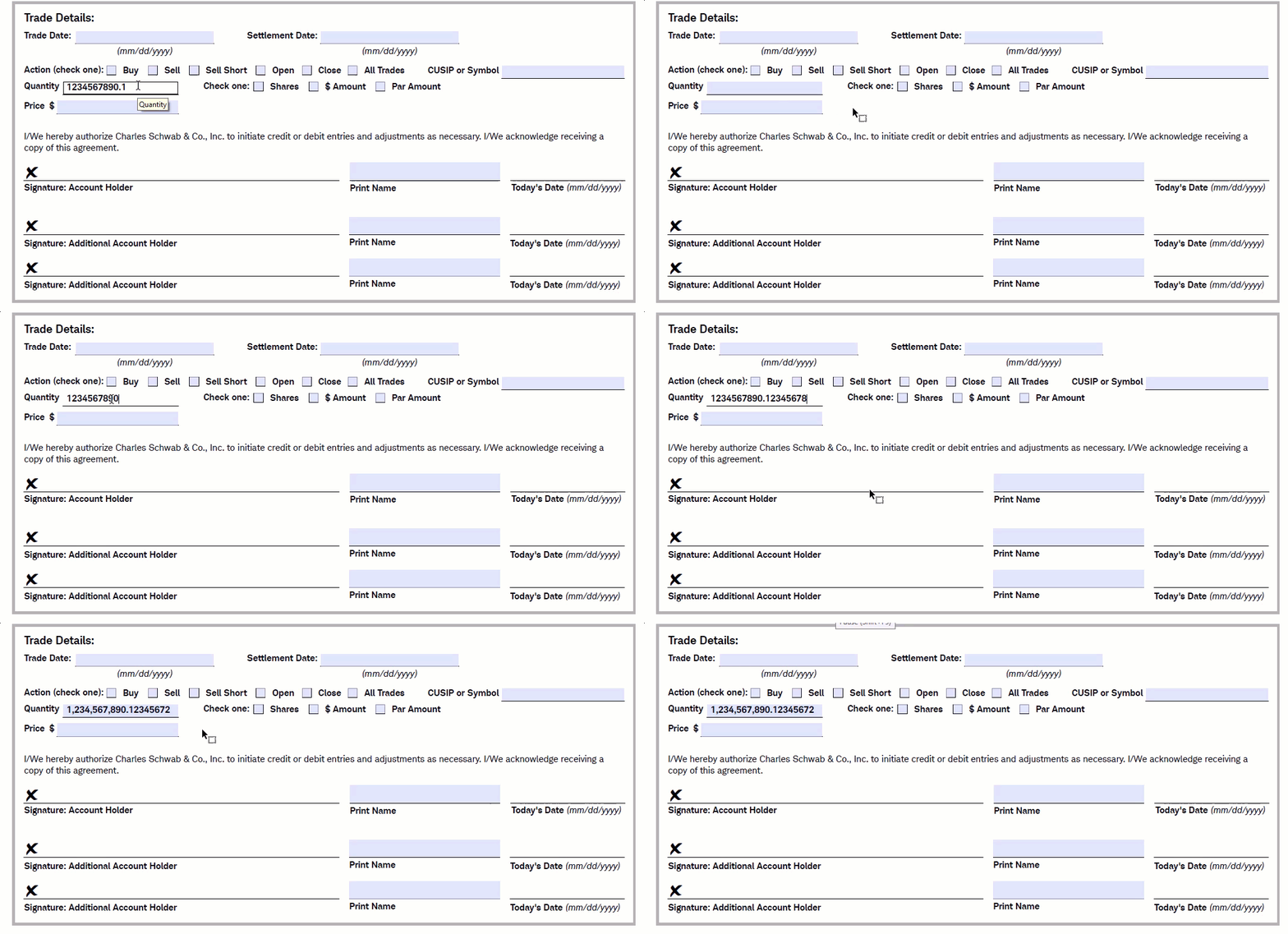


Any help regarding this would be highly appreciable.

This post is no longer active and is closed to new replies. Need help? Start a new post to ask your question.
Best answer by Pulkit_Jain_

@tanshu 

Looks similar to the discussion concluded here - https://experienceleaguecommunities.adobe.com/t5/adobe-experience-manager-forms/pattern-issue-with-pdf-forms-developed-from-designer/td-p/429980 

I think both the cases reported will be resolved with the solution provided here


Hope this helps!

1 reply

Pulkit_Jain_
Adobe Employee
Pulkit_Jain_Adobe EmployeeAccepted solution
Adobe Employee
November 8, 2021

@tanshu 

Looks similar to the discussion concluded here - https://experienceleaguecommunities.adobe.com/t5/adobe-experience-manager-forms/pattern-issue-with-pdf-forms-developed-from-designer/td-p/429980 

I think both the cases reported will be resolved with the solution provided here


Hope this helps!