
Customizing filters under Forms & Documents section | Community
Skip to main content
narendragandhi
Community Advisor
Community Advisor
November 14, 2025
Question

Customizing filters under Forms & Documents section

  • November 14, 2025
  • 1 reply
  • 77 views

Hello AEM Community,


I have a requirement to customize the filters that show under the admin rail under Forms. I am able to override these by creating a copy of the folder structure from /libs to /apps. But these does not seem to perform a resource merger and instead acts as an override. Is there any recommendation around how I could go about making this update without breaking the inheritance from /libs.
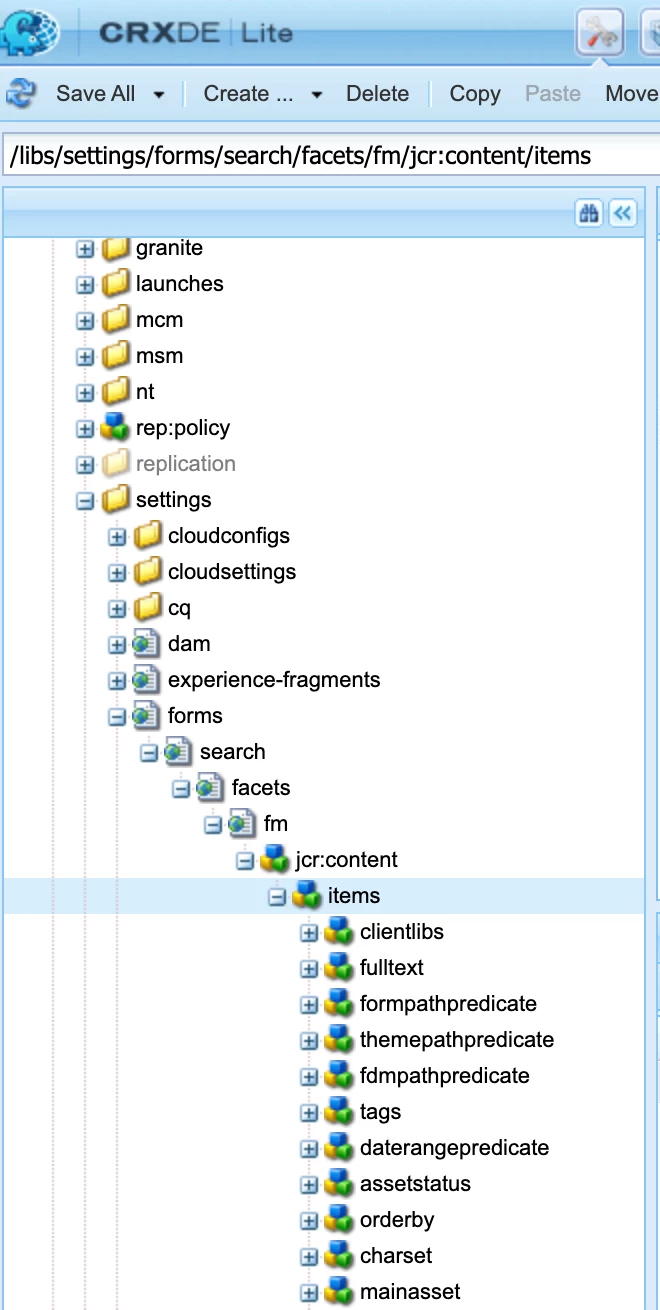
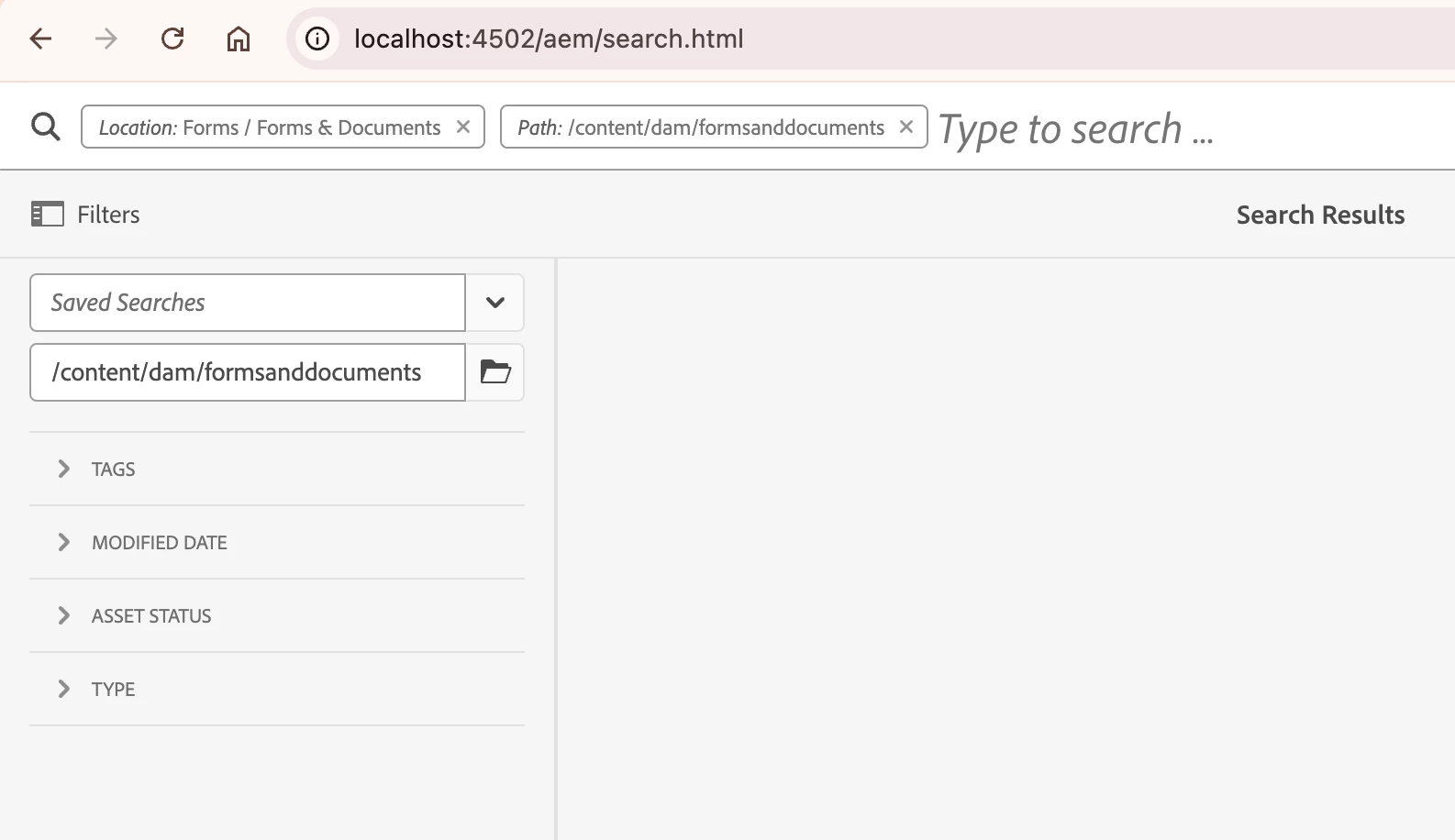


Thanks

Narendra

1 reply

Adobe Employee
November 18, 2025

Hi @narendragandhi What you’re seeing (no merge, only override) is expected when you 1:1 copy /libs nodes for components or completely redefine the console node in /apps.For Granite‑based consoles (including Forms admin rails), the supported, upgrade‑safe pattern is:-

-Skeleton overlay under /apps,

-Then use Sling Resource Merger properties to hide, add, or reorder filter nodes.


For component dialogs/predicates themselves, use sling:resourceSuperType‑based overrides instead of path‑overlays.