Custom message when user tries to open a dynamic PDF form in a browser | Community
Skip to main content
Best answer by Mayank_Tiwari

@mayank_tiwari Actually, I've been adding this in Designer under File > Form Properties. I have not ever added this directly to the PDF through Adobe Acrobat. So is adding the _pagezerocontent code in Designer under File > Form Properties the same as adding it to the XDP template level first as you stated above? If so, then that's what I'm doing. If its different can you please explain the process a little more? Thanks!!


I did not use Acrobat to add the property.

1. I just opened the XDP in Designer.

2. Added the _pagezerocontent code in Designer under File > Form Properties.

3. Saved as Dynamic PDF.

4. Opened the saved PDF with Chrome. It works fine and the custom message appears.

5. Reader Extended the PDF.

6. Opened it in Chrome again, and it still works fine.
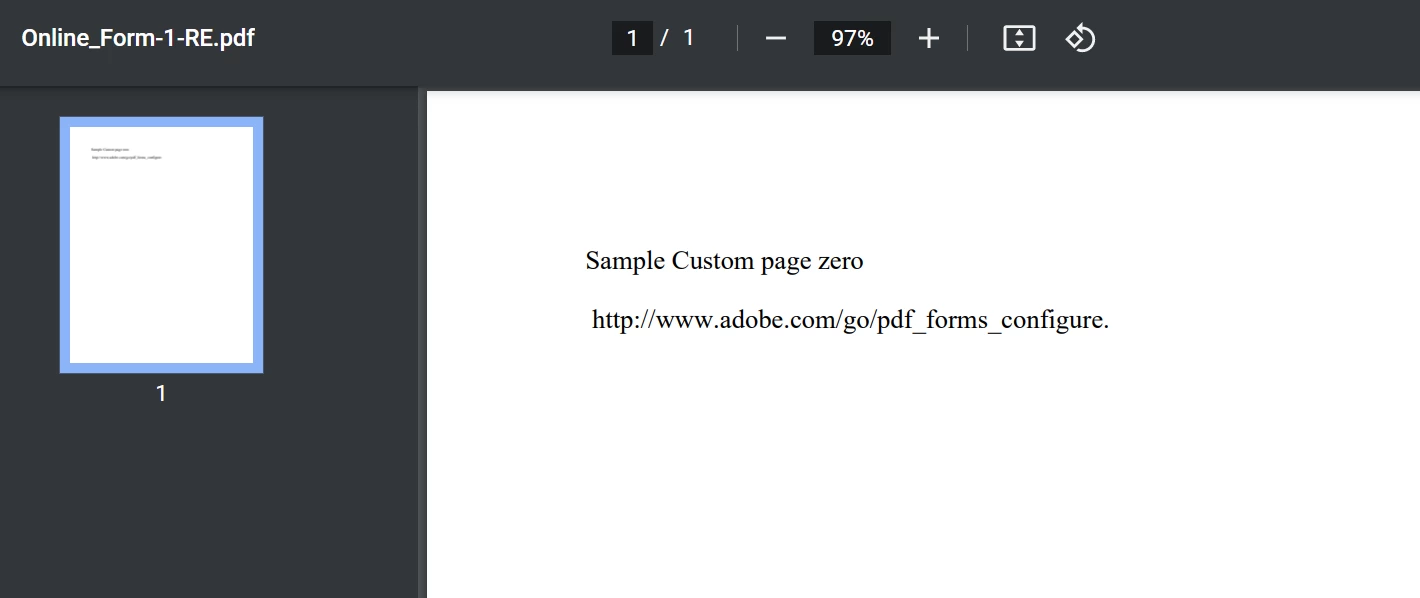
 

this is my XDP with the property added:

https://drive.google.com/file/d/1IffHA_-ZuQjJ0pOKkSCvjaG6C3Z7-sQo/view?usp=sharing


This is my Reader Extended PDF:

https://drive.google.com/file/d/1WDYKNUQ1Rw5CJG_KwodPWnnzHwX4cRpW/view?usp=sharing



1 reply

Mayank_Tiwari
Adobe Employee
Adobe Employee
March 9, 2022

Use the following value for the custom property. It should work then.


<body xmlns="https://www.w3.org/1999/xhtml" xmlns:xfa="https://www.xfa.org/schema/xfa-data/1.0/"><p style="font-family:'Times';font-size:12pt;letter-spacing:0in"><span style="xfa-spacerun:yes"> </span> </p><p style="font-family:'Times';font-size:12pt;letter-spacing:0in">You are seeing this message maybe because you are using a non Adobe PDF Viewer or an Old version of Adobe Reader. You can upgrade to the latest version of Adobe Reader for Windows, Mac, or Linux by visiting <span style="xfa-spacerun:yes"> </span>https://www.adobe.com/go/reader_download.</p><p style="font-family:'Times';font-size:12pt;letter-spacing:0in"><span style="xfa-spacerun:yes"> </span></p><p style="font-family:'Times';font-size:12pt;letter-spacing:0in">For more assistance with Adobe Reader visit <span style="xfa-spacerun:yes"></span> https://www.adobe.com/go/acrreader.</p></body>
nowackem
nowackemAuthor
Level 5
March 9, 2022

@mayank_tiwari  Thank you. With this one the page is just a blank white page. Any other thoughts?