clear way of adding forms to website | Community
Skip to main content
Yvan_Econa
July 2, 2019
Solved

clear way of adding forms to website

  • July 2, 2019
  • 7 replies
  • 4179 views

I have looked through all the videos available, also the documentation. All the docs talk about working already with either We.Retail or Geometrixx website. I have not been able to find a video that does the following.

Create a Site (website) inside the new editor of AEM forms (not the classic one) then create a page or how do I add the form in the page?
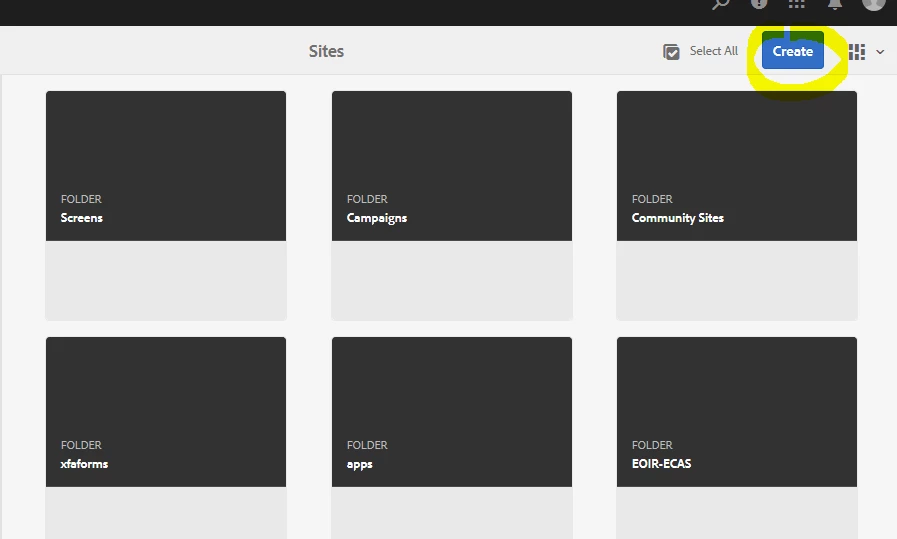
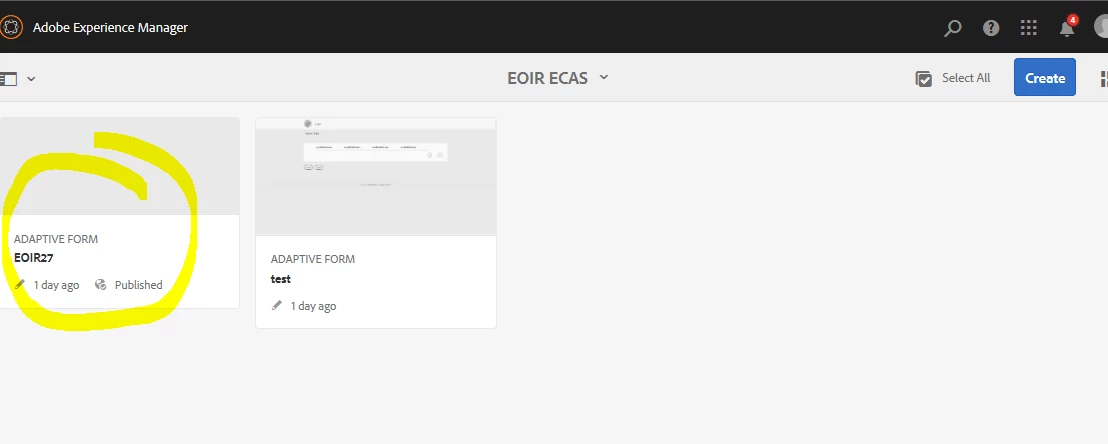
add an existing adaptive form inside the new site
Thanks

This post is no longer active and is closed to new replies. Need help? Start a new post to ask your question.
Best answer by workflowuser

I am assuming you are working on AEM 6.5 with Forms Add on package installed

Download the sample package from this link.

Adobe Document Cloud

Login to  http://localhost:4502/crx/packmgr/index.jsp

Click on upload package

Select the package downloaded from the link

click on install to install the package. This will give you the sample AEM Page Template

Then follow this video to create a page based on the template and embed Adaptive Form in the page

video - YouTube

7 replies

July 2, 2019
Adobe Employee
July 2, 2019

I think the name of the component is AEM forms component that you need to add to the parsys

Adobe Experience Manager Help | Embed adaptive form or document in AEM sites page

Yvan_Econa
July 2, 2019

and they all mention the already create We.Retail site

I need something that teaches me how to create a AEM Site from scratch.

workflowuserAdobe EmployeeAccepted solution
Adobe Employee
July 3, 2019

I am assuming you are working on AEM 6.5 with Forms Add on package installed

Download the sample package from this link.

Adobe Document Cloud

Login to  http://localhost:4502/crx/packmgr/index.jsp

Click on upload package

Select the package downloaded from the link

click on install to install the package. This will give you the sample AEM Page Template

Then follow this video to create a page based on the template and embed Adaptive Form in the page

video - YouTube

Adobe Employee
July 3, 2019

Creating AEM Page Template

Creating Page Templates

Mayank_Gandhi
Adobe Employee
Adobe Employee
July 3, 2019

It seems you need help from scratch.

Looking at how to start? Here is what you got to do first. Understand what is an AEM project, site and a template. Geometrix, we-retail all these samples gives you the headstart you can reuse the existing template for learning purpose and to start with your first page. Once you know about template, the page you need to insert some basic components in the site.

One of the components that come with the AEM is AEM forms, this helps you directly embed the Adaptive form in the site.

Step 1: Templates:

Adobe Experience Manager Help | Adaptive Form Templates

Page Templates - Editable

Once you are done with Template update the thread. We will go step-by-step.

Thanks,

Mayank

Yvan_Econa
July 3, 2019

this is exactly what I was looking for, thank you all